


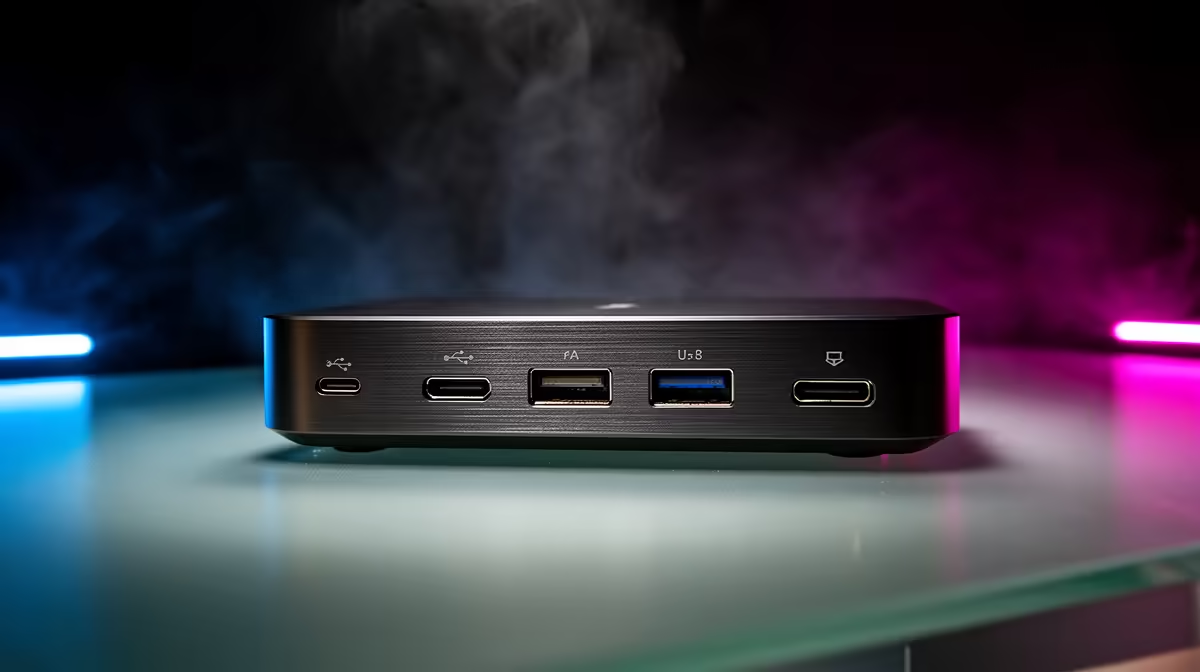
A tangle of cables is the fastest way to make campus residence rooms feel harder than it is. The right dock turns that mess into a single connection you plug in once.
Quick Answer
A reliable USB-C dock for campus residence rooms costs roughly R900 to R2,500 in SA, and a single-cable Thunderbolt model with 96W charging and dual-display output sits closer to R3,500 to R6,000. Buy the dock that matches your laptop's USB-C video and power support, not the one with the longest port list.
Match the dock to your laptop's USB-C support
The laptop, not the dock, sets the ceiling. Confirm your USB-C port carries DisplayPort Alt Mode for video and supports Power Delivery before you spend. A thin ultrabook is happy with 65W charging, while a performance laptop may need 100W or its own brick under load. Single-display USB-C docks run R900 to R1,800; dual-4K-at-60Hz and Thunderbolt 4 units climb to R3,500 to R6,000.
Wired networking and port spacing earn their keep
For campus residence rooms, a Gigabit Ethernet port cuts Wi-Fi dropouts during downloads, updates and calls, and limited desk space and shared Wi-Fi shape what is worth buying. Look for at least three USB-A ports plus one USB-C data port, spaced so a wide flash drive does not block its neighbour. A 2.5GbE port is a nice bonus on fibre lines that run faster than 1Gbps.
dock's own power adapter in first, then the laptop. Bus-powered docks drop devices the moment you add an external SSD.
FAQ
How much should I spend on a docking station in South Africa?
A solid single-monitor USB-C dock runs R900 to R1,800, while dual-display and Thunderbolt 4 models sit between R3,500 and R6,000. Spend toward the top only if you genuinely drive two external screens.
Will one dock charge my laptop and run a monitor at the same time?
Yes, if your laptop's USB-C port supports both Power Delivery and DisplayPort Alt Mode. Check the manual for a charging or DP icon; without it, the dock handles data only and you keep your charger.
Do I need Thunderbolt or is USB-C enough?
Plain USB-C is enough for one monitor and everyday peripherals. Thunderbolt 4 is worth it only for dual 4K screens at 60Hz or fast external NVMe enclosures.
Confirm your laptop's USB-C video and charging support, then pick a dock at Evetech that fits your monitor and port needs for campus residence rooms.









