


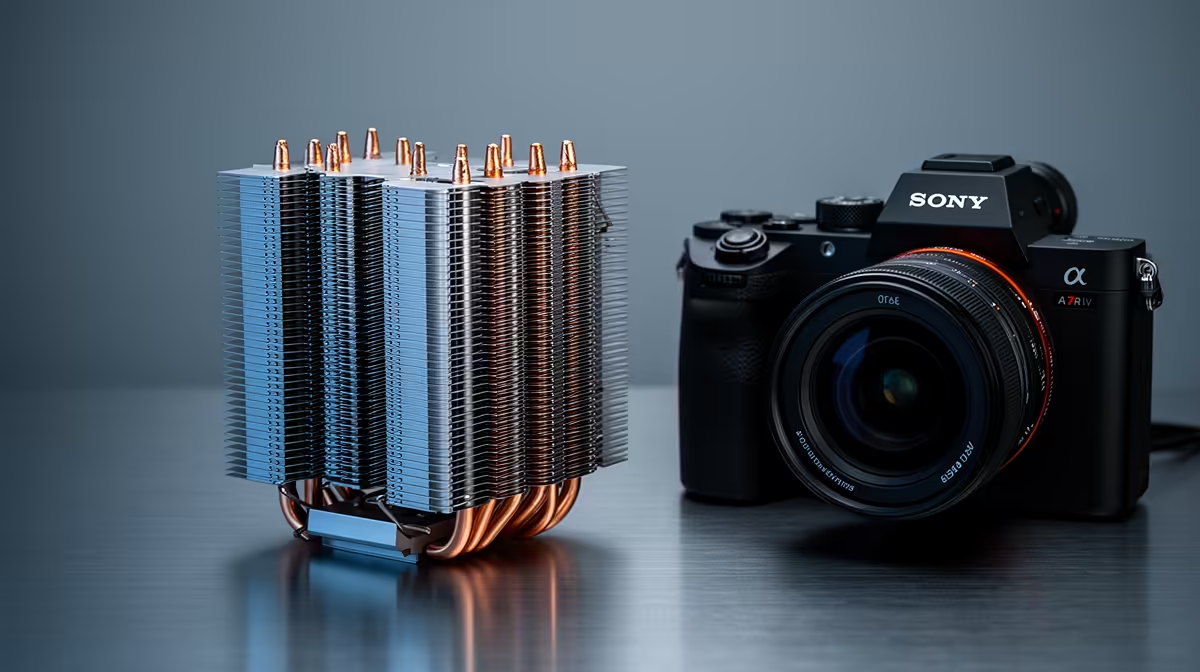
Recording lectures is a quiet, long-running task, and a premium CPU cooler's value here is less about raw cooling and more about silence. A cooler that keeps a recording PC quiet stops fan noise from bleeding into the audio you are trying to capture.
Quick Answer
A premium CPU cooler is worth it for recording lectures mainly for quiet operation, not extreme cooling. A large low-noise air cooler, around R900 to R1,800, keeps the CPU cool while staying near-silent so fan whir does not contaminate the recording.
Why Quiet Matters More Than Peak Cooling Here
Recording lectures rarely pushes the CPU hard, so the cooling demand is modest. The real issue is noise: a small stock cooler spins up and adds a constant whir that a nearby microphone picks up, muddying the recording. A large premium air cooler moves more air at lower fan speeds, staying quiet under the light load recording creates, which keeps the captured audio clean.
Choosing A Quiet Cooler For Recording
Look for a big air cooler with a low-noise fan rated under 25dBA at typical load, since a larger heatsink lets the fan spin slowly and quietly. A quiet fan curve that does not ramp aggressively suits the steady load of recording. You do not need a high-end overclocking cooler; you need one that keeps the system near-silent while it captures audio.
FAQ
Does recording lectures heat the CPU much?
No, it is a light, steady load, so cooling demand is low. The benefit of a premium cooler here is quiet running, not peak thermal performance.
Will the cooler fan show up in my recording?
A loud stock fan near a microphone can, especially in a quiet room. A large low-noise cooler keeps fan whir out of the audio.
Is an AIO better for a quiet recording PC?
Not necessarily; a quality air cooler can be quieter overall and has no pump hum. For low-noise recording, a big quiet air cooler is often the better pick.
For a recording PC, choose a large air cooler with a sub-25dBA fan so it stays quiet under light load and keeps fan noise out of your captured audio.










