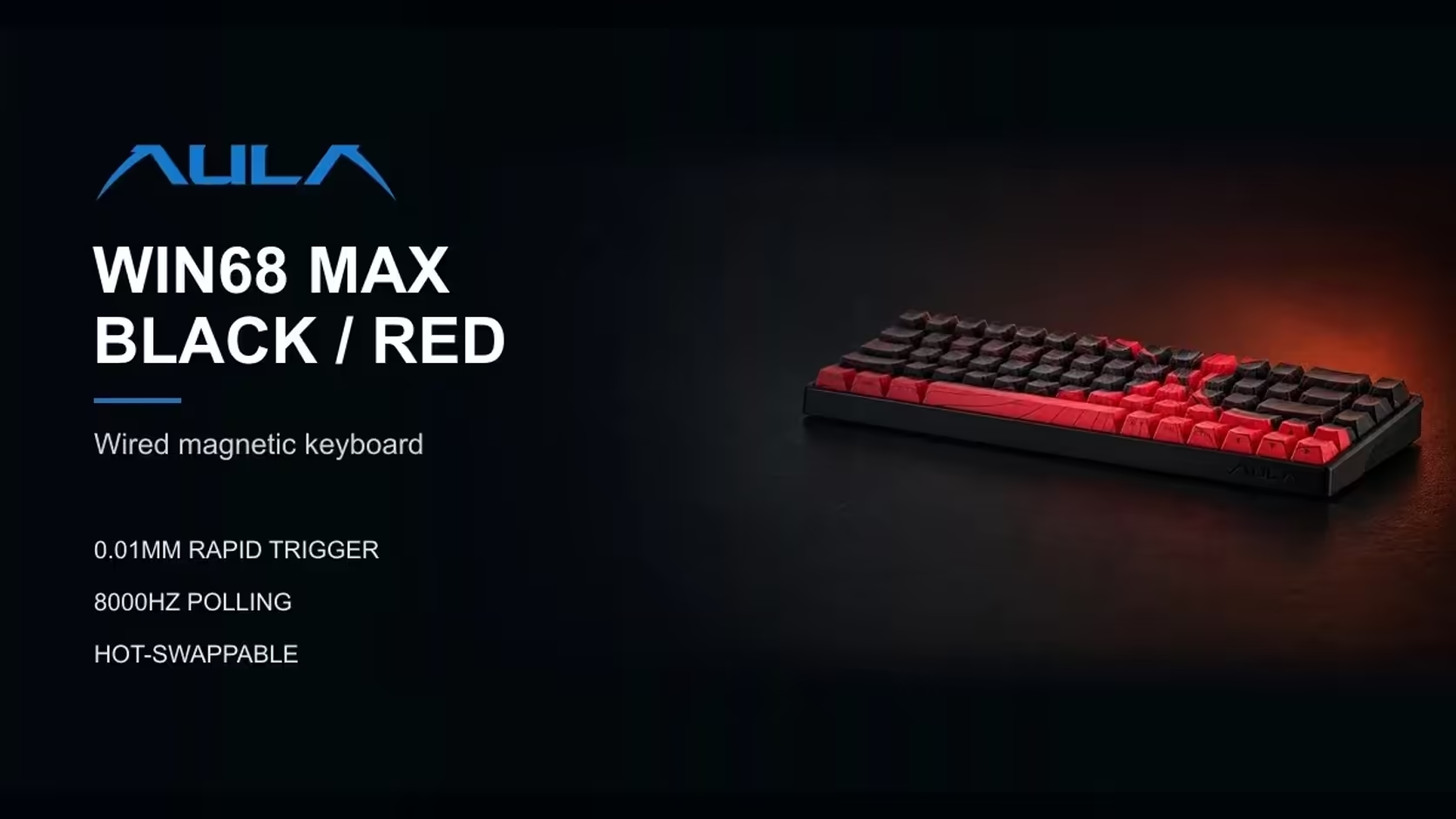
An 8000Hz keyboard sounds like something you would never want to turn down. Yet the AULA WIN68 MAX deliberately gives you seven polling levels, and there are good reasons to step off the top one. Knowing when to lower polling rate keeps a busy or older PC running smoothly without giving up the parts of the MAX that make the biggest difference to how it plays.
Quick Answer
Drop the AULA WIN68 MAX below 8000Hz if your PC shows stutter, frame drops or heavy CPU load with the board at its top rate. AULA's web driver offers seven polling levels, so step down one level at a time and keep the lowest setting that still plays smoothly. Rapid Trigger, SOCD and the other key modes keep working at any level. Evetech prices the WIN68 MAX at R699.
📡 What polling rate actually costs
Polling rate is how often the keyboard reports to the PC. At 8000Hz, the MAX sends up to 8000 reports every second over its USB-C cable, eight times the familiar 1000Hz. Each report is tiny, but the PC still has to receive and process it.
On a strong, lightly loaded system, that overhead goes unnoticed. On an older processor, or one already juggling a demanding game, a stream capture and a browser full of tabs, very high polling from a keyboard, and often a high-rate mouse as well, can add to the load. The symptoms are usually small hitches or uneven frame pacing rather than a crash.
🪜 Stepping down, one level at a time
The polling control lives in the MAX's web driver, a browser page AULA supports on Windows. A simple routine works well:
- Play a familiar game at 8000Hz and note how it feels, and what your frame rate and CPU use look like.
- Drop one polling level and play the same section again.
- Repeat until the stutter disappears, then stop there.
- If nothing changes at any level, polling was not the cause, so return to 8000Hz and look elsewhere.
Keep an eye on your mouse too. If it also runs at a very high rate, lowering it before the keyboard can free more headroom than lowering the keyboard.
🔍 Scan rate is not the same thing
The MAX quotes two numbers that are easy to confuse. Polling rate, up to 8000Hz, is how often the board talks to the PC. Scan rate is how often the board checks its own keys internally, which AULA gives as 4kHz when every key is being watched, climbing as high as 32kHz when only one is.
Lowering the polling level does not change how the switches are read. The Wing Chun magnetic switches still track depth, Rapid Trigger still resets keys as they start to lift with its 0.01mm rating, and actuation stays wherever you set it between 0.1mm and 3.4mm. What changes is only how often those results are handed over to the PC.
🎥 Streaming, older PCs and the HE
Streamers are the most likely to benefit. Encoding video while gaming already loads the processor, and trimming keyboard polling is an easy way to claw back a little breathing room without touching game settings.
The WIN68 HE is simpler here. Its page lists 8000Hz over the USB-C cable but does not mention selectable levels, so the seven-step control is a MAX feature. Beyond polling, the MAX also brings SOCD, DKS and Mod-Tap and a removable dead zone.
The MAX is covered for two years under Evetech's 2 Years Local Warranty, and it sits among the compact boards in the gaming keyboards category. Its hot-swap sockets also make Evetech's mechanical and magnetic switch listings useful later, provided you stay with magnetic switches.
Frequently Asked Questions
What does 8000Hz ask of the PC?
It means up to 8000 reports a second for the processor to handle. Strong systems shrug it off; busy or older ones may show small hitches.
Where should I start on an older PC?
Try one level below 8000Hz, test a familiar game, and keep stepping down until the stutter goes away.
Is scan rate the same as polling rate?
No. Scan rate is how often the board reads its keys internally; polling is how often it reports to the PC.
Does a lower polling level weaken Rapid Trigger?
No. Rapid Trigger works on the switch readings inside the board, which a lower polling level does not change.
Should I lower polling while streaming?
It is worth trying if the PC struggles, since encoding video already adds processor load.
Can the WIN68 HE change its polling rate?
The HE page lists 8000Hz without selectable levels, so the seven steps are specific to the MAX.
Want a keyboard you can tune to your PC?
Browse Evetech's gaming keyboard range for boards like the WIN68 MAX that let you balance polling speed against system load.