


Quick Answer
For Adobe Premiere Pro editing, a cheap webcam gets expensive when poor footage forces extra colour grading, denoising, and re-shoots that eat hours and storage. Spend R900 to R2,500 on a true 1080p60 or 4K webcam with good low-light handling rather than a R300 unit you fight in the timeline.
Where The Cheap Webcam Costs You Later
A sub-R400 webcam often outputs soft, noisy 720p that looks acceptable in a preview but falls apart on a timeline. In Premiere Pro you then burn time on noise reduction, sharpening, and colour correction the camera should have handled. Grainy low-light footage also compresses poorly, inflating file sizes and project storage. The cheap unit's real cost is your editing hours and disk space, not just the purchase price.
A webcam that captures clean 1080p at 60fps or 4K at 30fps gives you sharper source footage, less denoising, and smaller, cleaner exports.
Specs That Save Editing Time
For Premiere work, prioritise a sensor that handles indoor light without grain, real 1080p60 or 4K capture, and accurate autofocus that does not hunt. A fixed-focus toy webcam drifts out of focus and forces re-records. Look for manual white-balance and exposure control so your footage matches across clips, cutting grading time. A R900 to R2,500 webcam in this class removes most of the post-production fixes a cheap one creates.
Match The Webcam To Your Workflow
If you edit talking-head or tutorial content, frame rate and low-light clarity matter more than raw 4K, since clean 1080p60 cuts smoothly and exports fast. Pair the webcam with simple lighting; even a R300 LED panel does more for image quality than chasing the highest resolution. Save 4K for projects that genuinely need crop room.
FAQ
Is a cheap webcam fine if I fix it in Premiere Pro?
Not really. Fixing noise, soft focus, and bad colour in Premiere costs hours per project and bloats storage. A R900-plus webcam with clean 1080p60 capture saves more in editing time than it costs upfront.
Do I need a 4K webcam for editing?
Only if you need to crop or reframe heavily. Clean 1080p at 60fps cuts smoothly, exports quickly, and is enough for most talking-head and tutorial content without straining storage.
What webcam spec matters most for video editing?
Low-light performance and accurate autofocus matter most, because grainy or soft footage is the hardest and slowest to fix in post. A sensor that stays clean indoors saves the most editing time.
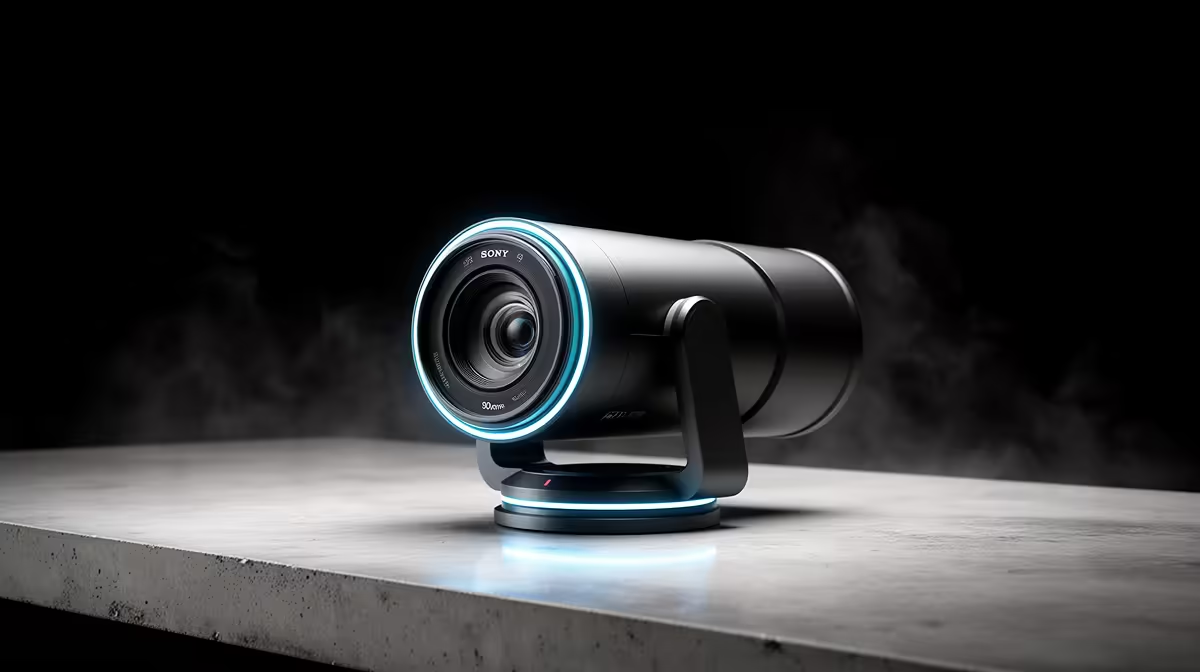
small LED light alongside a R900 to R2,500 webcam; clean, well-lit source footage cuts your Premiere Pro grading and denoising time more than any resolution upgrade.









