


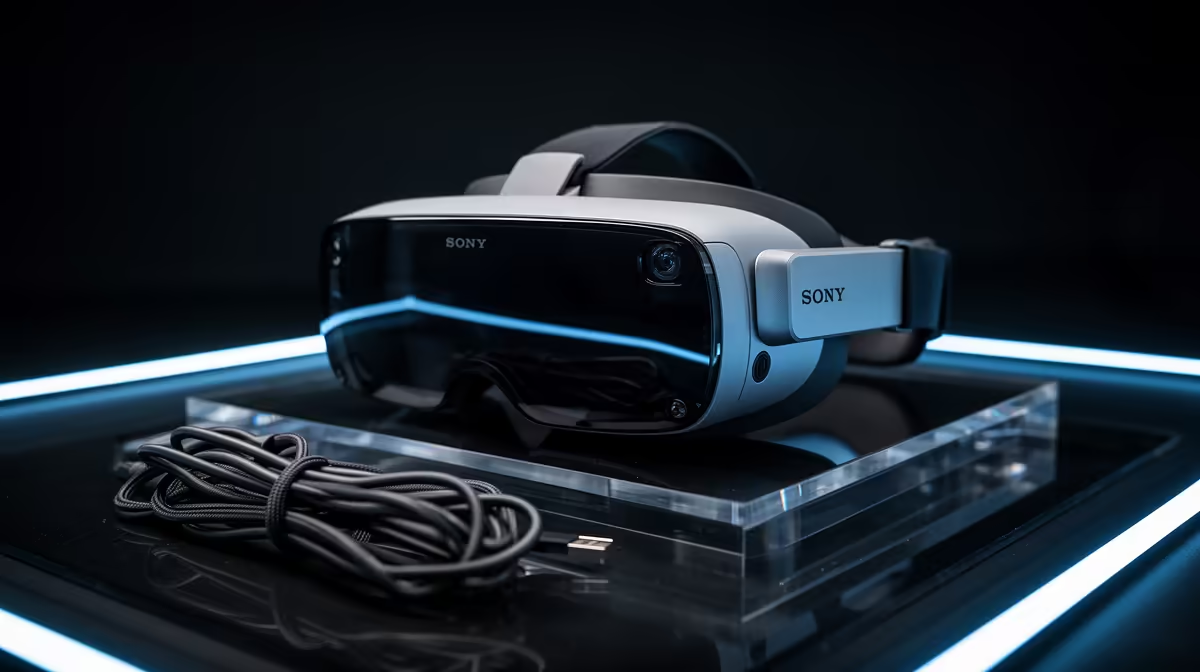
A clean cable-managed build is about a tidy, controlled interior, and AR glasses can support that goal by replacing a cluttered monitor stand with a single cable. Knowing which AR specs are overrated for this use keeps the focus on simplicity.
Quick Answer
For a clean cable-managed setup, the overrated AR glasses specs are wide field of view, high peak brightness, and advanced spatial tracking. What matters is a single tidy USB-C connection, a sharp 1080p-per-eye panel, and light frames. A R6,500 to R9,500 pair that connects with one cable suits a clutter-free desk.
Specs That Do Not Serve A Tidy Desk
A huge field of view and high brightness add cost for immersion that has nothing to do with cable tidiness. Spatial tracking serves AR overlay apps, not a clean monitor replacement. Chasing these numbers spends money without advancing the goal of a controlled, minimal desk setup.
What Actually Helps A Clean Setup
The big win is replacing a monitor and its power and video cables with one slim USB-C lead to the glasses. A 1080p-per-eye panel keeps the virtual screen sharp, and light frames make it comfortable. That single-cable simplicity is what fits a build defined by tidy routing.
FAQ
How do AR glasses help cable management?
They replace a monitor, its power cable and its video cable with one USB-C lead. For a build focused on a clean, minimal desk, that reduction in cables is a real advantage.
Is spatial tracking useful for a clean setup?
No. Spatial tracking is for AR overlay applications, not for using the glasses as a tidy monitor replacement. You can ignore it and focus on a simple, sharp single-cable display.
Will one cable really power the glasses?
Yes, most lightweight AR glasses run on a single USB-C connection carrying both video and power from your device. That is exactly what keeps the desk uncluttered.
that run on one USB-C cable. Replacing a monitor's cables with a single lead is the real tidiness win.










