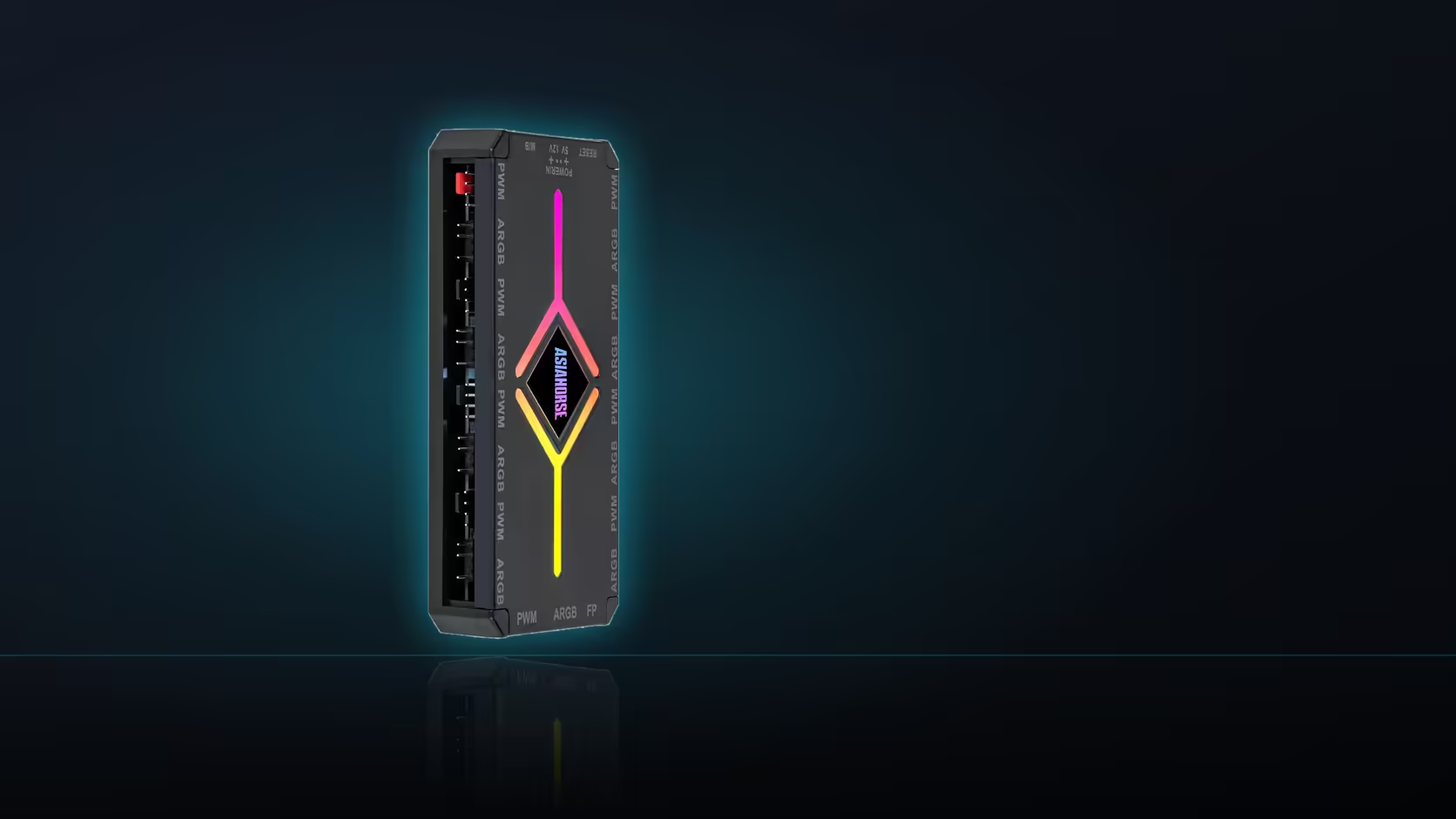
Three control modes sit behind the ASH-S1's remote, and none of them is a default worth assuming - remote, auto-temp and motherboard sync each suit a genuinely different kind of build, and only one runs at a time.
Quick Answer
Pick remote mode for direct manual control with no software involved, auto-temp if you want fan behaviour to respond to temperature without setting a curve yourself, or motherboard sync if the case's lighting should follow the board's own RGB software instead of running independently. The ASH-S1 supports all three, switching between them rather than combining them, for R349.
🎮 Remote mode: direct control, no software
Remote mode puts every setting - presets, brightness, speed and effect level - in the hands of whoever is holding the remote, with nothing routed through a PC application or an account login. That makes it the most straightforward option for a shared machine, a build that lives in a lounge rather than a desk, or anyone who would rather not install another piece of RGB software to manage lighting. Settings made this way stay on the hub itself rather than depending on the machine being switched on.
🌡️ Auto-temp: fan behaviour without a manual curve
Auto-temp mode adjusts fan behaviour based on conditions rather than a fixed setting chosen once and left alone. This suits a build where temperatures vary meaningfully - gaming sessions against idle browsing, for instance - and where manually stepping through the remote's ten speed levels every time conditions change is more effort than it is worth. It is a hands-off option rather than a fine-tuned one, trading precision for convenience.
🖥️ Motherboard sync: one scheme across the whole build
Sync mode hands lighting control to the motherboard's own RGB software, so whatever devices are already synced through that software pick up the hub's addressable bank as well. This is the mode worth choosing if the rest of the build - memory, other fans, a graphics card - already runs under one lighting scheme and the case fans should match rather than run their own separate pattern. Once a mode is decided, Evetech's case fan range is worth checking for fans that would suit it, and where board-sync compatibility specifically is what tips the decision, the NZXT fan controller is worth a look too.
Frequently Asked Questions
What does remote mode give you specifically?
Direct control of presets, brightness, speed and effect level from the handheld remote with no software involved.
What does auto-temp mode actually do?
It adjusts based on temperature, which suits a build where you want the hub to respond without setting a curve manually.
What happens in motherboard-sync mode?
The lighting follows the motherboard's RGB software, so the hub's devices join the same scheme as anything on the board.
Can more than one mode run at the same time?
They are alternative modes, so the hub operates in one of them rather than combining them.
Which mode suits a machine several people use?
Remote mode, since anyone can change the scene without software or an account on the machine.
Which mode suits a build with other lit components?
Board sync, so everything follows one scheme rather than the hub's devices running independently.
Deciding how your case lighting should be controlled?
Have a look through Evetech's case fan range while you settle on remote, auto-temp or board-sync control.