Quick Answer
1440p is the sweet spot for Boksburg gamers because it gives a visible sharpness jump over 1080p without the heavy GPU cost of 4K. A Ryzen 5 7600 with an RTX 4070 or RX 7800 XT can target 80 to 144 fps in many games, while local 27-inch 1440p monitors often sit below premium 4K pricing.
Why 1440p fits local builds
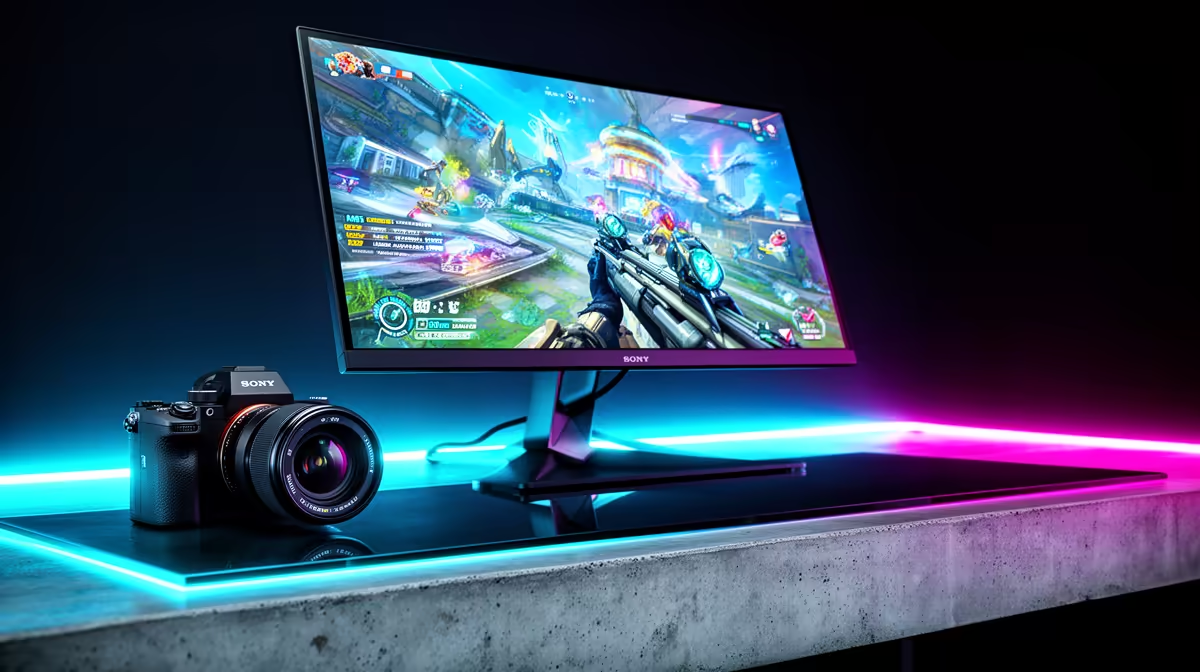
The most useful 1440p setup is a 27-inch IPS or OLED monitor at 144Hz to 180Hz, paired with a GPU that can keep minimum FPS stable. For Joburg and Gauteng buyers, including Boksburg, that matters because many homes use one PC for work, study, and gaming. The screen is sharper for spreadsheets and browsing, then still fast enough for shooters and RPGs after hours.
GPU and monitor pairing
Treat RTX 4060-class cards as entry 1080p parts, then step to RTX 4070, RTX 5070, RX 7800 XT, or RX 9070 class hardware for a stronger 1440p result. A broad SA budget can be R5,000 to R9,000 for a solid 1440p high-refresh monitor and far more for OLED. Spend on stable 1% lows, not only the highest average FPS.
FAQ
Is 1440p better than 1080p for esports?
Yes, if the PC still holds the refresh target. A 1440p 165Hz panel gives clearer enemies and UI than 1080p, but a player chasing 240Hz may still choose lower settings for latency.
Do I need a 4K GPU for 1440p?
No. RTX 4070 and RX 7800 XT class cards are already strong 1440p choices, especially with 32GB RAM and a modern six-core CPU. 4K-class GPUs are only needed for ultra settings, ray tracing, or very high refresh goals.
What should Boksburg buyers check first?
Check desk space for a 27-inch panel, DisplayPort support, GPU length, PSU capacity, and whether the current CPU can feed high refresh. Those checks prevent a monitor upgrade from exposing an older PC bottleneck.
Pro Tip
For the cleanest upgrade, move to a 27-inch 1440p 165Hz monitor first, then size the GPU around the games that fail to stay above 100 fps.