



650W PSU Planning for RTX 5090 Builds in SA
650W for RTX 5090 needs a full-build check, not a simple yes. Review GPU guidance, CPU draw, transient load, connectors, PSU quality, and upgrade plans before deciding.
Read moreSteam Deck losing FPS usually points to heat, power profiles, storage pressure, or game setting changes. Check frame drops against one game, one charger, and one graphics preset before assuming the handheld is failing.
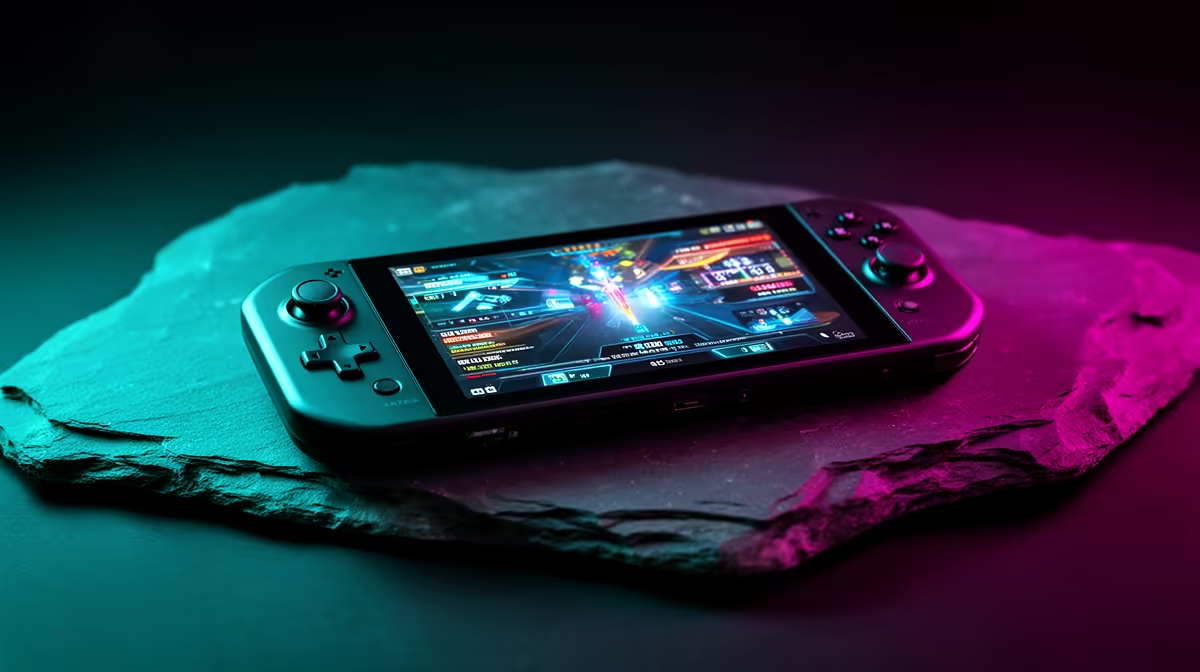
A Steam Deck losing FPS mid-session is usually thermal throttling within its 15W power envelope, a battery-saver TDP cap kicking in, or a background download. Open the performance overlay, set a manual TDP of 12-15W and a 40fps cap, and pause downloads while playing. The Deck targets a smooth 40fps at 1280x800 in most AAA games; locking that cap stops the see-saw between 60 and 30. Heat management matters most in warm SA rooms.
Hold the three-dot menu and open the performance overlay set to full detail. Watch the APU wattage, frame rate, and temperature. If FPS falls as wattage drops, the Deck is throttling on heat or battery. If FPS falls while wattage stays high, a background task or a too-heavy setting is the cause. This tells you which fix to apply.
The Deck plays best with a manual 40fps cap and a matching 40Hz refresh; chasing 60fps in heavy games drains the battery and triggers throttling that feels worse than a steady 40. Set TDP to 12-15W manually rather than letting it swing, and drop shadows or volumetrics one notch in demanding titles. This holds a consistent 40fps where uncapped play stutters between 30 and 55.
Warm rooms push the APU to its thermal limit faster, so keep the rear vents clear, avoid playing in direct sun, and consider a docked setup with a fan for long sessions. On battery saver, Windows-on-Deck or SteamOS may cap TDP automatically; switch to a balanced or performance profile when plugged in.
Heavy games push the 15W APU past its envelope, so it throttles hard. Capping at a steady 40fps with 40Hz refresh gives smoother play than an unstable 60 that keeps collapsing.
Yes. Battery-saver profiles cap the APU's TDP, which lowers clocks and FPS. Switch to a balanced or performance profile, especially when docked or plugged in.
For most AAA games, a locked 40fps at 1280x800 is the sweet spot for smoothness and battery life. Lighter indie titles can hold a steady 60fps comfortably.
Open the performance overlay, set a manual 12-15W TDP, and lock a 40fps/40Hz cap. Pause downloads while playing and keep the rear vents clear to stop heat-driven FPS loss.
650W for RTX 5090 needs a full-build check, not a simple yes. Review GPU guidance, CPU draw, transient load, connectors, PSU quality, and upgrade plans before deciding.
Read more
How to fix FPS drops Windows 11 RX 9070 XT starts with GPU drivers, overlays, power plans, and frame pacing checks. For SA gaming PCs, verify chipset updates, HAGS, refresh rate, thermals, and per-game graphics settings.
Read more
How to fix FPS drops on X870E motherboard starts with BIOS, chipset drivers, PCIe settings, and memory stability. SA gamers can check EXPO, resize BAR, thermals, display refresh, and background apps before replacing components.
Read more
RTX 5060 is popular with SA students because it can fit gaming, coursework, and creative app needs in one setup. Compare total system price, cooling, RAM, storage, and screen quality before picking a desktop or laptop.
Read more
1440p is the sweet spot for SA gamers because it balances sharp visuals, high frame rates, and GPU cost better than 4K. It is a practical monitor target for players who want smoother upgrades without the heavier hardware demands of 4K.
Read more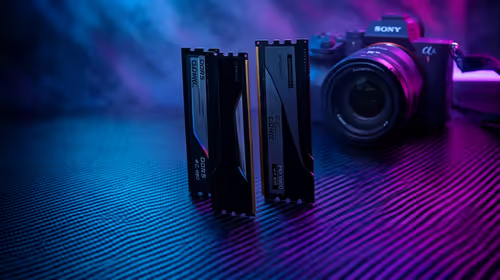
RAM pricing for Midrand gamers can shift with exchange rates, supply, specs, and model tier. Treat the title as a buying prompt, then compare SA warranty, timing, and build priorities.
Read more
From 1 October 2026, WhatsApp Business Platform service replies in South Africa are expected to cost about $0.0076, or 12 cents, per delivered message.

DDR5-8000 RAM Kits pros and cons depend on the build, budget, and workload. Weigh gaming needs, platform fit, power, cooling, warranty support, and South African pricing context before shortlisting it.

Wi-Fi 6E vs Wi-Fi 6 depends on AAA single-player gaming needs, platform limits, and budget fit. Compare compatibility, latency, upgrade path, and real setup constraints before choosing for an SA build.

Ryzen 9 9950X3D dead pixel checks should isolate the panel first. Run colour fills, inspect the monitor menu, test another cable or input, and capture proof before linking it to the SA CPU upgrade.

YouTube will count public views from the first frame across video formats from 24 August, while earnings and eligibility remain tied to engaged viewing.

Canonical expects Ubuntu on WSL users to outnumber native Ubuntu desktop users before the end of 2026. The software is open source and runs inside supported Windows PCs.

Telkom's daily bundles pair WhatsApp access with 10 all-network voice minutes. The R15 option includes 300MB, while the R17 option uses a fair-use threshold.

A 10,000-hour test found similar image retention across older and newer OLED TVs, while newer panels were brighter and more efficient. Local OLED monitors started at R9,999.
From 1 October 2026, WhatsApp Business Platform service replies in South Africa are expected to cost about $0.0076, or 12 cents, per delivered message.

Framework has refreshed Laptop 12 with Intel Core Series 3 processors, Thunderbolt 4, a backlit keyboard and a claimed battery-life increase.

A Windows 11 Experimental Insider build adds per-app camera, microphone and location controls for Win32 programs, plus permission prompts.

Thermal Grizzly is selling a tested, delidded Ryzen 9 9950X3D2 with its own 24-month warranty for experienced direct-die cooling builds.