



650W PSU Planning for RTX 5090 Builds in SA
650W for RTX 5090 needs a full-build check, not a simple yes. Review GPU guidance, CPU draw, transient load, connectors, PSU quality, and upgrade plans before deciding.
Read moreSide-by-side, mouse drops usually trace to USB-3 interference, low battery, or driver conflicts between Swift Pair and vendor software. Includes DPI tuning tips, channel switch shortcuts, and ZAR-aware feature ranking for SA buyers.
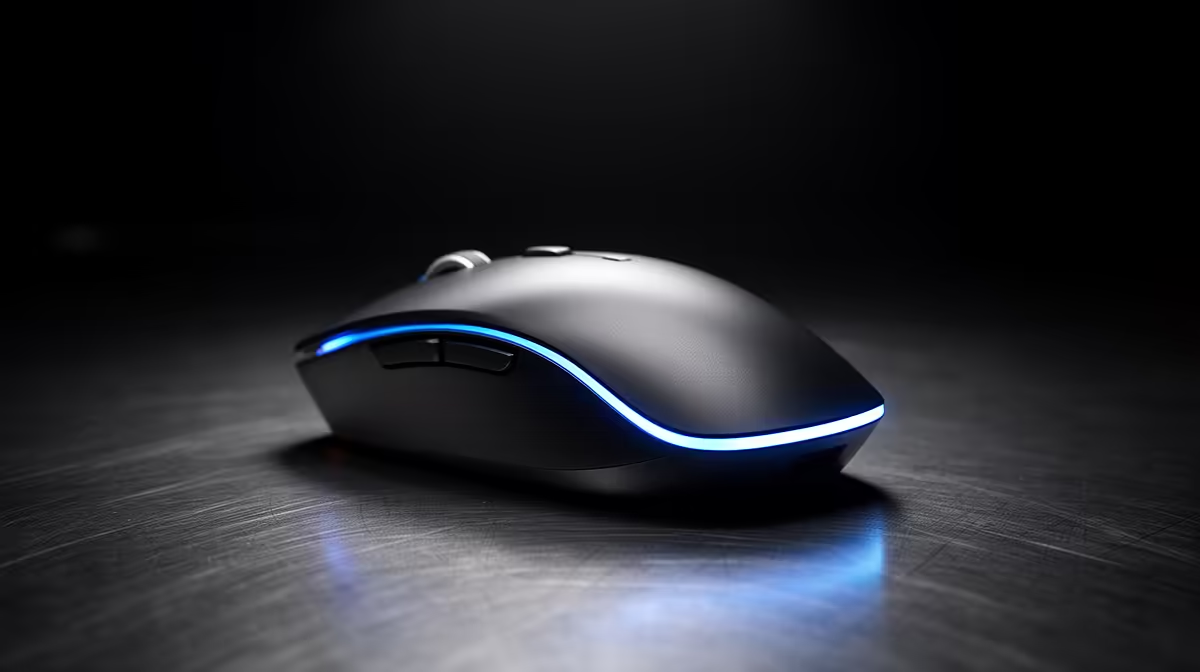
The most common causes are USB power management cutting power to the dongle, a blocked or distant receiver, interference from other 2.4GHz devices, or a nearly-flat battery. Fixing 90% of disconnection issues takes under five minutes.
Windows 10 and 11 aggressively suspend USB ports to save power, and this is the single most frequent culprit behind wireless mouse dropouts. To disable it, open Device Manager, expand Human Interface Devices or Universal Serial Bus controllers, right-click your USB Root Hub, go to Properties, and on the Power Management tab uncheck "Allow the computer to turn off this device to save power". Do this for every USB Root Hub listed. While you are there, open Power Options in the Control Panel and set the USB selective suspend setting to Disabled. These two changes resolve intermittent dropouts for the majority of 2.4GHz mouse users on Windows laptops.
The USB dongle works best within 30cm of the mouse, ideally unobstructed. Plugging the receiver into a rear USB port on a desktop tower while the mouse is on a desk two metres away, separated by a metal case panel, introduces unnecessary signal loss. Use a USB extension cable to bring the dongle forward to a front port or top of the desk. Metal objects, thick glass monitor stands, and other 2.4GHz devices such as wireless keyboards, Bluetooth speakers, and Wi-Fi routers on the same frequency can all cause interference. Moving the dongle away from the router and speaker by even 15 to 20cm often eliminates random dropouts entirely. For South African home office setups where a router and PC share a small desk, this positioning fix is frequently the answer.
If the battery indicator on your wireless mouse is flashing or the mouse ships with software that displays charge levels, check it first. A mouse on 10 to 15% charge will begin dropping connection before fully dying. Swap or recharge the battery and test for 30 minutes. If dropouts persist, check the manufacturer's website for firmware updates for the mouse and receiver. Logitech's Firmware Updater and Razer Synapse both detect and install pending updates automatically. Finally, if you are using a generic USB hub rather than a direct port, the hub itself may be under-powering the dongle. Connect directly to a motherboard USB port for testing.
Before trying any software fix, spend two minutes moving the dongle closer to the mouse using a short USB extension cable. This single physical change resolves signal-related disconnects without any settings changes, and it is the fastest diagnostic step you can take.
Video call applications put a heavy load on both the CPU and the USB bus. Some systems throttle USB power during high CPU loads. Disabling USB selective suspend as described above, and ensuring your power plan is set to Balanced or High Performance rather than Power Saver, typically resolves call-specific disconnections.
Yes. Bluetooth disconnections are more often caused by interference from nearby Bluetooth devices, distance from the host machine, or the Bluetooth adapter's own power management settings. On Windows, navigate to Device Manager, find your Bluetooth adapter, and also uncheck "Allow the computer to turn off this device to save power" in its properties.
If all software and physical fixes fail and the mouse disconnects on multiple computers, a hardware fault in the receiver or mouse radio is possible. Check the warranty status. Mice purchased from Evetech carry local warranty support and can be assessed by the support team within warranty period.
Still disconnecting after all the fixes? If your wireless mouse is within warranty, Evetech's support team can assist with assessment and replacement. Browse replacement wireless mice at Evetech if an upgrade is due.
650W for RTX 5090 needs a full-build check, not a simple yes. Review GPU guidance, CPU draw, transient load, connectors, PSU quality, and upgrade plans before deciding.
Read more
How to fix FPS drops Windows 11 RX 9070 XT starts with GPU drivers, overlays, power plans, and frame pacing checks. For SA gaming PCs, verify chipset updates, HAGS, refresh rate, thermals, and per-game graphics settings.
Read more
How to fix FPS drops on X870E motherboard starts with BIOS, chipset drivers, PCIe settings, and memory stability. SA gamers can check EXPO, resize BAR, thermals, display refresh, and background apps before replacing components.
Read more
RTX 5060 is popular with SA students because it can fit gaming, coursework, and creative app needs in one setup. Compare total system price, cooling, RAM, storage, and screen quality before picking a desktop or laptop.
Read more
1440p is the sweet spot for SA gamers because it balances sharp visuals, high frame rates, and GPU cost better than 4K. It is a practical monitor target for players who want smoother upgrades without the heavier hardware demands of 4K.
Read more
RAM pricing for Midrand gamers can shift with exchange rates, supply, specs, and model tier. Treat the title as a buying prompt, then compare SA warranty, timing, and build priorities.
Read more
From 1 October 2026, WhatsApp Business Platform service replies in South Africa are expected to cost about $0.0076, or 12 cents, per delivered message.

DDR5-8000 RAM Kits pros and cons depend on the build, budget, and workload. Weigh gaming needs, platform fit, power, cooling, warranty support, and South African pricing context before shortlisting it.

Wi-Fi 6E vs Wi-Fi 6 depends on AAA single-player gaming needs, platform limits, and budget fit. Compare compatibility, latency, upgrade path, and real setup constraints before choosing for an SA build.

Ryzen 9 9950X3D dead pixel checks should isolate the panel first. Run colour fills, inspect the monitor menu, test another cable or input, and capture proof before linking it to the SA CPU upgrade.

YouTube will count public views from the first frame across video formats from 24 August, while earnings and eligibility remain tied to engaged viewing.

Canonical expects Ubuntu on WSL users to outnumber native Ubuntu desktop users before the end of 2026. The software is open source and runs inside supported Windows PCs.

Telkom's daily bundles pair WhatsApp access with 10 all-network voice minutes. The R15 option includes 300MB, while the R17 option uses a fair-use threshold.

A 10,000-hour test found similar image retention across older and newer OLED TVs, while newer panels were brighter and more efficient. Local OLED monitors started at R9,999.

Windows 11 update KB5121003 is linked to crashes in several multiplayer games on versions 24H2 and 25H2. Check the build, report the fault and avoid risky file or update changes unless the problem is confirmed on your PC.

Comsol's standalone 5G network covers about one million Gauteng homes and starts commercial ISP service in September. Early packages range from R275 to R875 a month, but coverage and fair-use rules still decide the real value.

Sennheiser's Momentum True Wireless 5 adds user-replaceable batteries, 12-hour playback and a $299.95 launch price. There is no confirmed South African date, so compare longevity with live earbuds from R199 to R2,999.

AVerMedia's GC531 and GC535 are professional HDMI capture devices for continuous streaming, with RGB24 capture up to 2K30 and 4K30. South African creators should compare them with live 4K capture cards from R2,099.