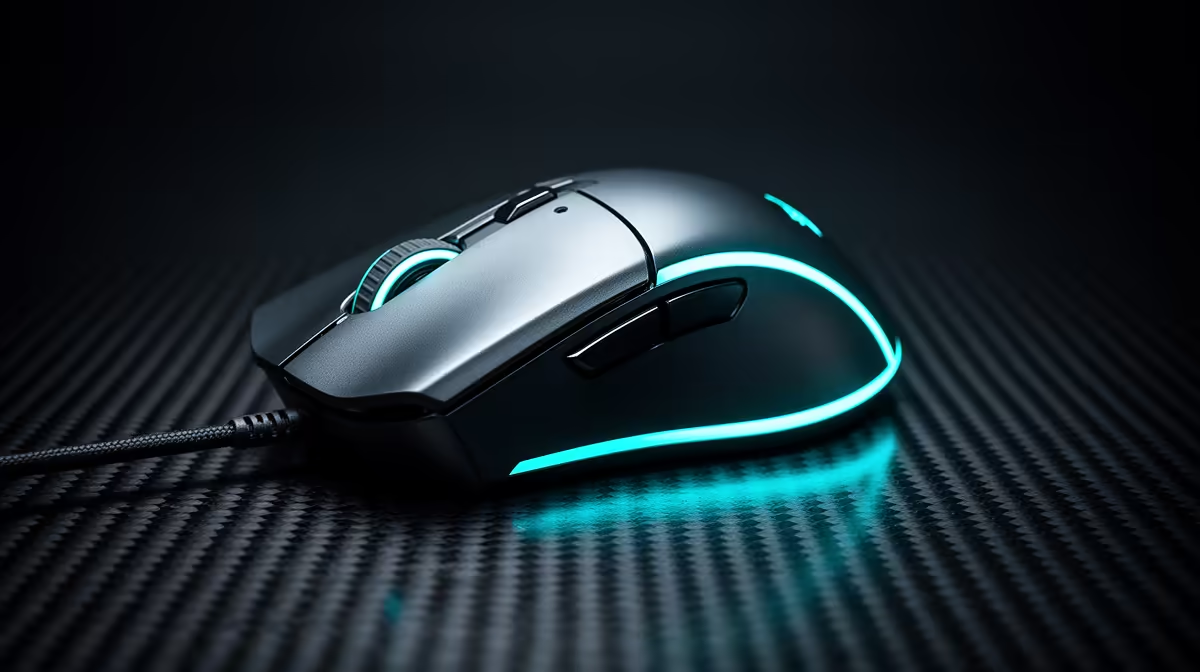
The gaming-mouse shift to light-based clicks grew from a familiar failure: one physical press arriving as two. Optical mouse switches remove the metal contact bounce mechanism, while feel and the rest of the button assembly still matter.
Quick Answer
Mechanical mouse switches can develop contact chatter, where one physical press creates several electrical transitions and the firmware accepts more than one click. Optical switches moved the sensing point to a light path, avoiding that contact-wear mechanism. That helped make them attractive in gaming mice, alongside the chance for short click filtering. They do not eliminate every double click. Shell rebound, firmware, a macro or optical hardware can still duplicate input. Replacing an already faulty mechanical switch or mouse is separate from choosing optical for the next one.
The old failure was easy to feel
A worn primary button can open a file twice, fire two shots or release a drag. Raising debounce can filter mild chatter and add delay.
When the fault survives defaults across computers, the switch or button mechanism needs service. Cleaning software cannot rebuild worn contacts.
Optical changed the sensing point
The moving switch interrupts a light path instead of closing the same metal contact. That removes contact oxidation and bounce from the detection method.
The shell, spring and plunger still move. A mouse can fail through those parts, its emitter, receiver or firmware.
Decide what to do now
Use warranty or qualified switch repair for the current mouse. Do not open it before checking service terms.
For a replacement, compare click feel, complete-device latency, shape and warranty. Optical is no longer confined to one price tier, but live models and implementations differ.
Test click feel before choosing
Optical clicks can feel crisp, hollow, light or damped depending on the switch generation and shell. Mechanical switches also vary in force and rebound.
Press the front, centre and inner edge of both main buttons. A shell can make the same switch feel different across the surface. Check side buttons too, since they may use another switch technology.
Run a click-timing and drag test at the default profile. A pleasant sound does not prove low latency, and a fast measurement does not guarantee comfort through a long session.
Keep firmware in the decision
Optical sensing still depends on controller firmware. Look for current update notes, onboard profiles and a recovery route.
Do not set click filters to their minimum on day one. Use defaults, test for duplicate and missed input, then change one supported step.
If a mouse begins double-clicking, capture the exact button, mode and firmware. That evidence is useful regardless of switch type.
Browse gaming mouse deals for current switch specifications. The mouse best sellers can help compare established complete shapes.
FAQ
Do optical switches eliminate double clicking?
They remove mechanical contact chatter from sensing. Other mechanical, optical or firmware faults can still duplicate a click.
When did optical switches become common?
Adoption grew across gaming mice over several product generations. Check the exact current model rather than one industry date.
Can an optical mouse fix the old mouse?
No. Repair or replace the faulty switch or device. A new optical model is another product choice.
Prove the current double click at defaults, use its warranty or repair path and judge the replacement by the whole mouse rather than one switch label.