



FPS Drops Troubleshooting for DDR5 build
DDR5 build FPS drops needs a methodical troubleshooting pass. Review drivers, thermals, power settings, background apps, cables and game settings before replacing parts in an SA gaming setup.
Read moreIntel platforms need careful review for SA gamers because value depends on the full build. Check socket life, motherboard tier, cooling needs, and existing parts before deciding if the platform fits SA budgets.
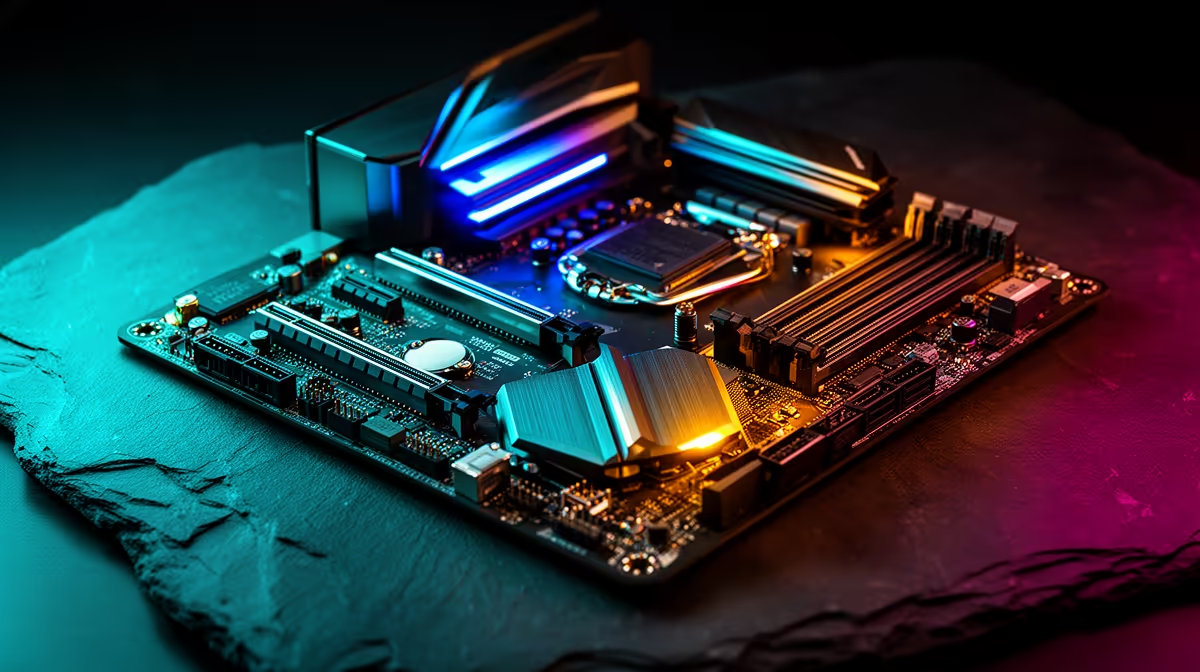
Before committing to an Intel build, SA gamers benefit from a quick checklist of what to review so the platform fits their games and budget. A few minutes of review prevents an awkward mismatch.
Reviewing an Intel platform means checking socket longevity, board VRM quality, cooler rating, and memory support against your target games. A B860 board with a Core Ultra 7 and a capable cooler builds well from about R14,000. Confirm the cooler is rated above the chip's load wattage so clocks hold.
Run through four points: how long the socket will receive new CPUs, whether the board's VRMs can feed the chip cleanly, whether your cooler is rated above the CPU's load wattage, and what memory speed the board supports. Each one affects whether the build is stable and worth upgrading later for SA gamers.
A 1080p esports player and a 4K single-player gamer have different needs. Heavier CPU dependence at 1080p rewards a stronger chip; 4K leans on the GPU. Spend the bulk of the budget on the graphics card regardless, since that is what sets frame rates, and keep the Intel platform sensible and stable.
To sum up for SA buyers weighing this: Run through four points: how long the socket will receive new CPUs, whether the board's VRMs can feed the chip cleanly, whether your cooler is rated above the CPU's load wattage, and what memory speed the board supports. Each one affects whether the build is stable and worth upgrading later for SA gamers. This keeps the decision grounded in what actually changes the experience rather than headline numbers, so you spend where it counts.
Socket longevity, board VRM quality, cooler wattage rating, and memory support, all matched to your target games and resolution.
Only for heavy overclocking or advanced memory tuning. A B860 board covers most gamers at lower cost.
One rated above the CPU's load wattage so it holds boost clocks. Mid chips need a good air cooler; top K-series want a 240mm+ AIO.
Before buying Intel, check socket life, VRM quality, cooler rating, and memory support. Then put most of your budget into the GPU that sets your frame rate.
DDR5 build FPS drops needs a methodical troubleshooting pass. Review drivers, thermals, power settings, background apps, cables and game settings before replacing parts in an SA gaming setup.
Read more
Fps drops on ddr5 build in south africa usually needs a settings, driver, thermal, or power check first. Work through safe SA troubleshooting steps before replacing parts or assuming a full upgrade.
Read more
X870E motherboard frame pacing issues needs a step-by-step check before replacing parts. Review drivers, settings, thermals, power, background apps, display limits, cables, and game options before changing hardware.
Read more
4K monitors cost more as sharp panels raise the bar. See why 4k monitors still expensive for gamers in cape town before choosing screen specs, GPU targets, and value trade-offs.
Read more
4K monitors still feel expensive for Gqeberha gamers because panel quality, higher refresh rates, and GPU demands raise total setup cost. Compare 1440p, screen size, ports, and refresh rate before paying more for 4K.
Read more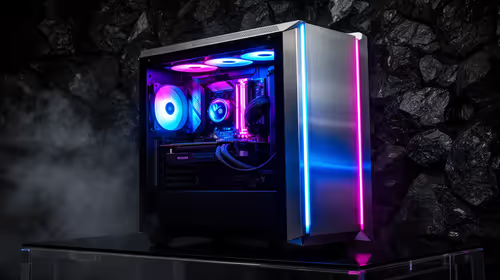
ARGB cases explain mid-tier SA build appeal with visible style, airflow room, and cable control. For SA buyers, the smarter choice is a case where lighting, fan layout, and GPU clearance work together instead of just looking bright.
Read more DDR5 build FPS drops needs a methodical troubleshooting pass. Review drivers, thermals, power settings, background apps, cables and game settings before replacing parts in an SA gaming setup.
Fps drops on ddr5 build in south africa usually needs a settings, driver, thermal, or power check first. Work through safe SA troubleshooting steps before replacing parts or assuming a full upgrade.

Wi-Fi 6E vs Wi-Fi 6 depends on AAA single-player gaming needs, platform limits, and budget fit. Compare compatibility, latency, upgrade path, and real setup constraints before choosing for an SA build.

Ryzen 9 9950X3D dead pixel checks should isolate the panel first. Run colour fills, inspect the monitor menu, test another cable or input, and capture proof before linking it to the SA CPU upgrade.

YouTube will count public views from the first frame across video formats from 24 August, while earnings and eligibility remain tied to engaged viewing.

Canonical expects Ubuntu on WSL users to outnumber native Ubuntu desktop users before the end of 2026. The software is open source and runs inside supported Windows PCs.

Telkom's daily bundles pair WhatsApp access with 10 all-network voice minutes. The R15 option includes 300MB, while the R17 option uses a fair-use threshold.

A 10,000-hour test found similar image retention across older and newer OLED TVs, while newer panels were brighter and more efficient. Local OLED monitors started at R9,999.
YouTube will count public views from the first frame across video formats from 24 August, while earnings and eligibility remain tied to engaged viewing.
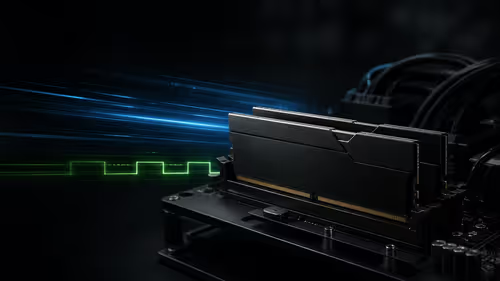
CXMT memory has been demonstrated at DDR5-9000 and DDR5-6000 CL28, but the results depend on tuned hardware and do not represent a broad retail specification.

Microsoft is testing a simpler File Explorer context menu with controls for built-in commands, app extensions, icon labels and the position of Properties.
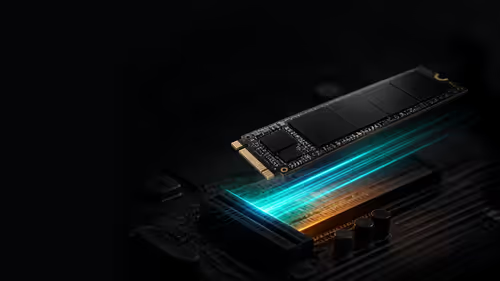
Lexar's THOR ULTRA is a DRAMless PCIe 5.0 SSD rated up to 11,000MB/s reads and 10,000MB/s writes, with capacities from 512GB to 4TB.