


Quick Answer
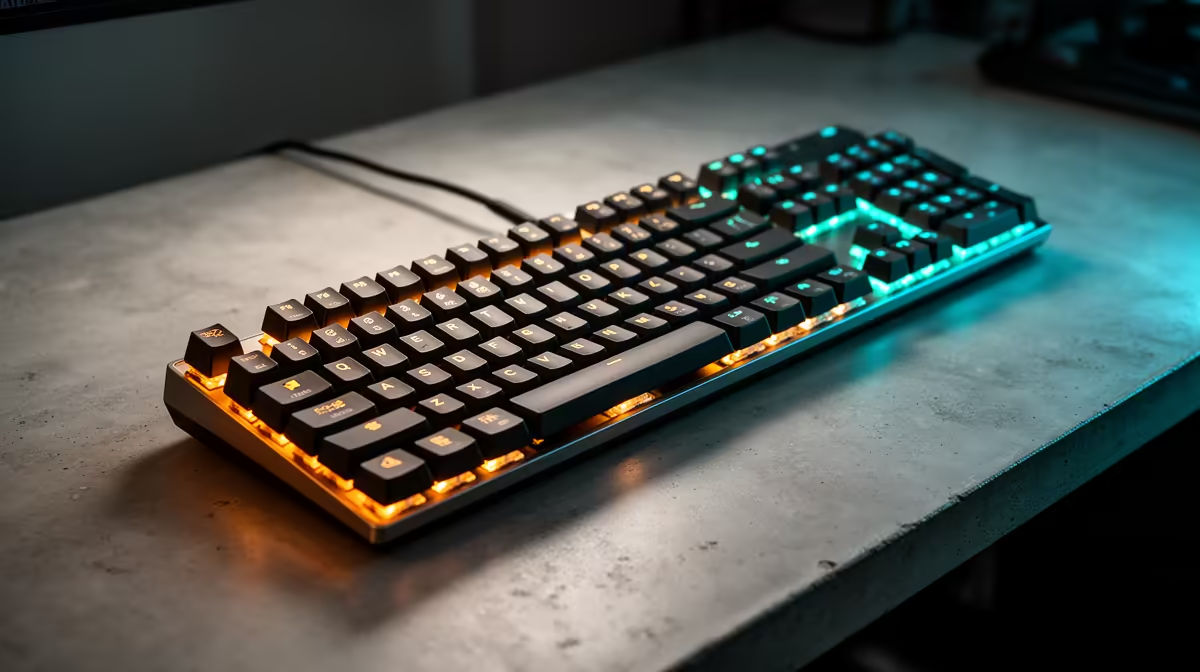
A mechanical keyboard cannot normally cause low FPS after a GPU driver update, but its RGB software, USB polling, or macro utility can add stutter. Close the keyboard utility, test at a standard 1000Hz polling rate, and compare with the keyboard unplugged. Replacement boards from about R600-R2,500 should come after software isolation, not before it.
Check Software, Not The Switches
Disable RGB sync, macro recording, and overlay integrations before testing a game. If frame pacing improves, keep the keyboard and remove the utility from startup. If nothing changes, the low-FPS issue belongs to the GPU driver, shader cache, power plan, or game settings instead.
What To Record Before Buying Parts
Write down the driver package, Windows 11 build, motherboard model, CPU, GPU, RAM speed, PSU wattage, and the first error message. A Ryzen 7 9800X3D with 32GB DDR5-6000 and an RTX 5080 behaves very differently from an older 16GB DDR4 system. The cleaner the notes, the faster Evetech support or a technician can tell whether the next move is software cleanup, BIOS settings, cooling, or hardware replacement.
Safe Recovery Order
First test default clocks, default memory profile, and a single monitor. Then remove overlays, capture tools, RGB utilities, and unused audio or USB devices. After that, roll back the GPU driver, update chipset drivers, and check BIOS only if the fault points there. A 15-minute loop in one known game is more useful than random testing across five games.
FAQ
Should I replace the part immediately?
No. A crash that starts after an update is usually software, firmware, USB, display, or settings related. Replace hardware only after the same failure appears at default settings with clean drivers and a repeatable test.
When should I use DDU?
Use DDU when a normal clean driver install still leaves crashes, black screens, or broken display modes. Run it in Safe Mode, reinstall one known driver package, and avoid adding tuning tools until the PC is stable.
What information helps SA support teams most?
The exact error code, driver package, Windows build, part model, and crash timing matter most. Also include whether it happens at 60Hz, 144Hz, 240Hz, or only during a specific game.
Recovery tip
Prove stability at default settings first, then add back refresh rate, EXPO or XMP, overlays, and peripherals one item per test so the failing layer is obvious.










