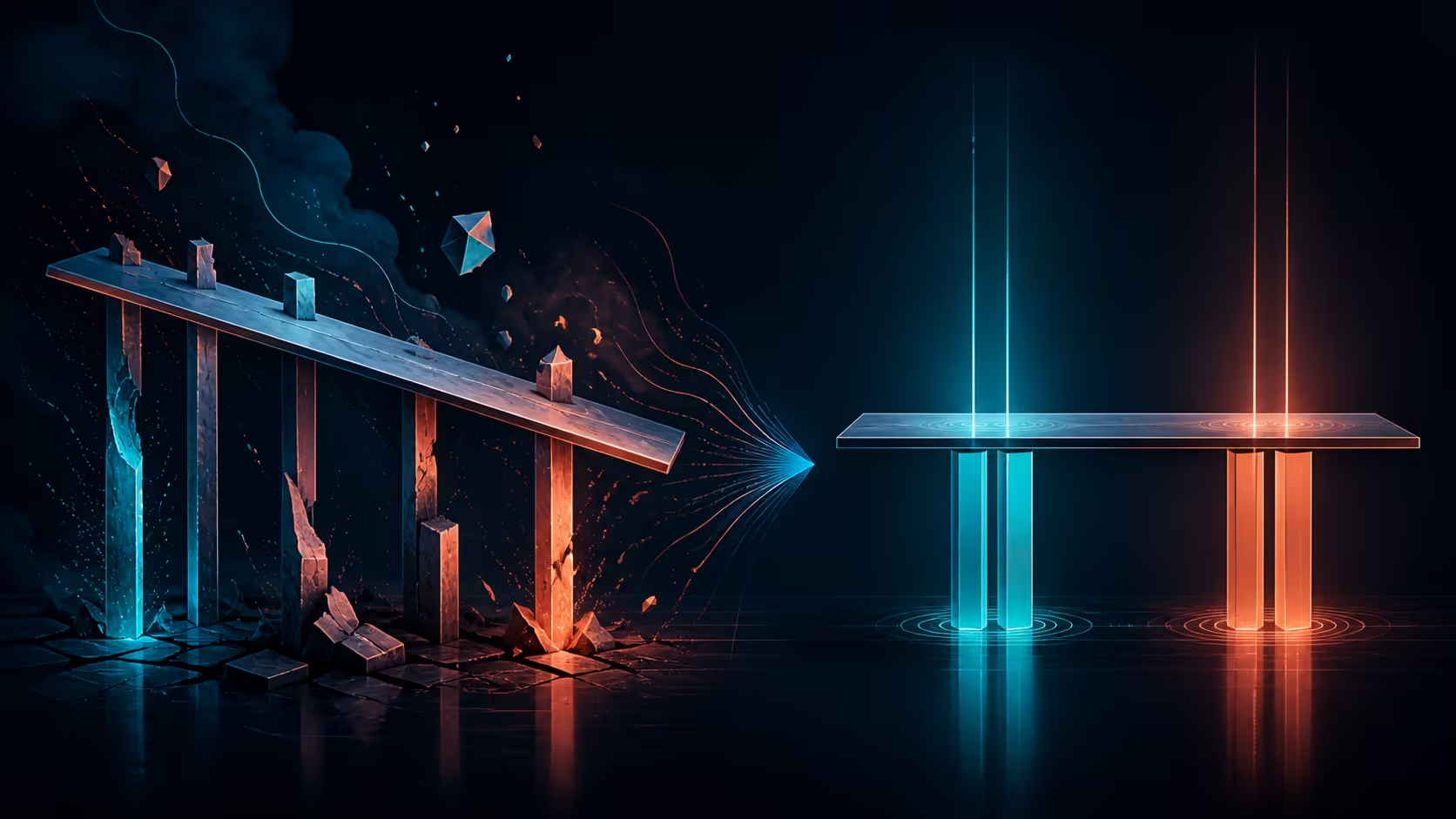
Uneven movement or unexpected sound deserves a controlled stop, not repeated button presses. For standing desk moving unevenly or making noise, reduce variables, inspect the setup and follow the exact model's fault guidance.
Quick Answer
The A4 Pro should lift evenly through its dual motors and operate below 45dB; uneven travel or new noise calls for unloading, obstruction and assembly checks.
Stop operation, clear the movement path and check whether equipment is arranged within the desk's load limit. For the A4 Pro, keep the combined setup below 125kg and inspect cables or objects before using precision adjustment again. Noise cannot reveal motor count; use model instructions for reset, service or escalation.
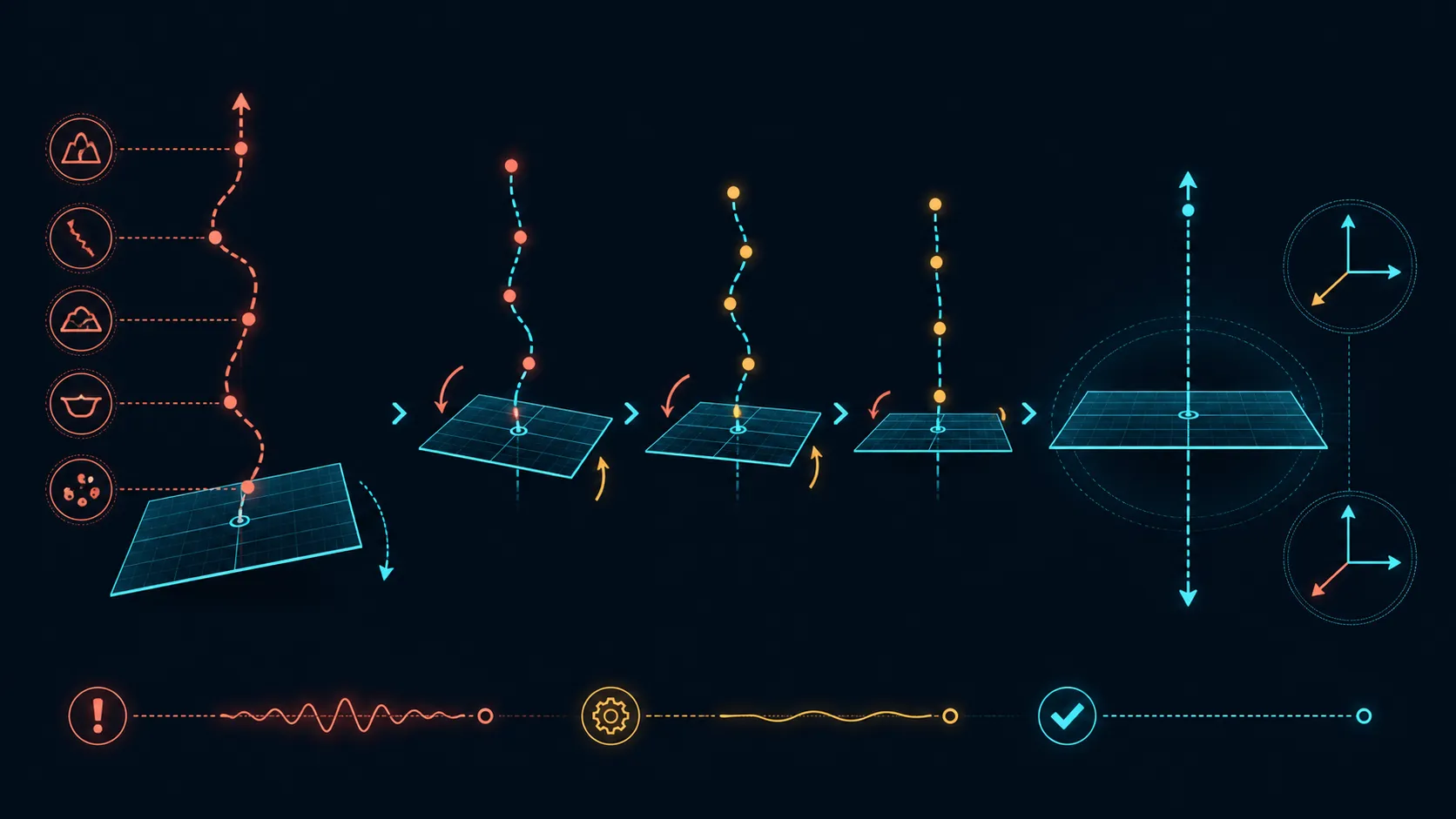
🛑 Stop and record the symptom
Release the control and note where the desk stopped, which direction it was travelling and whether the sound repeats. Do not keep cycling the mechanism to "see if it clears." A clear observation is more useful than multiple uncontrolled retries.
Consult the precise desk instructions before attempting any reset. Evetech's gaming desk range provides comparison context, not a substitute for the A4 Pro's operating procedure.
⚖️ Recheck load and placement
Total the PC, monitors, mounts, audio and accessories. The A4 Pro's desktop limit is 125kg. Look for newly added items or a changed arrangement without declaring distribution to be the definite fault.
Inspect above and below the worktop for contact with furniture or equipment. Exact dimensions are not required to notice a physical obstruction in the assembled setup.
🔌 Inspect moving connections
Watch cables at the position where the symptom occurred. A tight lead, trapped adapter or object entering the travel path needs correction before further testing. Do not assume the desk has built-in routing that protects every connection.
Use Evetech's gaming accessories collection to identify peripheral changes that may have altered the setup.
✅ Resume only with guidance
When the path is clear and load remains within 125kg, follow the model procedure for the next test. Stop again if uneven movement or noise returns. Keep the desk out of operation when the instructions call for support.
Precision height adjustment describes normal A4 Pro functionality; it does not provide a universal troubleshooting sequence. The sound also cannot prove one or two motors, their speed or the underlying cause.
Change only one visible setup variable before any authorised retest. For example, clearing an obstruction and rearranging the load at the same time would hide which condition mattered. A short log of position, equipment and result improves any later support conversation.
Do not open motor housings or improvise repairs from the noise description. The model procedure should define what the owner may inspect and when service is required. Keeping the symptom intact can be more useful than an unauthorised intervention.
After normal movement is restored, repeat only the necessary working positions and watch the previous trouble point. Add no new equipment until the original configuration behaves consistently under guidance.
Keep the time and load notes if support is needed. A concise record of what changed, where movement stopped and which checks were completed is more useful than a broad claim that the desk is noisy.
Stop movement, remove any trapped cable and compare the leg paths without changing several adjustments. Verify that the floor and frame are level, the load is distributed within 125kg and no object triggers anti-collision rebound. The system's positioning error is designed below 1mm. If one side continues to drift or mechanical noise persists after safe basic checks, use the product's service route rather than forcing repeated lifts.
Frequently Asked Questions
What should happen when movement becomes uneven?
Release the control, preserve the observed position and consult the exact model procedure before attempting another movement.
Can uneven loading affect movement?
Load arrangement is a useful inspection point, but diagnosis should follow model guidance rather than assume one universal cause.
What load limit applies to the A4 Pro?
Keep every supported computer, display, mount and accessory within the desk's combined 125kg capacity.
Does noise reveal the number of motors?
No. A sound does not diagnose a fault or reveal its cause; the A4 Pro's known architecture is dual motor.
Normal operation is rated below 45dB, so a new scrape, knock or uneven tone deserves a controlled stop and inspection. Clear trapped leads, balance the load and follow the model's reset or service procedure rather than forcing repeated movement.
Should cables and obstructions be inspected?
Yes, look for trapped leads, tight connections and nearby objects before any controlled retest.
How is normal A4 Pro movement described?
The desk provides precision height adjustment. Check normal noise, speed and reset procedures in the exact model guidance.
When should operation remain stopped?
Keep it stopped when the symptom repeats, the path cannot be cleared or the model instructions direct the owner to support.
Ready to troubleshoot one observed condition at a time?
Review Evetech's adjustable desk options after recording the symptom and following the exact A4 Pro guidance for any next action.