Quick Answer
Diagnose desk wobble before upgrading, because it is usually loose frame bolts or an uneven floor, not a fundamentally bad desk. Re-torque every bolt, add felt levelling feet, and brace the frame before replacing. Only if the desk lacks a cross-brace and racks badly under load should you buy a sturdier one (R1,500-R3,000 for a steel cross-braced model).
Diagnose the wobble first
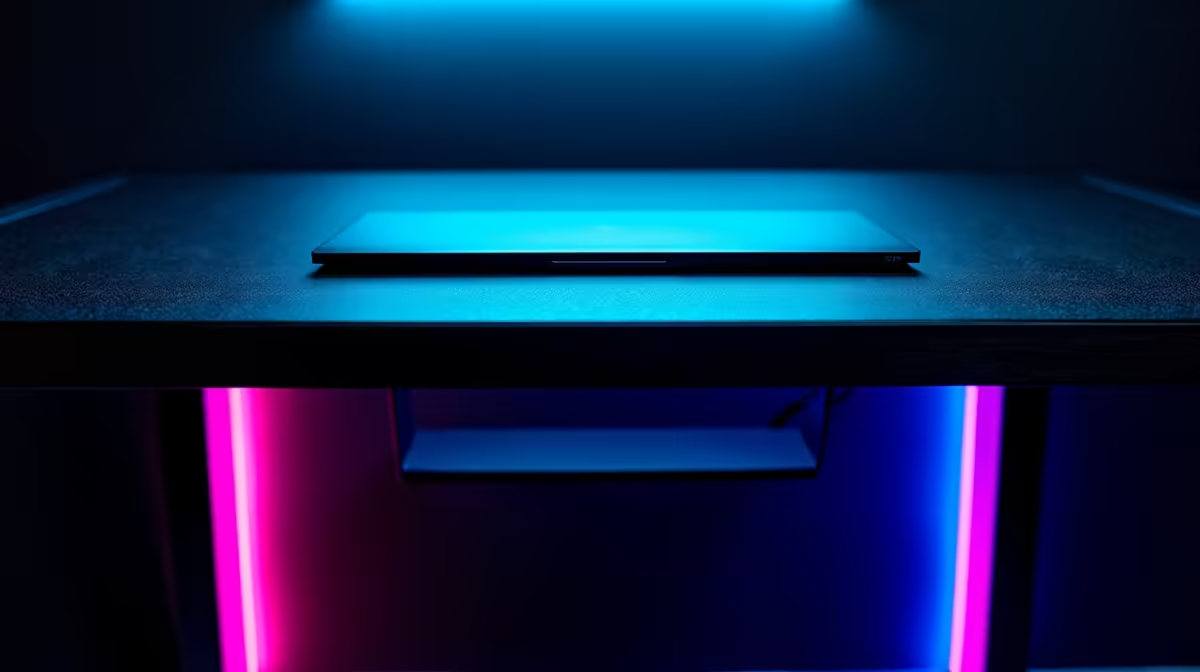
Most desk wobble has a cheap cause. Frame bolts loosen during the first weeks of use, so a full re-torque often removes the shake entirely, and an uneven floor under one leg is solved with R30 felt levelling pads or adjustable feet. A heavy monitor mounted high can amplify any movement, so lowering its centre of mass helps. Work through these before spending: tighten everything, level the legs, and test again, since a properly assembled desk is far steadier than a wobbly first impression suggests.
When the frame is genuinely weak
If you have tightened and levelled and the desk still racks side to side under a keyboard, the frame likely lacks a cross-brace, which is the structural feature that stops a desk swaying. Thin tubular legs without bracing wobble no matter how tight the bolts are, especially under a monitor arm or a heavy ultrawide. A replacement with a steel H-frame or cross-brace and a 25mm-plus top stays solid for years. Match the new desk's weight rating to anything you mount on it.
Buying it in South Africa
Evetech ships desks nationwide, and a steel cross-braced desk sits at R1,500-R3,000 if a replacement is justified. Before buying, re-torque the bolts and add levelling feet, which cure most wobble for almost nothing. If the frame genuinely lacks bracing, choose a steel H-frame model with a thick top, and check the weight rating if you mount a monitor arm, so the desk stays steady through years of use.
FAQ
Why does my gaming desk wobble?
Usually loose frame bolts or an uneven floor, not a weak desk. A full re-torque and felt levelling pads cure most wobble. Persistent racking under load points to a frame that lacks a cross-brace.
How do I stop desk wobble cheaply?
Tighten every bolt, add R30 felt levelling feet under uneven legs, and lower a high-mounted monitor's position. Those steps remove most shake for almost nothing before any replacement is needed.
When should I replace a wobbly desk?
When tightening and levelling fail and the frame racks side to side under normal use. That signals a frame without bracing, and a steel H-frame or cross-braced desk is the genuine structural fix.
bolts and add levelling feet first. Most desk wobble is loose hardware, and only a frame without a cross-brace truly needs replacing.