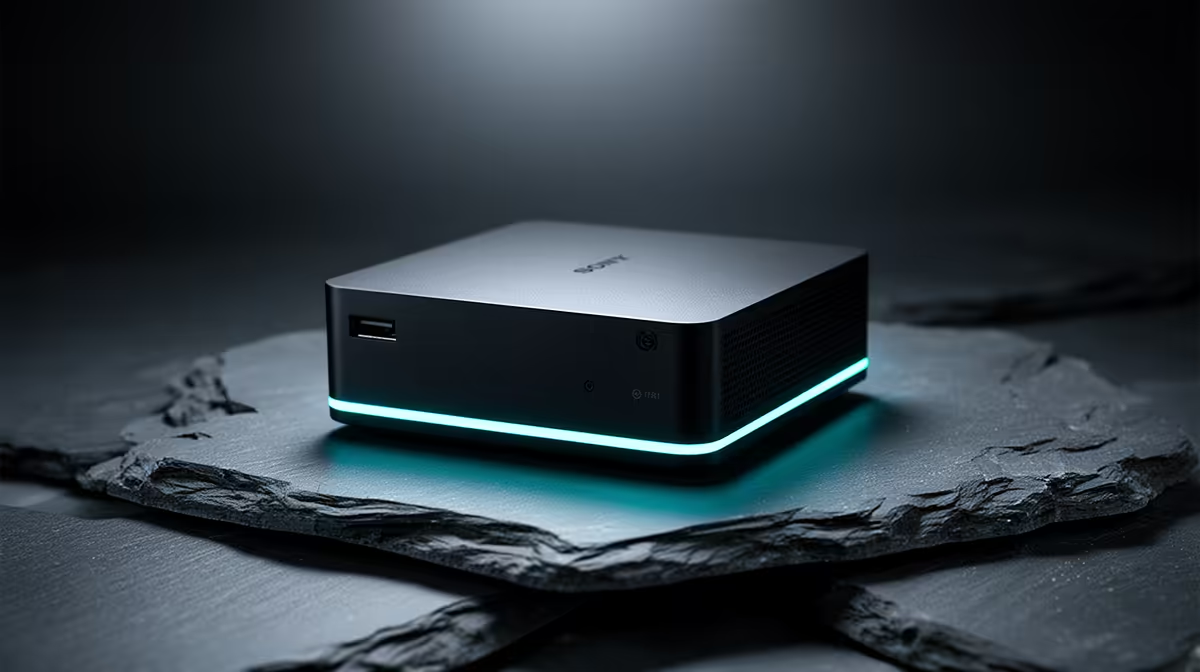
A mini PC that flew through tasks in winter can crawl in a hot Highveld summer, and the culprit is almost always heat. Fanless and small-fan designs lean on passive or low-airflow cooling, so a warm room or a blocked vent pushes the processor straight to its temperature limit, where it deliberately drops its clock speed to protect itself. The result is sudden frame drops in games and sluggish apps, on the exact same hardware that felt fast a few months earlier.
Quick Answer
Mini PCs throttle in warm rooms because their compact cooling cannot shed heat fast enough above roughly 24C ambient. The CPU hits its thermal limit and down-clocks to avoid damage, cutting sustained performance. Improve airflow, clear the vents and cool the room to fix it.
Why Small Machines Throttle
When a processor gets too hot it engages thermal throttling, intentionally slowing itself to bring the temperature back down before damage occurs. Every modern CPU does this; it is a safety feature, not a fault. The catch with a mini PC is how little thermal margin it starts with. A tower has a large heatsink and case airflow to spare, while a mini PC packs everything into a box the size of a paperback, so it reaches its limit far sooner.
Ambient temperature is the multiplier. A mini PC working hard in a 30C room has a much harder job shedding heat than the same unit in a 20C office, because cooling depends on the gap between the chip and the surrounding air. The smaller that gap, the slower the heat leaves, and the sooner the machine throttles. The sweet spot is keeping the room between roughly 18C and 24C.
What You Can Actually Do
Most fixes are simple and free. The order below tackles the biggest causes first.
Start with placement and ventilation. Put the mini PC in open air with clearance on every side, and never seal it inside a cabinet, behind a TV, or on a soft surface like a couch or carpet that blocks the vents. Insulating surfaces are a common silent killer of mini PC performance.
Clear the dust. Every three to six months, power down and use compressed air to blow dust out of the vents and visible cooling fins. Dust forms an insulating blanket that wrecks cooling efficiency, and it builds up faster than people expect in a typical home.
Manage the room. Running a fan or air conditioning to bring ambient temperature down directly reduces the thermal stress on the machine, which is often the single most effective change in a hot South African summer. For units with fans, a cheap USB-powered cooling fan blowing across the chassis can meaningfully improve airflow.
For heavy, daily use, the thermal paste between the chip and heatsink eventually dries out; replacing it every two to three years restores cooling, while light use can go five years before it matters. If throttling persists after all of this, the machine may simply be underpowered for the workload, and a unit with more capable cooling from the mini PC range at Evetech is the honest fix. Fully passive fanless models are silent but are built for light tasks; pushing one with demanding work guarantees throttling, so match the machine to the job, and the best-selling PCs at Evetech are a good place to compare cooling headroom.
Frequently Asked Questions
What temperature is too hot for a mini PC?
The processor protects itself by throttling as it nears its rated limit, often around 95C to 100C on the chip. The practical guide is ambient room temperature: aim to keep the room between 18C and 24C so the machine has margin to cool.
Is throttling damaging my mini PC?
No, throttling is the protection, not the harm. It slows the chip to prevent overheating damage. It does cost you performance, so if it happens constantly you should improve cooling rather than ignore it.
Will an external fan really help?
Yes, often noticeably. A USB-powered fan blowing across the chassis adds the airflow that a compact design lacks, helping carry heat away. It is one of the cheapest and most effective fixes for a throttling mini PC in a warm room.
My fanless mini PC throttles under load, is it faulty?
Probably not. Fully passive models are designed for light, low-power tasks and will throttle under sustained heavy workloads by design. If you need consistent performance under load, choose a model with active cooling instead.
Stop the summer slowdown before it starts. Compare mini PCs with the cooling headroom your workload needs in the mini PC range at Evetech and keep performance steady all year.