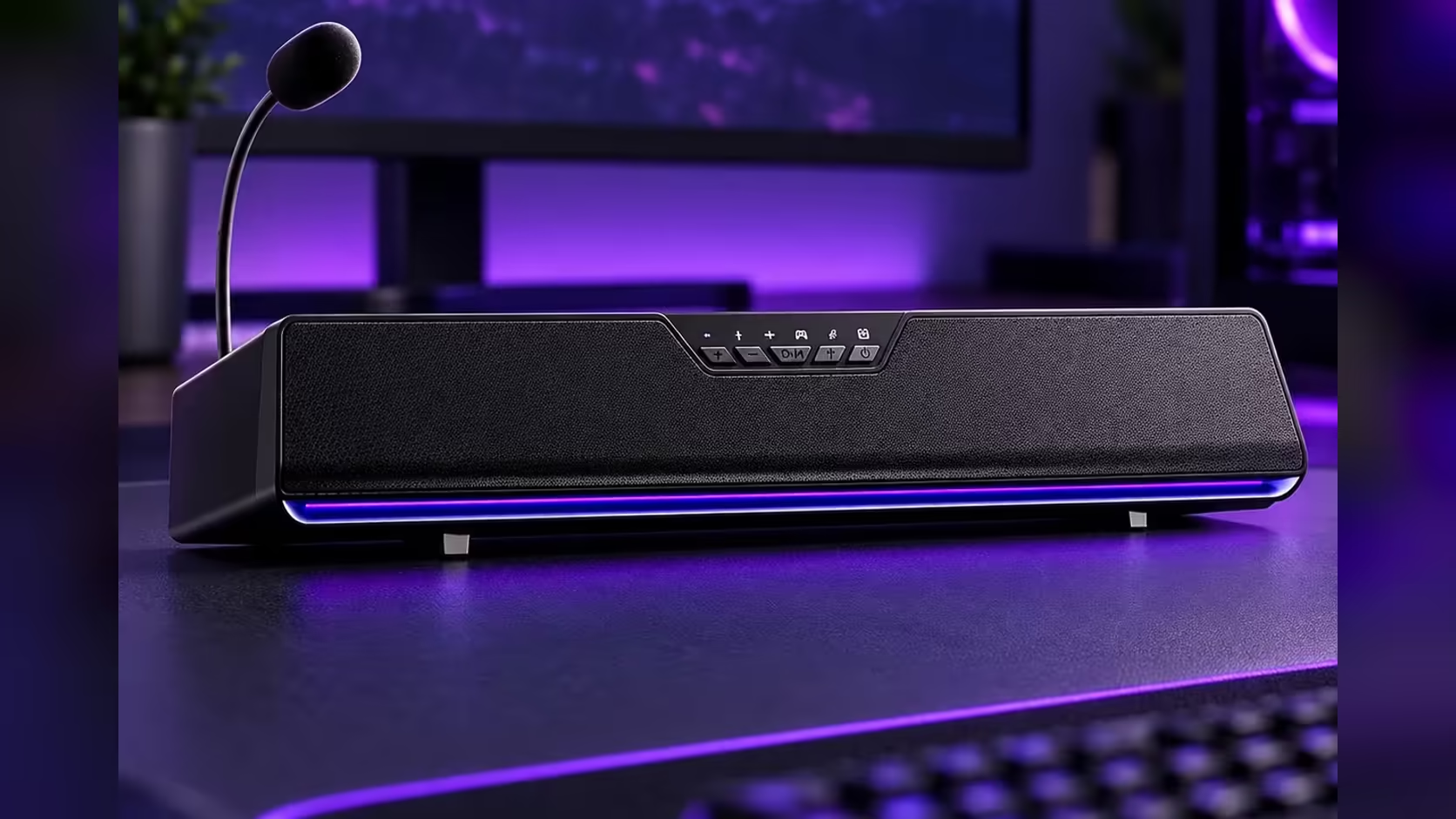
A soundbar tucked neatly beneath a screen looks tidy in photos, but real desks have monitor stands, keyboard trays and cable clutter in the way. Before you picture the AULA GS6 Pro as a soundbar under monitor setup, it pays to measure three gaps on your own desk. The bar's dimensions are fixed, so the question is simply whether your space matches them.
Quick Answer
The AULA GS6 Pro measures 410 x 80 x 76mm (width, depth, height), so it needs 410mm of free width, 80mm of depth and 76mm of clearance under the bottom edge of the screen. Its body tilts up 10 degrees towards you, and its 1.4m USB cable, which carries both sound and power, sets how far from the PC it can sit. Evetech's price for the GS6 Pro is R349.
📏 The three measurements that decide the fit
Grab a tape measure and check each of these with the monitor at the height you normally use.
Width: 410mm
Measure the clear space in front of the monitor stand from side to side. Most monitor bases are narrower than 410mm, so the bar usually spans past them, but a wide V-shaped or pedestal foot can get in the way of the ends. If the bar sits in front of the stand rather than over it, width is rarely a problem.
Depth: 80mm
The bar is 80mm from front to back. If the stand's foot occupies the space directly under the screen, the bar has to sit in front of it, which pushes your keyboard forward by roughly that amount. Check that you still have comfortable keyboard and mouse room once it is in place.
Height: 76mm
Measure from the desk surface to the lowest edge of the screen. You need at least 76mm, plus a little extra so the bar does not touch the panel. Height-adjustable stands make this easy; fixed-height stands on smaller monitors can sit lower than you expect.
📐 What the 10-degree tilt does
The GS6 Pro is not a flat block. AULA angles its body up 10 degrees towards you, so the sound points at a seated listener rather than skimming across the desk surface. For a bar that sits low, below a monitor, that tilt helps the audio reach ear level without you having to prop it up on anything.
It also means the front of the bar, a metal mesh over the drivers, faces you slightly upwards. Leave a little extra height above the rear edge so the angle does not bring it into contact with the screen.
🔌 Cable reach and the rest of the desk
The bar runs on a single 1.4m USB cable that carries both sound and power, so there is no separate adapter to place. That cable sets the limit: the bar must sit within 1.4m of a USB port on your PC. With a tower beside the desk, that is usually easy; with a PC on the floor at the far end, plan the route in advance.
A few other features affect placement. The detachable 360-degree mic rides on a boom, so allow for it when judging clearance, the 3.5mm headphone output should be reachable from your seat, and the 15 RGB LEDs sit along the base of the bar.
If 410mm is too wide for your desk, Evetech's desktop speakers cover other layouts, and the wider speakers catalogue covers other shapes. Manufacturing faults in the bar's ABS body and metal mesh front fall under Evetech's 1 Year Local Warranty.
Frequently Asked Questions
Will the GS6 Pro fit under a 24-inch monitor?
Screen size matters less than stand height. Check for at least 76mm of clearance below the panel and 410mm of free width.
Can it sit in front of the monitor stand instead?
Yes. You will need 80mm of depth in front of the stand, which moves your keyboard forward a little.
Why does the bar tilt?
AULA angles it up 10 degrees so the sound aims at a seated listener.
How far from the PC can it go?
Within 1.4m of a USB port, since one cable supplies both sound and power.
Does it need its own power socket?
No. Power comes from the same USB cable as the audio.
Ready to reclaim the space under your screen?
Measure the gap beneath your screen, then check the compact soundbars in Evetech's speakers range against it.