


Quick Answer
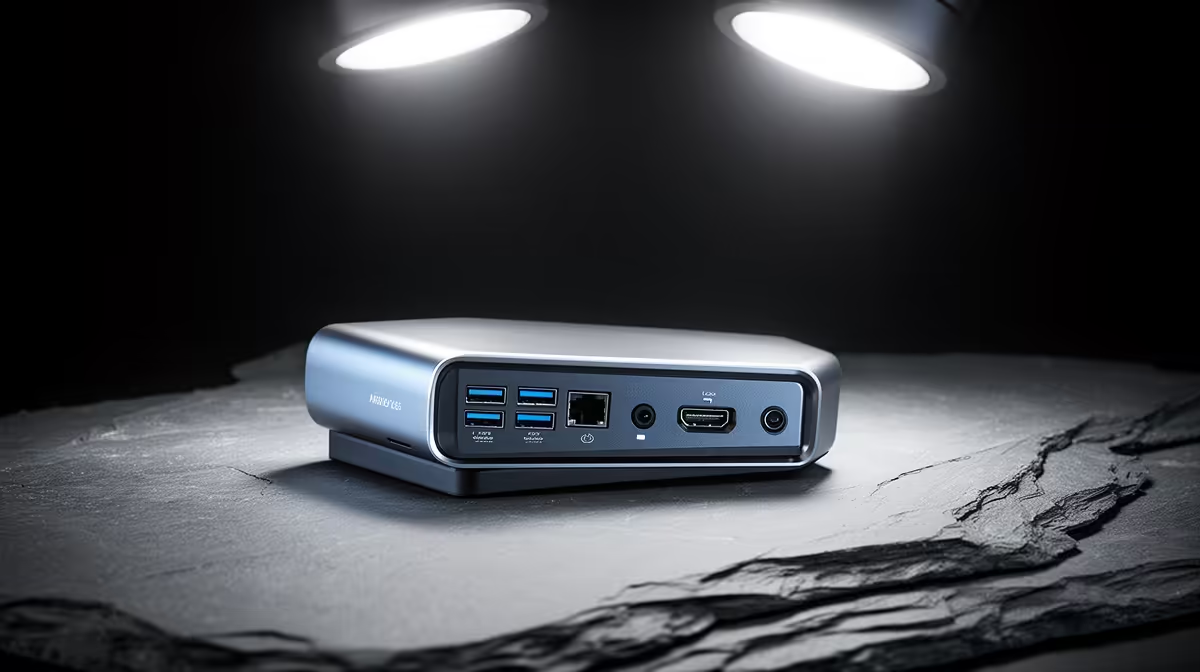
Entry-level docking stations are enough for home lab servers as long as they provide reliable Gigabit or 2.5G Ethernet and a couple of USB 3 ports; servers need networking and storage connectivity, not multi-4K display output. A R1,500-R2,500 USB-C dock at Evetech with 2.5G Ethernet and USB 3 ports covers most home lab nodes well.
Why Entry-Level Suffices for a Server
A home lab server is usually accessed remotely and rarely drives monitors, so the expensive features of premium docks, dual 4K display output and 40 Gbps Thunderbolt bandwidth, are wasted. What a server actually uses is reliable wired networking and a few USB ports for external storage. An entry-level USB-C dock that delivers Gigabit or, better, 2.5G Ethernet plus a couple of USB 3 ports meets those needs fully. So for a home lab, the entry tier is genuinely enough; paying for a Thunderbolt dock adds capability the server never touches.
The one upgrade worth a little extra is 2.5G Ethernet over plain Gigabit, which speeds backups and transfers across the lab.
Where to Be Careful With an Entry Dock
The trade-off with cheap docks is controller reliability. A home lab values uptime, so choose an entry dock with a well-supported, stable Ethernet controller rather than the absolute cheapest, which can drop connections under sustained load. Confirm the host's port supports the dock's bandwidth, and that a USB-C mini PC server can draw power through the dock if you want a tidy single-cable setup. Within those checks, an entry dock serves a home lab node reliably.
SA Buying Notes
Locally stocked docks at Evetech list connection type, Ethernet speed, USB ports and power delivery. For a home lab, an entry USB-C dock with 2.5G Ethernet, USB 3 ports and a reliable controller is enough. Confirm your host's port and whether it needs power through the dock; display count is largely irrelevant for a server.
FAQ
Is an entry-level dock enough for a home lab server?
Yes. A server needs reliable wired networking and a few USB ports, not multi-4K display output, so an entry USB-C dock with Gigabit or 2.5G Ethernet and USB 3 ports covers it. A premium Thunderbolt dock adds capability a server never uses.
Should I get Gigabit or 2.5G Ethernet for a home lab?
2.5G Ethernet is worth the small extra if your lab does frequent backups or transfers, since it lifts throughput beyond Gigabit. For light use, Gigabit is fine. Either way, choose a dock with a stable, well-supported Ethernet controller for uptime.
What should I watch for in a cheap server dock?
Controller reliability. The cheapest docks can drop connections under sustained load, which a home lab cannot tolerate. Pick an entry dock with a well-supported Ethernet controller, and confirm the host's port bandwidth and any power-through-the-dock need.
home lab, an entry USB-C dock with 2.5G Ethernet and USB 3 ports is enough; spend the small extra on a stable, well-supported controller for uptime rather than on Thunderbolt display features a server never touches.










