


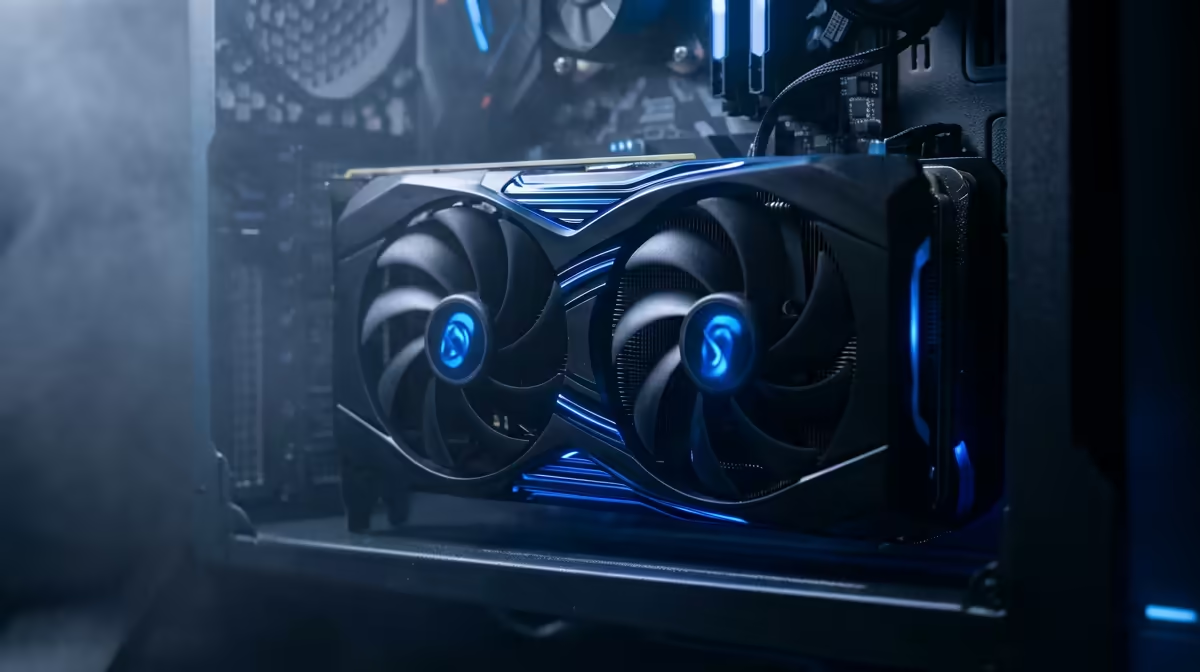
Quick Answer
Yes, easily. The RTX 5090 runs Marvel Rivals at 1440p on Ultra above 200 fps without upscaling, so you are CPU- and monitor-bound rather than GPU-limited. A 1440p 240Hz panel is the right pairing for this fast-paced hero shooter.
Built for high-refresh competitive play
Marvel Rivals is a destructible-environment hero shooter that rewards high frame rates, and the 5090 delivers 200-260 fps at 1440p Ultra. For competitive play you can drop a couple of effects-heavy settings to keep the 1% lows steady during ability-spam team fights, but textures and core visuals can stay maxed thanks to the 32GB buffer. The card produces far more frames than a 144Hz screen can show.
CPU and panel finish the build
At these frame rates the CPU matters, so a Ryzen 7 9800X3D keeps the lows tidy when six abilities trigger at once. Pair it with a 1440p 240Hz panel, which range from around R12,000 to R22,000 at Evetech, to actually use the frames the 5090 produces. For ranked play, enable a low-latency mode and cap a few frames under your refresh for clean pacing. For ranked Marvel Rivals, disable any GPU-heavy effects that obscure enemy abilities, since clean visibility during chaotic team fights wins more rounds than a marginally higher peak frame rate.
FAQ
What FPS does the 5090 get in Marvel Rivals at 1440p?
Around 200-260 fps on Ultra without upscaling, capped in practice by your CPU and monitor refresh. Effects-heavy team fights sit at the lower end.
Should I use DLSS in Marvel Rivals?
Not at 1440p on a 5090. Native rendering already exceeds 200 fps and gives the clearest target visibility. Reserve DLSS for 4K if you play there.
What monitor pairs best for Marvel Rivals?
A 1440p 240Hz panel. The card outpaces a 144Hz screen, so a high-refresh monitor is where you feel the competitive edge.
Buyer Tip
Enable a low-latency mode and cap your frame rate a few frames under your 240Hz panel's refresh; with a 5090 in Marvel Rivals, clean frame pacing matters more than chasing the absolute peak number.









