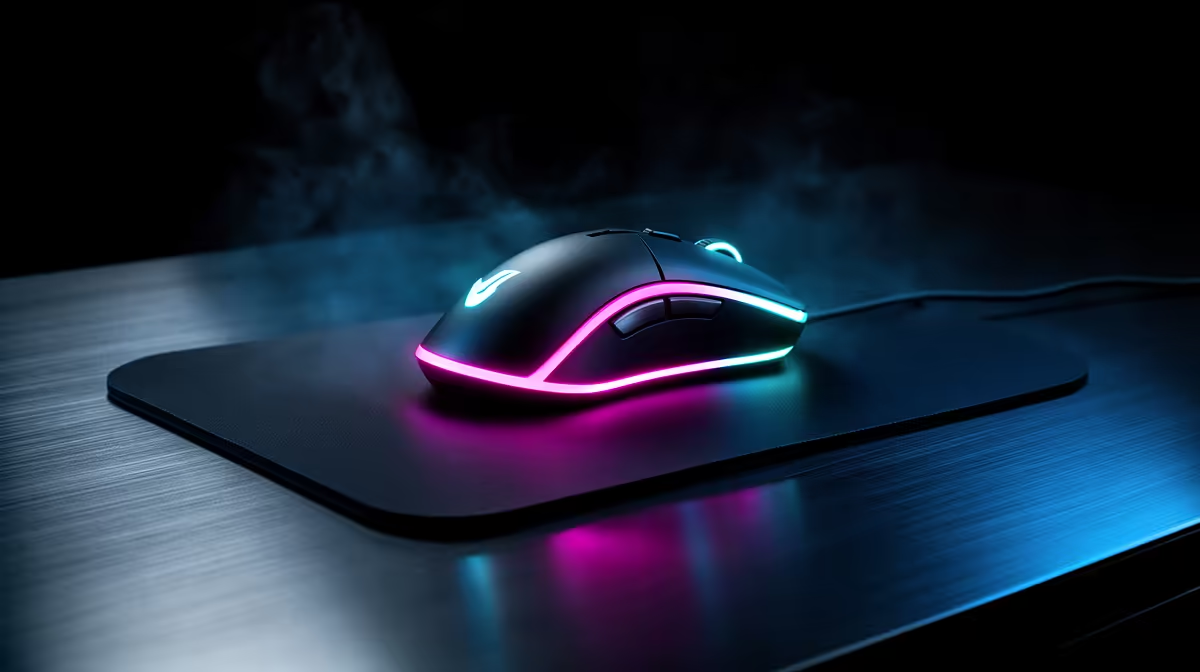
A charging pad can remove the cable routine and lock your next mouse choice to one compatible system. Wireless charging mousepads make sense when desk convenience outweighs ecosystem limits, added hardware and the price of both parts.
Quick Answer
A wireless charging mousepad is convenient when it supports the exact mouse or charging puck and keeps the battery topped up during normal use. These systems are rarely universal. Check the wireless protocol, required module, pad size, surface, cable, heat behaviour and replacement support. For most desks, plugging in between sessions remains simpler and gives you a wider choice of mouse and pad.
Start with charging compatibility while browsing current gaming mouse deals. Then use popular mouse models to compare battery life and shape beyond the closed charging ecosystem.
Compatibility comes before convenience
Look for an explicit list of supported mice and required charging puck, base plate or receiver. A mouse that supports ordinary wireless charging may still need coil alignment or another pad mode.
Do not place metal objects, an unsupported battery or a phone on the pad unless the maker permits it. Follow the supplied power and cable specification.
Count the added mouse weight
Some systems replace a removable puck under the mouse. Compare the mouse mass with and without that module and check whether the balance shifts. A few grams near the rear can feel more important than the number suggests.
Play one long session with the charging part fitted. Comfort and shape still matter more than never seeing a cable.
Test the pad as a pad
Check surface speed, stopping control, edge stitching or hard edge, size and cleaning method. The charging area should not create a bump or tracking change.
Use the mouse's battery report to confirm charging during ordinary movement. Watch for heat in the mouse, pad module and cable. Mild warmth can occur; warnings, deformation, smell or excessive heat mean you should disconnect and use the authorised support route.
Charging speed may be lower than a direct cable and can vary with use. The goal is maintaining charge, not winning a charging race.
Decide from your routine
If your mouse already lasts through many sessions and you remember one cable charge, the pad solves little. It earns space when forgotten charging interrupts play and the supported ecosystem already contains your preferred mouse.
Keep the direct cable. It provides recovery when the pad, module or desk arrangement fails.
Measure battery movement
Note the battery level before and after two normal sessions with pad charging enabled. Repeat with lighting and high-performance wireless settings as you use them. A percentage that stays flat can be the intended top-up behaviour, while a steady fall means the system is not keeping pace.
Check whether charging continues when the PC sleeps or shuts down. USB standby power and pad controls vary. Do not leave an unexpectedly hot pad powered unattended.
FAQ
Does any wireless mouse work?
No. Use the exact maker's compatibility list and required charging module.
Does the module add weight?
It can. Check mass and balance with the installed puck or plate, then test your normal grip.
Can I use it as an ordinary pad?
Usually, but surface feel, cleaning and power-off behaviour are model-specific. Test the complete pad.
Verify the exact mouse and charging module, test weight plus surface feel, and buy the pad only when it fixes a charging habit you actually have.