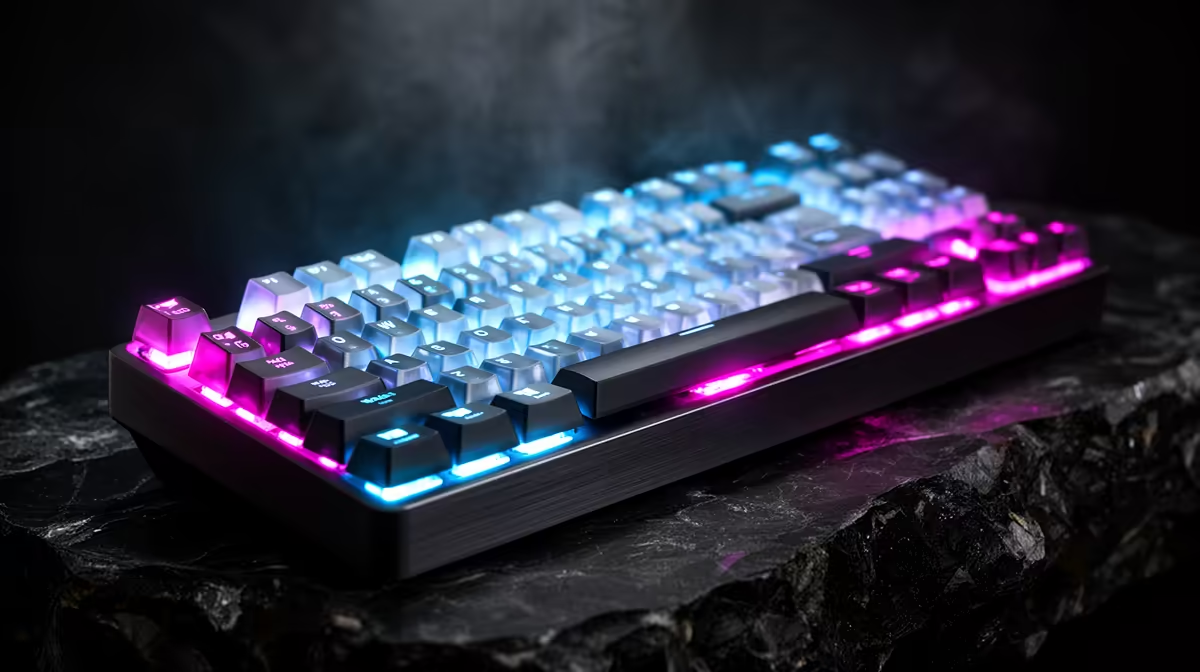
The cable is no longer the only credible route to ranked play. A good wireless keyboard latency result depends on a purpose-built dongle mode, clean radio placement and a measured response from the exact board.
Quick Answer
A well-designed 2.4GHz wireless gaming keyboard can be fast and stable enough for ranked play in 2026. The connection label alone does not prove it. Check measured latency, report consistency, battery behaviour, receiver placement, rollover and whether the board keeps its profile after sleep. Bluetooth often uses a lower-power, broader-compatibility path and can show more delay, but exact models differ. Keep the receiver close, bring a cable to events and test the keyboard through a full match before trusting it.
Receiver mode is the competitive baseline
A proprietary receiver lets the maker tune both ends of the link. It can support a high report rate and predictable wake behaviour.
Place the dongle away from a metal PC case and busy USB hub. Use the supplied extension when the manufacturer provides one.
Both the receiver and Wi-Fi share 2.4GHz spectrum. Headsets, routers and other accessories can still create interference.
Bluetooth suits another job
Bluetooth can save a USB port and switch between laptops or tablets. Its latency and rollover depend on the board, host adapter and mode.
Use it for work or casual play when the result is clean. For ranked, compare receiver and cable mode first.
Test battery and sleep
Set the intended lighting and polling rate, then run several sessions. Watch whether low battery changes performance or only gives a warning.
Wake the board before queueing and confirm the correct onboard profile. Bring its supported cable as a fallback.
Test the venue and home radio
Run the keyboard beside the wireless headset, mouse and router you use in ranked play. Hold several keys, type chat and watch for a missed release while all devices are active.
Move the receiver onto the desk through its supplied extension. Keep it away from a metal case and crowded USB cluster. A clean receiver design can still fail through poor placement.
At a LAN, ask whether wireless keyboards are permitted. Venue rules can require wired mode to control interference or simplify inspection. A board can be fast enough and still be the wrong event choice.
Check rollover and profile recovery
Press the key combinations your game uses, including movement plus modifiers and an ability. Confirm every key appears in the tester.
Sleep and wake the PC, then repeat. The keyboard should restore its polling, actuation and lighting profile without a missed first press.
Keep a manual profile shortcut. App-linked switching can load the desktop setting when the game launches through another executable.
Browse gaming keyboard deals for exact wireless modes and onboard memory. Check popular keyboards for complete layouts and current options.
FAQ
Is wireless fast enough for ranked?
Good receiver-based models can be. Verify the exact board's latency, stability and event rules.
Does low battery add lag?
Behaviour varies. Some boards warn, reduce lighting or disconnect. Test the model near its low-battery state.
Does Evetech list ranked-ready wireless boards?
Use the live listings for connection modes and specifications, then judge tournament fit from measurements and current rules.
Test receiver, cable, sleep recovery and low-battery behaviour through one full ranked-length session before leaving the wire at home.