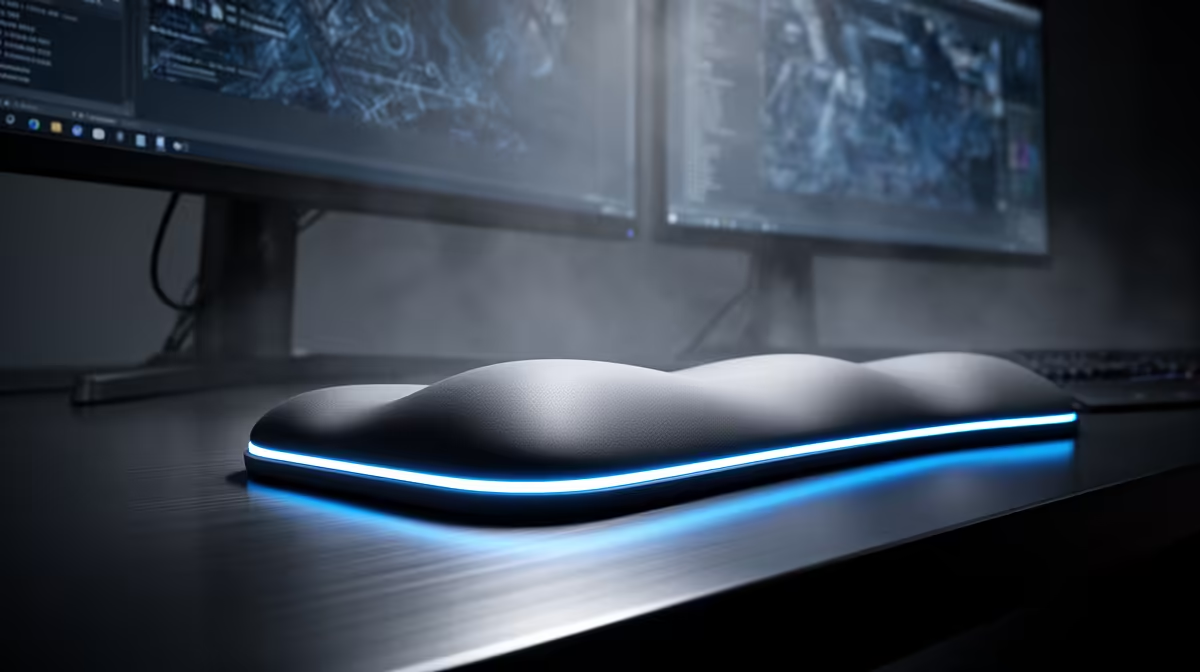
Dell SE2726H 27in FHD 144Hz at R1,797 suits a South African home-office worker who wants smoother dual-screen productivity without overspending on the main monitor. A wrist rest can be worth it when the keyboard and mouse sit in one fixed place all day, but the bigger comfort gain often comes from giving documents, browser windows, chats, and spreadsheets enough screen room so your shoulders stop twisting between tasks.
Dual-screen comfort starts with the screen choice
The Dell SE2726H 27in FHD 144Hz at R1,797 is the strongest first pick here because the 27in size gives each window more breathing room, while the 144Hz refresh rate keeps cursor movement and scrolling feeling cleaner across a busy desk. Pairing two of these creates a wide, consistent workspace for email, research, admin tabs, and video calls.
The Dell SE2426H 23.8in FHD at R1,532 is better when desk depth is tight or when the second screen is mainly for Teams, inboxes, notes, or reference pages. Its 23.8in FHD panel keeps the setup compact, so a wrist rest, keyboard, mouse mat, and notebook can still fit without crowding the front edge of the desk.
Home office desk setup in South Africa
For a practical local desk setup, the Dahua LM27 100Hz at R1,500 works well as a value 27in FHD screen beside a laptop or existing display. The 100Hz spec is useful for everyday productivity because moving between windows feels less tiring than a basic office panel, especially when the workday includes long browser sessions.
The MSI PRO MP275W at R1,850 is also worth considering when you want a cleaner-looking work area and a 27in FHD class screen for longer reading sessions. In this use case, a wrist rest helps most when your chair height, keyboard position, and monitor distance are already sensible.
Ready to choose the right monitor?
For wrist rest dual monitor productivity, put Dell SE2726H 27in FHD 144Hz at R1,797 first and judge the setup around its listed spec.