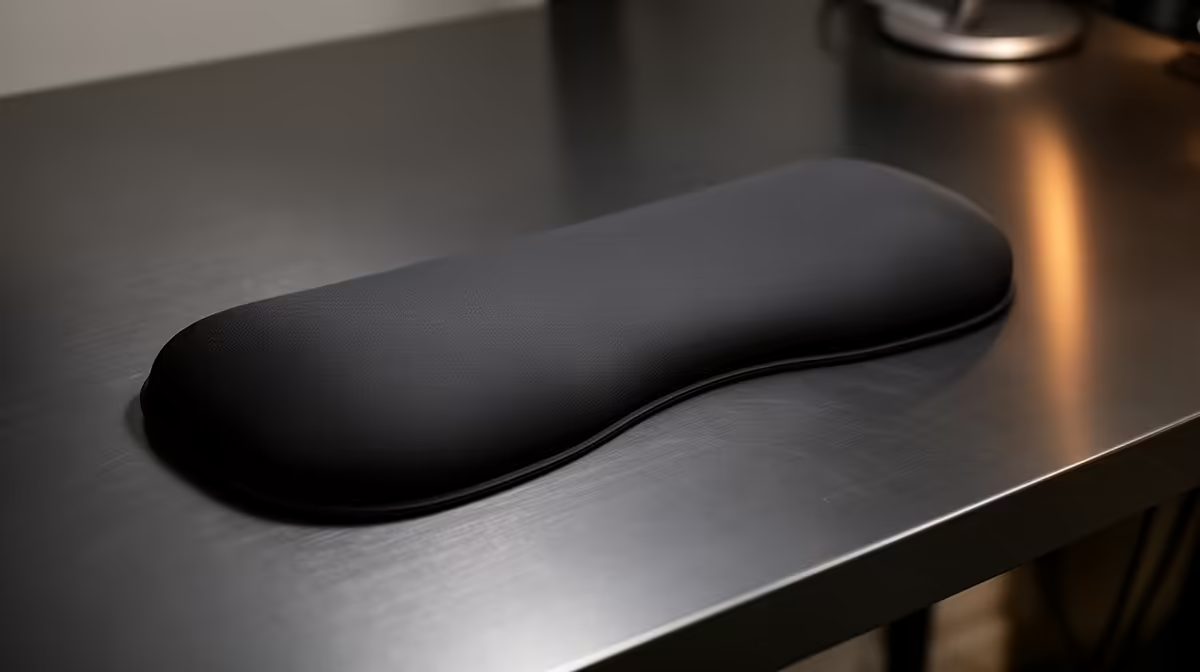
A wrist rest is worthwhile for Teams work when long typing and shortcut use leaves the hands unsupported, but it has no effect on call quality. The rest should support the heel of the palm during pauses without forcing the wrists upward.
Check the complete call posture
Place the keyboard near the body, set chair height for relaxed shoulders and match the rest to the keyboard front edge. Type chat, take notes and use mute shortcuts during a mock call. Ensure the support does not restrict the mouse or trap heat. Remove it if tingling or pressure appears.
Camera position and microphone reach can also make users lean forward. Correct those before treating padding as a posture solution. Take movement breaks between meetings and alternate hands where practical.
Teams users frequently switch between laptop and external keyboard positions. If the support stays on the desk, ensure it does not create a pressure point when the laptop is used alone. Store it flat so the padding does not curl or lose shape.
Video-call posture changes when the camera sits above a laptop rather than the main monitor. Repeat the rest test with the actual call screen and note-taking surface.
No wrist-rest SKU or verified price appears in the supplied facts. Compare dimensions, firmness, washable material, non-slip base, warranty and return conditions.
Improving a Teams desk? > Browse Evetech comfort accessories after measuring keyboard height.