


Quick Answer
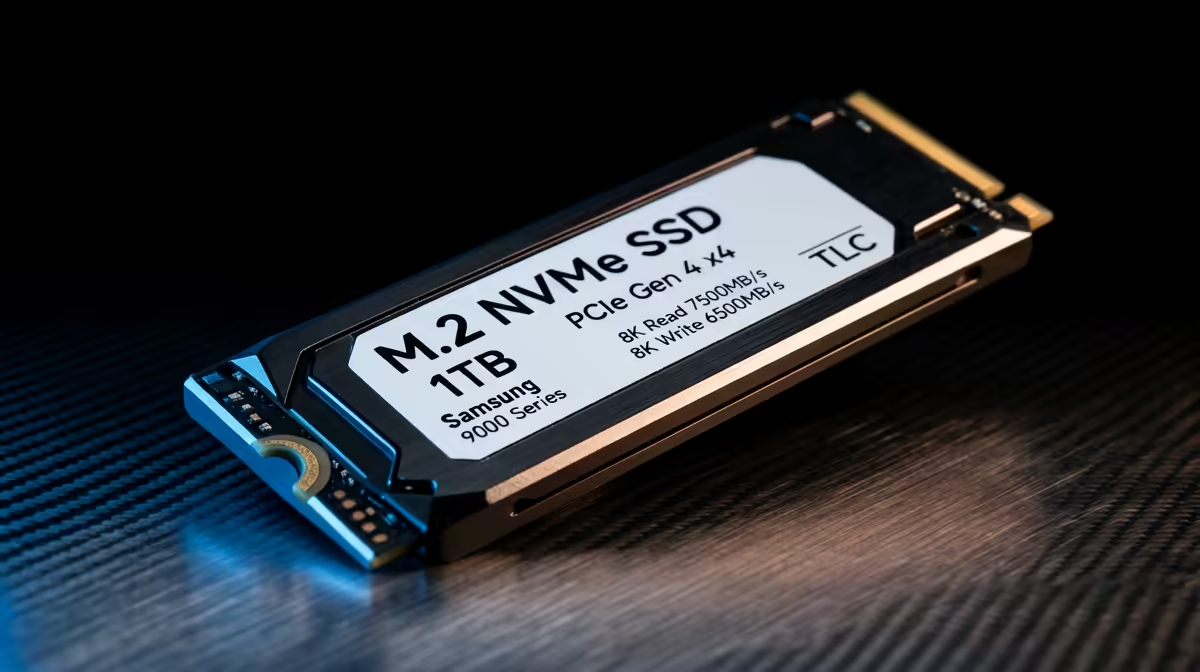
The Samsung 990 Pro 1TB (~R1,400 at Evetech) is the best-value 1TB Gen 4 NVMe for Z890 builds — it delivers 7,450 MB/s sequential reads, 6,900 MB/s writes, 600 TBW endurance, and comes with SA distributor warranty. For Z890 builders who want the fastest M.2_1 slot filled without paying the Gen 5 premium, the 990 Pro is the benchmark pick.
Why 1TB Gen 4 Still Makes Sense on Z890
Z890 boards (Intel Core Ultra 200S, Arrow Lake) support PCIe 5.0 x4 in M.2_1 and PCIe 4.0 x4 in secondary slots. A Gen 4 NVMe in M.2_1 runs at its rated 7,000 MB/s ceiling — the Gen 5 capability of the slot is unused but there is no penalty; the drive simply operates at Gen 4 interface speed. For SA builders whose workflow is gaming and general use, 7,000 MB/s sequential reads exceed anything the workload demands.
The value case: a 1TB Gen 5 NVMe costs R2,000–R3,400 at Evetech for genuine sequential gains relevant only to sustained sequential workloads. A 1TB Gen 4 at R1,100–R1,400 fills the same slot and delivers identical gaming performance — load times in Cyberpunk 2077 or Elden Ring are unchanged between Gen 4 and Gen 5.
Top 1TB Gen 4 NVMe Picks for Z890 SA Builders
Three drives dominate the value bracket for Z890 Gen 4 NVMe:
- Samsung 990 Pro 1TB (~R1,400): DRAM cache, 7,450 MB/s read, 600 TBW, best-in-class random IOPS. The default recommendation for gaming builds.
- WD Black SN850X 1TB (~R1,500): 7,300 MB/s read, 600 TBW, strong random read performance, excellent sustained write consistency. Marginally faster in random reads than the 990 Pro.
- Seagate FireCuda 530 1TB (~R1,600): 7,300 MB/s read, 1,275 TBW — highest endurance in the 1TB Gen 4 class. Ideal for workstation builds with heavy daily write loads.
All three carry local SA warranty and are stocked at Evetech. The 990 Pro offers the best random IOPS-to-price ratio; the FireCuda 530 justifies its premium with class-leading TBW for write-heavy builds.
Z890 Platform Context for Gen 4 NVMe
On Z890, M.2_2 and M.2_3 typically run at PCIe 4.0 x4 via the chipset. A 1TB Gen 4 drive in any of these slots performs identically to M.2_1 in gaming workloads — the chipset DMI bandwidth is sufficient for one or two concurrent drives at 7,000 MB/s each. Z890 builders can confidently populate secondary slots with Gen 4 drives for game library storage without performance penalty.
FAQ
Is a 1TB NVMe enough for a Z890 gaming build in SA?
For OS and active game installs, 1TB is tight but functional — most SA gamers keep 5–10 active games installed totalling 150–400GB. A 1TB OS drive paired with a 2–4TB secondary NVMe for the full library is the comfortable configuration. 1TB alone requires regular uninstalling of unused titles.
Does a Gen 4 NVMe slow down Z890 compared to Gen 5?
Not in gaming. Games load from random 4K reads, where Gen 4 and Gen 5 drives perform nearly identically. Gen 5's speed advantage is in sustained sequential writes — relevant for video editing but not gaming. For gaming on Z890, Gen 4 at R1,100–R1,400 is the better value choice.
Which warranty covers 1TB Gen 4 NVMe drives bought at Evetech in SA?
Samsung, WD, and Seagate all provide five-year warranties on their flagship Gen 4 NVMe drives, backed by local SA distributors. Warranty claims are processed through the importer, with typical turnaround of 7–14 business days for drive replacement.
fit the Samsung 990 Pro 1TB in M.2_1 for your OS and current game installs, then add a 4TB Gen 4 NVMe in M.2_2 for game library — total spend under R4,600 at Evetech gives you a fast boot drive and ample storage without paying the Gen 5 premium.










