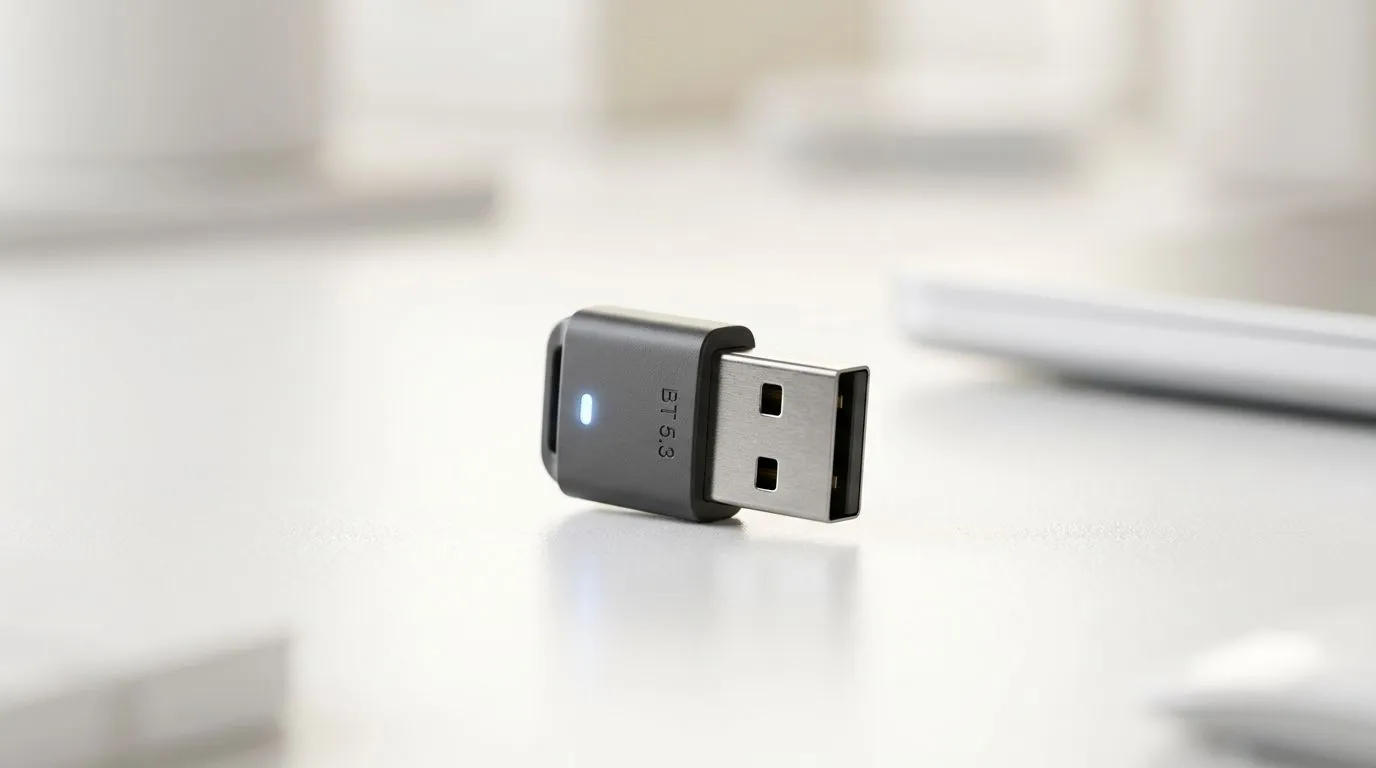
Why Your PC Needs a Bluetooth 5.3 Upgrade
Are you tired of your wireless controller disconnecting mid-match or your headphones stuttering during a crucial lobby chat? You aren't alone. Many South African gamers are still relying on outdated onboard Bluetooth or cheap, unreliable dongles that struggle with modern interference. If you want a seamless experience, learning how to add Bluetooth 5.3 to PC is the single most effective way to stabilise your peripheral connectivity and reduce input lag significantly. ⚡
The Benefits of Moving to Bluetooth 5.3
Bluetooth 5.3 isn't just a number on a box; it brings tangible improvements for the local user. You get lower latency, better power efficiency, and improved connection reliability. This is vital when you’re gaming in a room full of Wi-Fi signals and other wireless devices. To start your upgrade, you should browse our full range of network adapters to see what fits your current motherboard setup. 🚀
Choosing the Right Hardware
When selecting your card or dongle, brand reliability matters. We often recommend looking at TP-Link network adapters for those who want a "plug and play" experience with rock-solid driver support. If you are on a tighter budget but still need high-speed performance, Cudy network adapters offer fantastic value for money, often costing less than R500 while providing the latest connectivity standards. 🔧
Signal Strength Pro Tip ✨
If your PC tower is tucked under your desk or against a wall, use a PCIe adapter that includes an external antenna base. Placing the antenna on top of your desk, rather than behind the metal chassis, will drastically reduce signal interference and keep your connection crystal clear during intense gaming sessions.
Simple Installation Steps
Installing a PCIe Bluetooth card is straightforward. Power down your system, unplug it, and slot the card into an available PCIe x1 slot on your motherboard. Once you have secured the bracket with a screw, boot up Windows, and the system should auto-detect the hardware. If it doesn't, simply download the latest drivers from the manufacturer's website to ensure you are running the most stable version of Bluetooth 5.3 available.
Ready to Upgrade Your Connectivity?
Stop dealing with frustrating disconnects and laggy peripherals. Whether you need a high-end PCIe card or a compact USB dongle, we have the stock to get you back in the game. Shop our latest network adapter deals at Evetech and experience the stability you deserve.