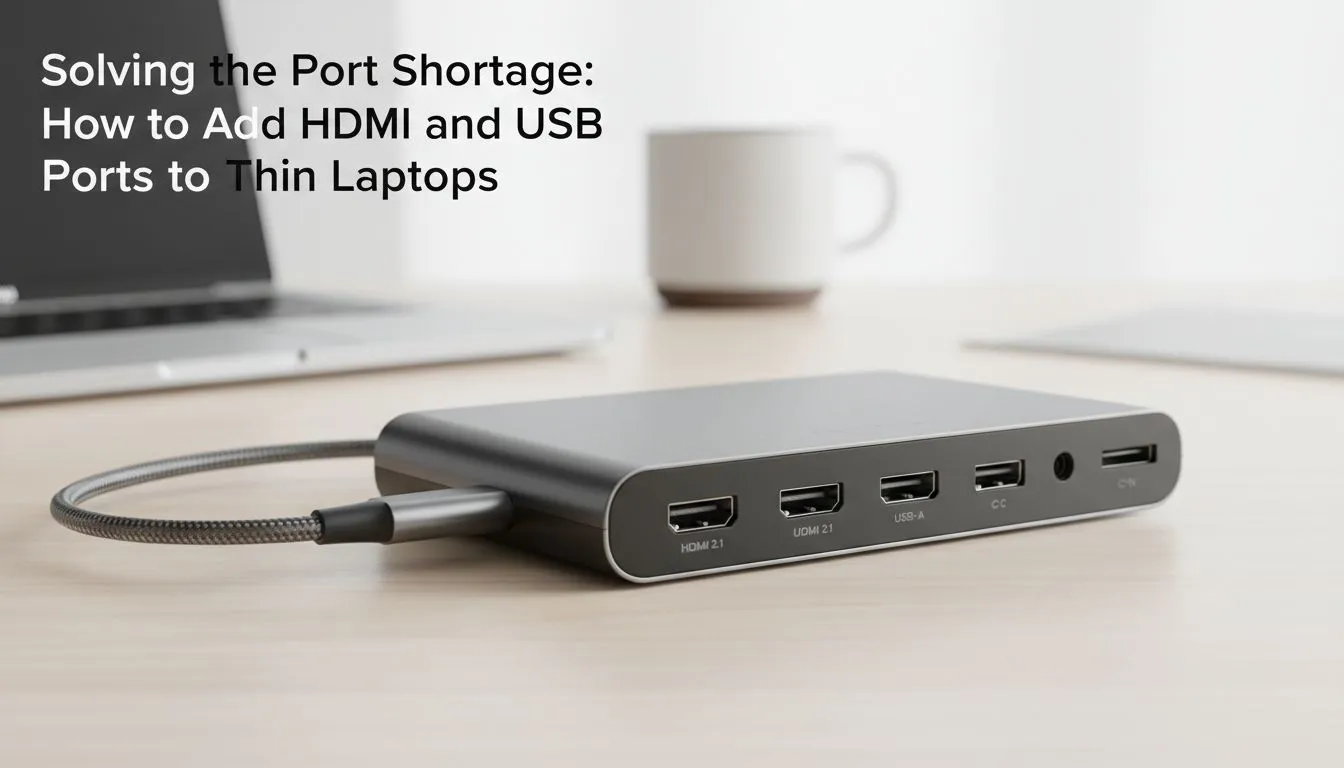
Why Modern Laptops Lack Essential Ports
The trend toward "thin and light" means manufacturers often sacrifice connectivity for aesthetics. While a slim profile is great for carrying between coffee shops in Sandton or lectures in Cape Town, it leaves power users in a bind. Most modern Ultrabooks rely entirely on USB-C or Thunderbolt ports... which means your older HDMI cables and USB-A peripherals are suddenly obsolete without help. You’ve just unboxed a sleek, ultra-thin laptop, and it looks stunning on your desk. Then reality hits. You need to plug in your gaming mouse, an external monitor, and a keyboard... but there is only one lonely USB-C port staring back at you. Don't worry. You don't need a new PC to get connected. Here is how to add HDMI and USB ports to thin laptops effortlessly. 🔧
Choosing the Right Hub for Your Setup
If you are on a tight budget, you can find budget-friendly adapters under R1000 that provide the basics. These usually offer a single HDMI output and a couple of USB ports. They are perfect for students or remote workers who just need to hook up a second screen and a mouse to get the job done.
For those running more intensive setups... perhaps a dual-monitor rig for streaming or video editing... you might need more bandwidth. Investing in mid-range docking solutions under R2000 ensures you get features like Power Delivery (PD). This allows you to charge your laptop through the dock itself, keeping your workspace clean and keeping your cable management tidy.
Productivity Pro Tip ⚡
When connecting a 4K monitor to your laptop via a hub, ensure the dock supports 4K at 60Hz. Many cheaper adapters cap the refresh rate at 30Hz, which can make your mouse cursor feel sluggish and "laggy" during fast-paced tasks. Always check the port specifications before buying to ensure a smooth visual experience.
Reliability and Brand Matters for Performance
When it comes to port expansion, stability is everything. You don't want your screen flickering during a critical ranked match or an important client call. We often recommend Promate connectivity hubs because they balance build quality with versatile port selections. They are rugged enough to toss into a laptop bag and reliable enough for daily office use. 🚀
Creating a Permanent Desktop Anchor
If your laptop stays on your desk most of the time, a full-sized docking station is the ultimate upgrade. By browsing our extensive range of docking stations, you can find units that offer Ethernet ports for stable gaming pings, SD card slots for photographers, and multiple display outputs. This transforms your portable machine into a desktop powerhouse with just one cable. ✨
Ready to Expand Your Connectivity?
Don't let a lack of ports hold your productivity back. Whether you need a simple USB hub or a high-end workstation dock, we have the right gear to get you connected in South Africa. Explore our massive range of docking stations and reclaim your workspace today.