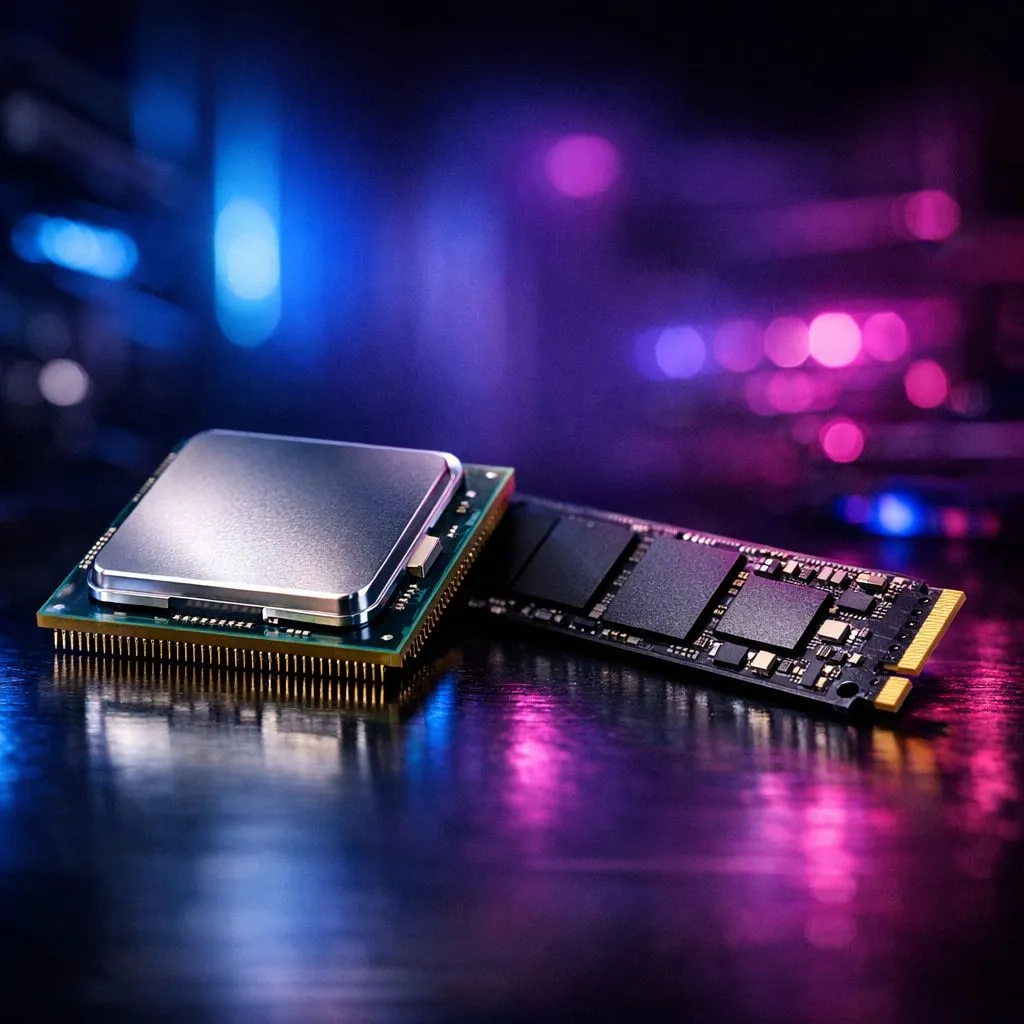
Baldur's Gate 3 is a masterpiece, but it is also a beast that punishes older hardware. If you are tired of long loading screens or stuttering in the crowded streets of the Lower City, you are likely facing a bottleneck. Deciding between a CPU or SSD upgrade is crucial for the best experience. Let’s break down which component deserves your Rands first to ensure smooth adventuring across Faerûn.
Why Storage is Vital for Your BG3 Upgrade
The sheer scale of the Forgotten Realms is staggering. With an install size exceeding 120GB, the game constantly streams high-resolution textures and audio files. If you are still running a mechanical hard drive, you will see muddy textures and delayed dialogue. If your budget is tight, looking at various CPU processors online helps you gauge the market, but storage is often the silent killer of immersion. 🚀
An NVMe SSD is no longer a luxury for this title... it is a requirement. Moving the game to a fast drive reduces loading times from minutes to seconds. It also eliminates the "hitch" that happens when you move between new areas. However, if you already have a basic SSD, your focus should shift to the brain of your rig.
CPU vs. SSD Priority in the Lower City
Act 3 is notorious for its performance heavy city streets. This is where the CPU vs. SSD priority debate usually ends. While an SSD helps with loading, the CPU handles the complex logic of hundreds of NPCs. Each character has its own pathfinding and schedule... which puts immense pressure on your processor's single-core speed. 🔧
Upgrading to a modern Intel CPU can drastically stabilise your frame rates in these dense urban environments. If your current chip is more than four years old, you will likely see your frame rate halve when entering the city gates. A faster processor ensures that combat remains fluid and that the game does not feel like a slideshow during heavy spells.
Performance Pro Tip ⚡
If you are struggling with texture pop-in, enable 'Slow HDD Mode' in the game settings. It is a temporary fix for older drives, but upgrading to an NVMe SSD is the only way to truly solve the problem for a smooth BG3 upgrade.
Finding the Optimal Performance Balance
For many South African gamers, finding the sweet spot between price and power is essential. The 3D V-Cache technology found in certain AMD CPU models has proven to be a life-saver for complex RPGs. It allows the processor to store more data closer to the cores, which is exactly what a game like Baldur's Gate 3 needs to maintain optimal performance. ✨
If you are choosing where to spend your money first, follow this simple rule. If you are on an HDD, get an SSD immediately. If you already have an SSD but Act 3 feels sluggish, your CPU is the bottleneck. Balancing these two components will ensure your journey through Faerûn is as epic as the story itself.
Ready to Optimise Your Adventure?
Choosing between a CPU and an SSD is the first step toward a stutter-free journey through the Forgotten Realms. For the best prices and expert advice in South Africa, check out our latest hardware deals. Upgrade your PC today with Evetech and experience Baldur's Gate 3 the way it was meant to be played.