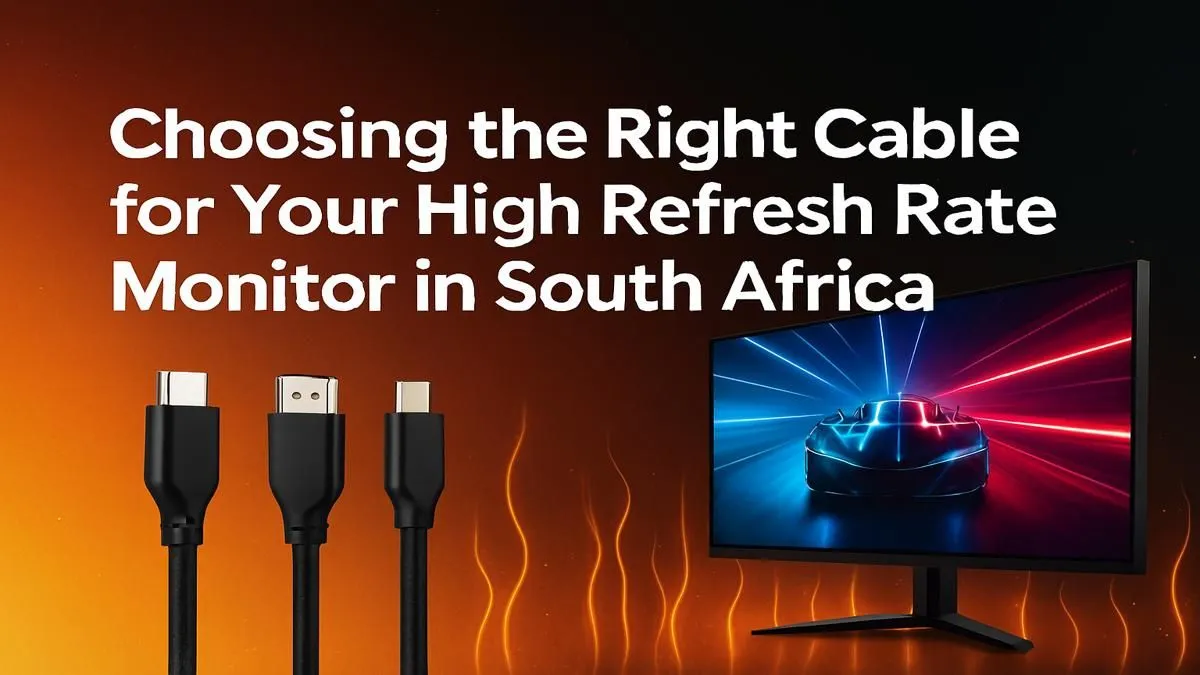
So, you’ve just unboxed that beautiful, beastly new monitor. You’re dreaming of silky-smooth 144Hz (or higher!) gameplay. You plug it in, dive into your display settings, and… wait, what? Why is it stuck at 60Hz? Before you start blaming your GPU or the monitor itself, take a look at the small, overlooked hero of your setup: the cable. Using the right cable for a high refresh rate monitor is absolutely critical to getting the performance you paid for.
Why Your Cable Matters for High Refresh Rate Gaming
Think of your display cable as a highway for visual data. A higher resolution and a faster refresh rate mean more data needs to travel from your graphics card to your screen every second. If the cable (the highway) isn't wide enough, you get a traffic jam. This "traffic jam" forces your system to cap the refresh rate, leaving you with choppy visuals instead of the fluid motion you paid for. ⚡
It's a common trap. Many monitors ship with a basic cable that might not support their maximum capabilities. That’s why understanding your options is the first step to unlocking your hardware's true potential. Investing a few hundred rand in the proper cable ensures you get the most out of the thousands you spent on your display. It’s a vital part of the puzzle for all modern PC monitors.
The Great Debate: DisplayPort vs. HDMI
When it comes to finding the best cable for a high refresh rate monitor, the choice almost always boils down to two contenders: DisplayPort (DP) and HDMI. While they might look similar, their capabilities differ significantly, especially for PC gaming.
DisplayPort: The PC Gamer's Choice
For PC gamers, DisplayPort is generally the king. It was designed specifically for computer displays and typically offers more bandwidth than its HDMI counterparts at the same generation. This makes it the superior choice for driving high resolutions at high refresh rates.
- DisplayPort 1.2: Supports 1080p at 240Hz, 1440p at 165Hz, and 4K at 75Hz.
- DisplayPort 1.4: A massive step up, handling 1440p at 240Hz, 4K at 120Hz, and even 8K at 60Hz. This is the sweet spot for most modern gaming rigs.
- DisplayPort 2.0/2.1: The future-proof option, offering enough bandwidth for insane specs like 4K at 240Hz.
Crucially, DisplayPort is the primary standard for NVIDIA G-Sync and is fully compatible with AMD FreeSync, ensuring tear-free gaming across all our gaming monitors.
HDMI: The Versatile Contender
HDMI is the universal standard for TVs, consoles, and home theatre systems. While older versions (like 2.0) were limited, the arrival of HDMI 2.1 has changed everything.
- HDMI 2.0: Can handle 1080p at 240Hz and 1440p at 144Hz, but it often requires colour compression (chroma subsampling), which can slightly reduce image quality.
- HDMI 2.1: This is a huge leap, offering a massive 48Gbps of bandwidth. It's capable of 4K at 144Hz and even 8K at 60Hz without compression. It's the standard for PlayStation 5 and Xbox Series X, and it's becoming more common on high-end GPUs and some of the most stunning 4K and 5K monitors.
Choosing the Right Cable For Your Setup
So, how do you pick the perfect high refresh rate monitor cable? It's simple. Just check three things: your monitor's specs, your GPU's ports, and your performance goals. 🔧
- Check Your Ports: Look at the back of your GPU and monitor. What versions do they have? A monitor with a DisplayPort 1.4 input needs a GPU with a DisplayPort 1.4 output and a DP 1.4 cable to reach its full potential.
- Match Your Resolution & Refresh Rate: Use the specs above as a guide. For a 1440p 165Hz monitor, a DisplayPort 1.4 cable is your best bet. For a new 4K 144Hz screen, you'll want either DisplayPort 1.4 or HDMI 2.1 for the best experience. The same logic applies whether you're connecting immersive curved monitors or a secondary screen.
- Don't Forget About Niche Uses: If you're using one of the newer portable monitors, you might find it uses USB-C with DisplayPort Alt Mode, combining video, data, and power into one convenient cable.
Pro Tip: Look for VESA Certified Cables ✨
Not all cables are created equal. To guarantee performance and avoid issues like screen flickering or signal drop, always look for a DisplayPort cable that is VESA Certified. For HDMI, look for the 'Ultra High Speed' certification for HDMI 2.1. It might cost a little more, but it's peace of mind in a plug.
Common Pitfalls to Avoid
Getting the wrong cable is an easy mistake, but it can be frustrating. Avoid these common slip-ups:
- Reusing an Old Cable: That dusty HDMI cable from your old TV probably isn't up to the task of running a 240Hz gaming monitor.
- Assuming the Included Cable is Best: The cable in the box is often the cheapest one the manufacturer could include. It's always worth checking its specs.
- Ignoring Port Versions: Plugging a DisplayPort 1.4 cable into a DisplayPort 1.2 port will limit you to DP 1.2 speeds. Your connection is only as strong as its weakest link.
Ensuring you have the right cable for a high refresh rate monitor is one of the simplest and most cost-effective upgrades you can make. It protects your investment and guarantees you're not leaving performance on the table, which is key to snagging one of the best PC monitor deals and actually enjoying it. 🚀
Ready to See the Difference?
The cable confusion is real, but getting it right is simple when you know what to look for. Unlocking that buttery-smooth gameplay is just one step away. Explore our massive range of PC monitors and find the perfect screen to elevate your setup.