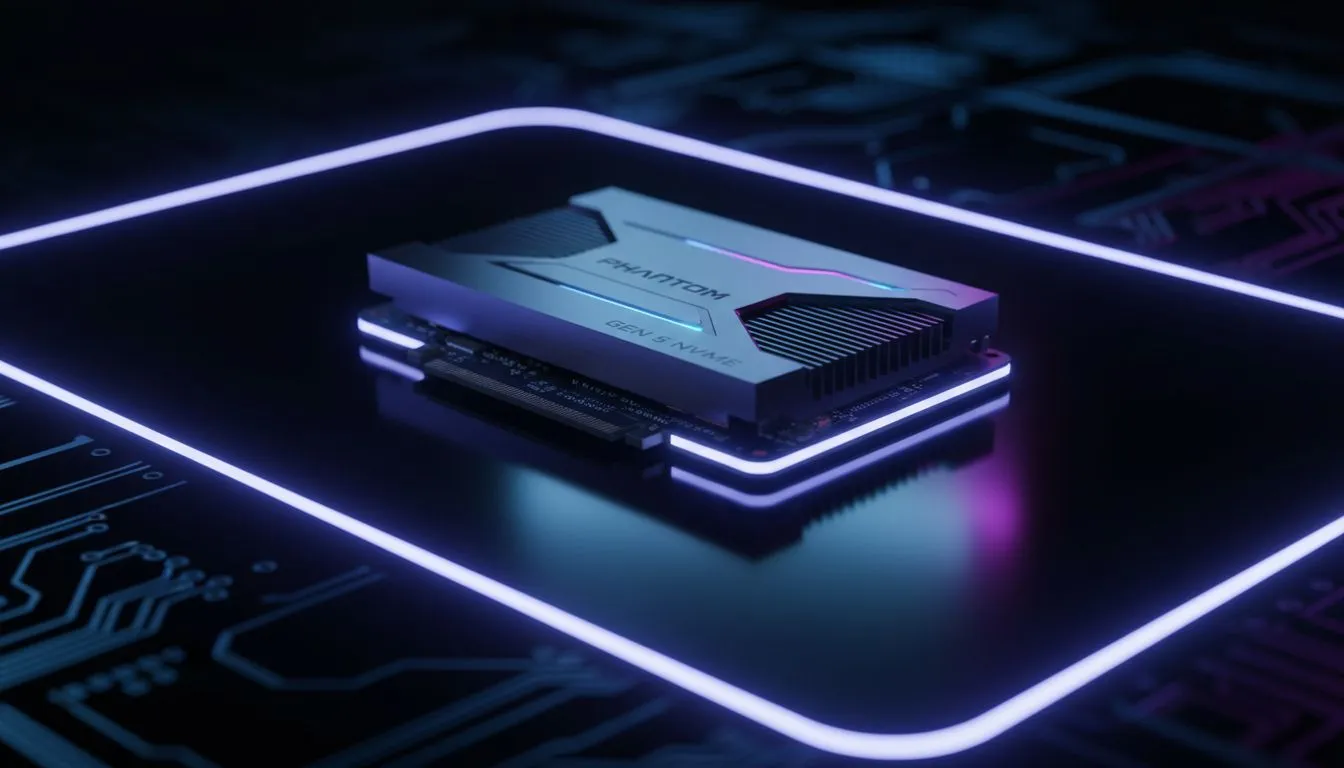
Phantom Blade: Zero is looking like a visual masterpiece, and for South African gamers, the hype is real. But as we prepare for these next-gen titles, a big question looms: is your current storage enough? With Microsoft's DirectStorage technology becoming the new standard, you might be wondering if a DirectStorage SSD: Do You Need a Gen 5 SSD for Phantom Blade? is actually required for your setup.
The Power of DirectStorage in Modern Gaming
DirectStorage is a technology designed to eliminate the bottleneck between your storage and your graphics card. In the past, data had to travel from your drive to the CPU for decompression before reaching the GPU. This process often caused stuttering or long loading screens. By using a modern drive from our full range of SSDs, your GPU can handle the heavy lifting directly.
For a fast-paced action game like Phantom Blade, this means seamless transitions and incredibly detailed environments that load in an instant. While the technology is revolutionary, the hardware requirements are often misunderstood by enthusiasts looking to optimise their rigs.
Gen 4 vs Gen 5: Finding the Sweet Spot
We are currently seeing a massive shift in storage speeds. PCIe Gen 4 drives typically cap out around 7,500MB/s, while the newer Gen 5 drives can exceed 12,000MB/s. When you look to buy NVMe SSDs, the price difference can be significant.
Does Phantom Blade actually need that extra Gen 5 headroom? Currently, most DirectStorage implementations are perfectly saturated by high-end Gen 4 speeds. The real-world difference in loading a level might only be a fraction of a second. For most South African gamers, a top-tier Gen 4 drive offers the best value for money without sacrificing the "next-gen" feel.
DirectStorage Pro Tip ⚡
To get the most out of DirectStorage, ensure your GPU supports DirectX 12 Ultimate and you are running Windows 11. This combination allows the GPU to decompress game data directly, bypassing the CPU and slashing load times significantly.
Preparing Your Rig for Phantom Blade
If you are planning to buy solid state drives specifically for upcoming blockbusters, focus on sustained read speeds rather than just peak bursts. Consistency is key when streaming high-resolution textures in an open-world setting. ⚡
It is also worth checking our latest best SSD deals to see if a high-capacity Gen 4 drive fits your budget better than a low-capacity Gen 5. Having 2TB of fast storage is often better than having 1TB of ultra-fast storage that fills up after three game installs.
Storage Flexibility and Future Proofing
Not every drive needs to be internal, though DirectStorage specifically requires an NVMe connection for its primary benefits. If you just need to clear space on your main boot drive for Phantom Blade, you can buy external SSD options to store your older library. 🚀
In summary... while Gen 5 is the future, a high-quality Gen 4 NVMe is more than enough to handle the DirectStorage requirements for Phantom Blade. You will still get those near-instant load times and buttery smooth performance that the developers intended. ✨
Ready to Find Your Perfect Match?
The DirectStorage revolution is here, and having the right drive makes all the difference for upcoming titles like Phantom Blade. Explore our massive range of SSD specials and find the perfect storage solution to conquer your gaming world.