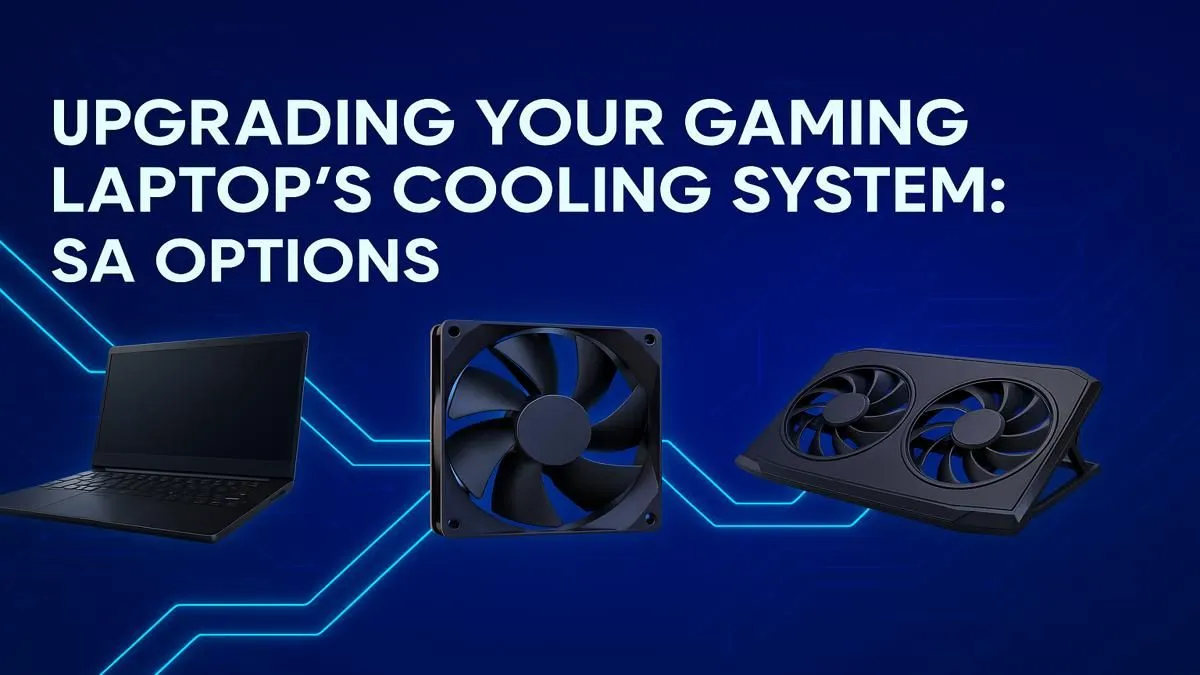
We’ve all been there. You’re in a tense 1v1 clutch in Valorant, the final circle is closing in Warzone, and suddenly… your laptop’s fans spin up to the sound of a jet engine. Your WASD keys feel like a hot plate, and your frame rate starts to tank. An overheating laptop isn’t just annoying; it’s a performance killer. But don’t sweat it. A strategic gaming laptop cooling upgrade can make all the difference.
Why Your Gaming Laptop Gets So Hot
Gaming laptops pack immense power into a tight space. Your CPU and GPU are working overtime to render those gorgeous graphics, and all that energy generates a serious amount of heat. When the built-in fans can't expel that heat fast enough, your system throttles performance to protect itself. This is why even powerful GeForce RTX gaming laptops on special need an efficient way to stay cool to deliver their full potential.
Easy Laptop Cooling Solutions to Try First
Before you start taking things apart, let's cover the simplest fixes. These low-effort, high-impact solutions can often provide a noticeable improvement and are perfect for anyone looking to boost performance without breaking the bank, especially on budget-friendly gaming laptops under R20k.
1. Clear the Airflow 🌬️
Dust is the number one enemy of cool components. Over time, it clogs your laptop's air vents and coats the fan blades, trapping heat inside.
- Action: Power down your laptop completely. Use a can of compressed air to blow dust out of the intake and exhaust vents. Use short, controlled bursts to avoid damaging the fans.
2. Get a Quality Cooling Pad
A good laptop cooling pad is a fantastic, non-invasive gaming laptop cooling upgrade. It elevates your device to improve natural airflow and uses its own fans to actively push cool air into your laptop's intake vents. It’s a simple, effective tool to help your machine breathe easier during intense gaming sessions.
Advanced Gaming Laptop Cooling Upgrades 🔧
If the basic fixes aren't enough, it's time to get your hands a little dirty. These more advanced techniques can dramatically lower temperatures, but proceed with caution and only if you're comfortable with PC hardware.
Reapplying Thermal Paste
The thermal paste between your CPU/GPU and its heatsink is crucial for heat transfer. Over years, this paste can dry out and become less effective. Replacing it with a high-quality compound like Thermal Grizzly Kryonaut or Arctic MX-4 can drop temperatures by several degrees. This is one of the most effective laptop cooling solutions for older, well-loved machines like many powerful Intel Core i7 gaming laptops that are still going strong.
Thermal Paste Pro Tip ✨
Always choose a non-conductive, non-capacitive thermal paste for laptops. This prevents any risk of short circuits if a small amount accidentally gets onto the surrounding motherboard components. A pea-sized dot in the centre of the chip is all you need before re-seating the heatsink.
Software Tweaks & Control
You can also improve gaming laptop cooling through software. Tools like Throttlestop (for Intel) or Ryzen Controller (for AMD) allow you to undervolt your CPU. This reduces the voltage going to the processor without sacrificing much performance, leading to significantly less heat. Combining this with custom fan curves in your laptop’s command centre software gives you ultimate control over your thermals, whether you're running one of the modern Intel gaming laptops or the latest AMD Ryzen gaming laptops.
Knowing When It's Time for a New Rig
Sometimes, you can do everything right, and an older laptop will still struggle. Thermal technology has improved drastically in recent years. Many premium gaming laptops above R20k now feature advanced vapour chamber cooling, multiple heat pipes, and liquid metal thermal compound straight from the factory.
If your current machine is thermal throttling despite your best efforts, it might be time to stop fighting an uphill battle. Investing in a new laptop with a superior thermal design is the ultimate gaming laptop cooling upgrade. Check out the best gaming laptop deals to find a modern rig engineered to stay frosty under pressure. 🚀
Ready to Beat the Heat?
A cool laptop is a fast laptop. While these tips can boost your current rig, nothing beats a machine designed for peak thermal performance from day one. Explore our massive range of laptop specials and find the perfect cool-running machine to conquer your game.