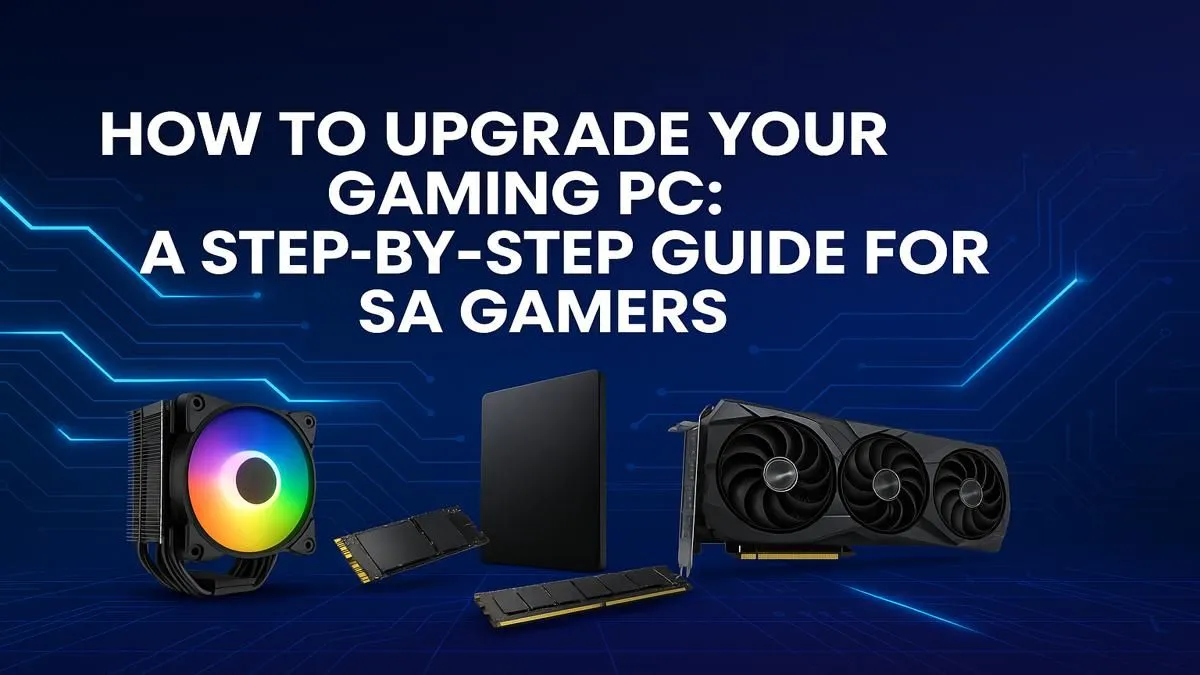
Is your trusty gaming rig starting to wheeze under the pressure of the latest AAA titles? That silky-smooth framerate you once loved now stutters and dips at the worst moments. You're not alone. For many South African gamers, knowing when and what to upgrade can feel daunting. But a smart gaming PC upgrade doesn't have to break the bank. This step-by-step guide will help you diagnose the problem, prioritise components, and get you back in the game. 🚀
First, Pinpoint Your Performance Bottleneck
Before you spend a single Rand, you need to play detective. The "bottleneck" is the one component holding everything else back. Performing a gaming PC upgrade without knowing the cause is like putting a V8 engine in a car with bicycle wheels.
Here’s a simple way to find it:
- Fire up your favourite demanding game.
- Press
Ctrl+Shift+Esc to open the Windows Task Manager. - Click on the "Performance" tab.
- Keep an eye on the CPU, Memory (RAM), and GPU utilisation graphs while you play.
What you see will tell you where to focus your upgrade efforts:
- GPU at 95-100%: This is the most common bottleneck for gamers. Your graphics card is working as hard as it can, and it's time for a more powerful one.
- CPU at 95-100%: Your processor is struggling to keep up with the game's logic and instructions, often seen in strategy or simulation titles.
- RAM at 95-100%: Your system is running out of memory, causing stuttering as it shuffles data to your slower storage drive.
Your Gaming PC Upgrade Priority List
Once you've found the culprit, you can plan your attack. For most gamers, the upgrade path follows a clear priority list for the biggest performance boost.
1. The Graphics Card (GPU)
This is almost always the best first step for a gaming PC upgrade. A new GPU provides the most significant and immediate increase in frame rates and allows you to crank up those visual settings from "Medium" to "Ultra". It's the difference between seeing a blurry mess and counting the stitches on your character's armour.
2. The CPU, Motherboard, and RAM Trio
If your CPU is the bottleneck, an upgrade usually means replacing the motherboard and often the RAM too, due to changing socket types and memory standards (like DDR4 to DDR5). This is a more involved process but can fundamentally modernise your entire system. Choosing the right CPU processor is the anchor for this kind of major overhaul, defining your system's potential for years to come.
3. Storage (SSD)
Still running your games from a mechanical hard drive (HDD)? Upgrading to a Solid-State Drive (SSD), especially an NVMe M.2 drive, won't boost your FPS, but it will revolutionise your user experience. Game loading times will plummet from minutes to seconds. ✨
Quick Compatibility Check ⚡
Before buying any new component, use an online PSU calculator to see if your current power supply can handle the extra load. A new GPU or CPU might need more juice than your old one. It's a quick, free check that can save you a massive headache later!
The Pre-Upgrade Checklist: Don't Skip This! 🔧
Excitement can lead to expensive mistakes. Before you click "add to cart," run through this quick checklist to ensure your planned gaming PC upgrade goes smoothly.
- Power Supply (PSU): Does your PSU have enough wattage for the new parts? Critically, does it have the necessary power connectors (e.g., 8-pin or 12VHPWR for modern GPUs)?
- Motherboard Socket & Chipset: Your new CPU must be compatible with your motherboard's socket (e.g., AM5 for modern AMD Ryzen) and chipset.
- Physical Space: Will that massive new triple-fan graphics card actually fit inside your PC case? Measure the internal clearance from the I/O plate to the front fans or drive cages.
Considering an Upgrade Kit? The Smart Shortcut
If the thought of matching a CPU to a motherboard and RAM feels overwhelming, there's a simpler way. Upgrade kits, or barebone bundles, package a compatible CPU, motherboard, and RAM set together. This removes all the compatibility guesswork.
It’s a fantastic method for a core system refresh. For Team Red fans, exploring AMD barebone kits can be a brilliant way to jump to the latest Ryzen platform without the stress. Likewise, if you're on Team Blue, a look at the available Intel barebone kits offers a streamlined path to a powerful new core for your gaming rig. You simply move your existing GPU, storage, and PSU into the new core framework.
This approach simplifies the most complex part of a gaming PC upgrade, getting you back to gaming faster and with total peace of mind.
Ready to Unleash More Power?
The right gaming PC upgrade transforms your experience from frustrating to flawless. Whether you need a single graphics card or a full barebone kit, we've got your back. Explore our massive range of PC components and build the rig you deserve.