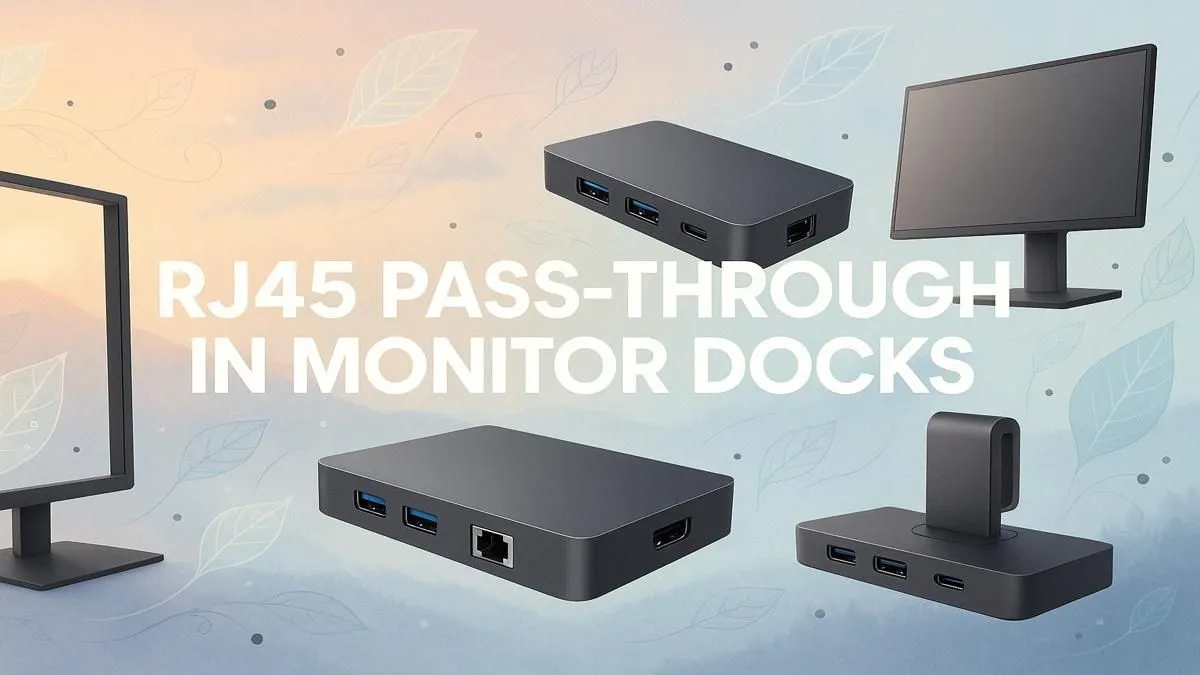
Tired of that chaotic nest of cables behind your desk? We get it. In South Africa, a stable connection is everything, especially when the Wi-Fi drops during a crucial ranked match or a big file upload. What if your screen could solve both problems? Enter the monitor with an Ethernet port. This isn't just a display... it's the sleek, single-cable solution that cleans up your workspace and locks in a rock-solid internet connection. 🚀
What is a Monitor with an Ethernet Port, Anyway?
Let's clear this up: the monitor itself doesn't run on an internet connection. Instead, it features something called RJ45 pass-through. Think of it as a built-in docking station.
You connect a single, powerful USB-C cable from your laptop or PC to the monitor. This one cable can handle:
- Video signal (your display)
- Power delivery (charging your laptop)
- Data for USB ports (for your mouse and keyboard)
- And, crucially, a wired internet connection!
The monitor has a physical RJ45 (Ethernet) port on the back. You plug your LAN cable into the monitor, and the USB-C connection "passes through" that stable internet signal to your computer. It’s a beautifully simple way to get the speed and reliability of a wired network without plugging another cable into your laptop. This tech is becoming more common across our range of PC monitors.
The Big Wins: Why RJ45 Pass-Through is a Big Deal
So, why should you actively look for a monitor with a built-in Ethernet port for your next upgrade? The benefits are practical and powerful, especially for a modern South African setup.
1. The Ultimate Cable Cleanup 🔧
This is the most obvious win. One cable to rule them all. For anyone who hates cable clutter or works in a minimalist "clean desk" environment, a monitor with an RJ45 port is fantastic. It eliminates the need for a separate docking station or a tangle of adapters, making your workspace look professional and organised. It’s a feature we love to see on the latest crisp 4K and 5K monitors, where a premium aesthetic matters.
2. Rock-Solid Network Stability
Wi-Fi is convenient, but it's no match for a wired connection's stability and speed. For competitive gamers, a stable ping is non-negotiable. For professionals transferring huge files or in constant video calls, a dropped connection is a disaster. A monitor with an Ethernet port gives your laptop a direct line to your router, bypassing wireless interference for a connection you can trust. This makes it a must-have for anyone serious about performance, whether you're looking at all our gaming monitors or a productivity-focused screen.
Cable Check! ⚡
all USB-C cables are created equal. To use RJ45 pass-through, power delivery, and video simultaneously, you need a full-featured USB-C cable that supports DisplayPort Alt Mode and has sufficient data bandwidth. Always use the high-quality cable that comes with your monitor or check the specs before buying a replacement from our [essential monitor accessories](https: www.evetech.co.za PC-Components buy-monitor-accessories-368.aspx).
3. Hot-Desking and Portability Perfected
If you move your laptop between home and the office, or even just around the house, this feature is brilliant. You can have a complete, fully-connected workstation at your desk. When you need to leave, just unplug that single USB-C cable and go. It’s the same convenience that makes portable monitors so popular, but for your main desk setup. No more fumbling with power, HDMI, and network cables every time.
Whether you prefer the immersion of curved monitors or a standard flat panel, adding RJ45 pass-through to your feature checklist is a smart move for a cleaner, faster, and more reliable setup.
Ready to Declutter and Dominate?
The right monitor is the heart of a great PC setup. A screen with a built-in Ethernet port simplifies your desk and solidifies your connection, letting you focus on what matters... winning the game or nailing that deadline. Explore the best monitor deals in South Africa and find the perfect hub for your world.