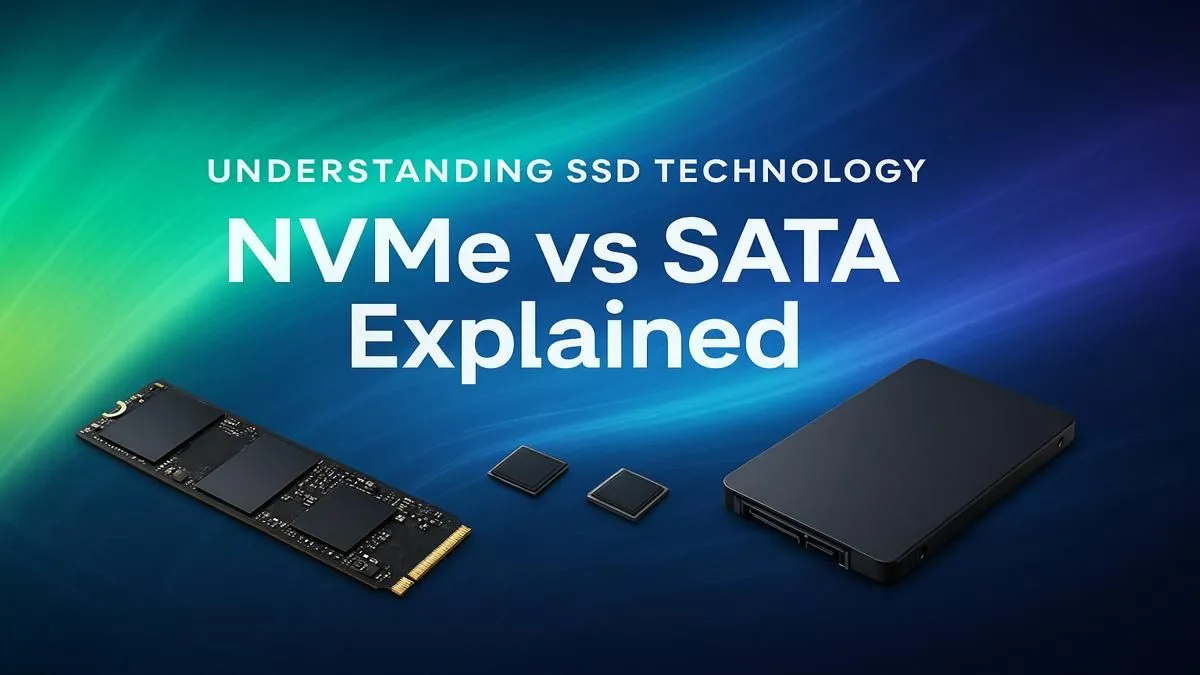
Staring at another loading screen in Sandton while your squad is already dropping? We’ve all been there. Choosing the right storage can feel like a boss battle, especially when you’re deciding between NVMe vs SATA. It’s the upgrade that can drastically cut down your wait times and get you back in the game faster. But which Solid State Drive (SSD) truly gives you the best performance for your hard-earned Rands? Let's break it down.
Understanding the Core Tech: SATA vs NVMe SSDs
Before we talk speed, let's get the basics right. Think of SATA (Serial ATA) as the reliable Toyota Hilux of the SSD world. It’s been the standard for years, connecting to your motherboard via a cable, and it gets the job done without any fuss. These drives offer a massive performance jump from old-school hard drives and are perfect for storing your massive game library. For most PC builds, traditional 2.5-inch SATA SSDs are a fantastic, cost-effective choice. 🔧
NVMe (Non-Volatile Memory Express), on the other hand, is the Formula 1 car. 🚀 It plugs directly into your motherboard's M.2 slot, using the high-speed PCIe bus… the same one your graphics card uses. This direct connection cuts out the middleman, allowing for mind-blowing speeds. If you're looking for the absolute peak of storage performance, exploring lightning-fast NVMe SSDs is a must.
NVMe vs SATA: Does Speed Really Matter for Gaming?
Here’s the big question for South African gamers: do those insane NVMe speeds actually translate to more wins? The answer is… it’s complicated.
A SATA III SSD typically maxes out at around 550MB/s. A common Gen4 NVMe drive can hit speeds over 7,000MB/s. That’s a huge difference on paper! In practice, this means your PC will boot up in a flash, and games like Cyberpunk 2077 might load a few seconds faster. However, when you're actually in the game, the difference in FPS between an NVMe and a SATA SSD is often negligible. The real performance boost comes from moving from a hard drive to any SSD.
Where NVMe truly flexes its muscles is in tasks involving large files: video editing, 3D rendering, or transferring massive game installation files. For content creators, the NVMe vs SATA debate is a no-brainer—NVMe wins every time.
Check Your Motherboard First!
Before you splash out on a super-fast NVMe drive, check your motherboard's specs. Make sure you have a free M.2 slot. Also, check if it supports PCIe Gen3 or Gen4. A Gen4 drive in a Gen3 slot will work, but it won't reach its maximum advertised speed!
The Rand Factor: Choosing an SSD for Your Budget
Let's talk money. In South Africa, every component choice matters, and the NVMe vs SATA decision often comes down to budget.
SATA SSDs offer unbeatable value. You can often get double the storage capacity for the same price as an entry-level NVMe drive. This makes them the perfect solution for a secondary drive to hold your Steam library or for a budget-focused build where every Rand counts. ⚡
That said, NVMe prices have dropped significantly over the last few years. What was once a premium-only component is now more accessible than ever. You can often find some incredible SSD deals that make a 1TB NVMe drive a very tempting proposition for your primary OS and favourite games drive.
The Verdict: Which SSD is Right for Your Rig?
So, after comparing NVMe vs SATA, which one should you choose? There’s no single right answer, but here’s a simple guide to help you decide:
Choose a SATA SSD if...
- You're on a tight budget and want the most gigabytes for your buck.
- You need a large-capacity drive for your game collection or media files.
- You're upgrading an older PC that doesn't have an M.2 slot.
Choose an NVMe SSD if...
- You want the fastest possible boot and game load times. ✨
- You are a content creator who works with large video or project files.
- You are building a new, high-performance PC and want to ensure it's future-proof.
Ultimately, the best SSD is the one that fits your specific needs and budget. Both technologies offer a brilliant upgrade over a mechanical hard drive.
Ready to Banish Loading Screens?
The right SSD is waiting to unlock your PC's true potential. Explore our full range of SSDs and find the perfect drive for your build today.