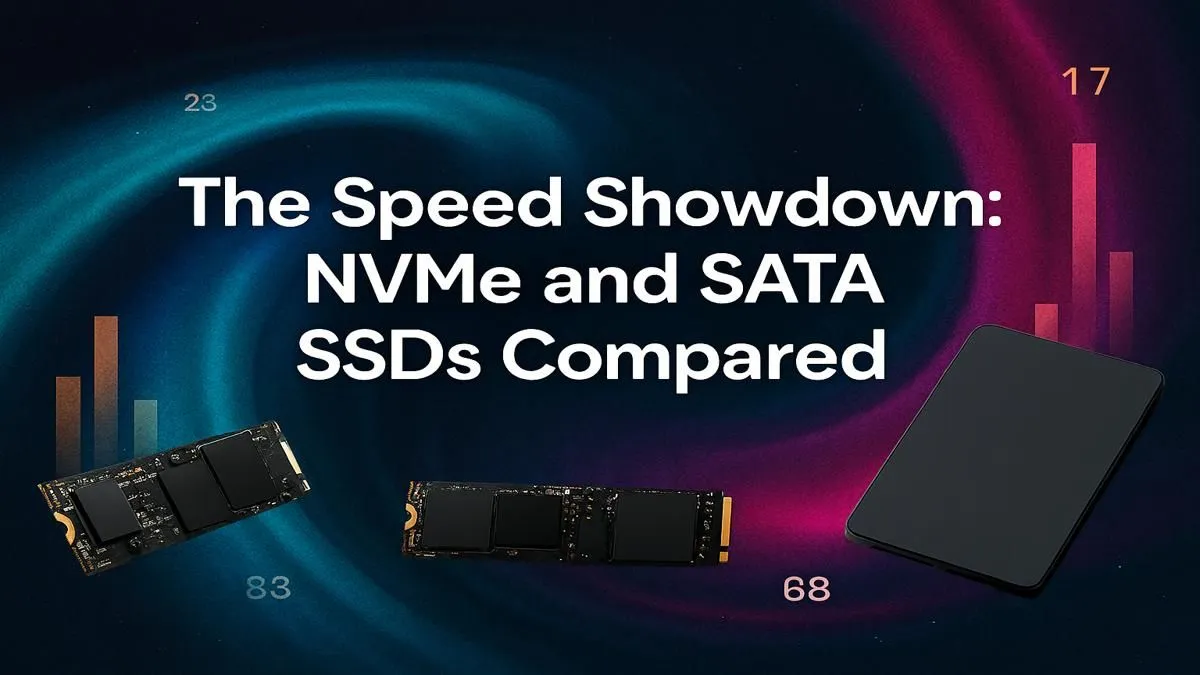
Staring at your PC part list, stuck on one crucial choice? You’re not alone. The NVMe vs SATA debate can feel complex, but getting it right means lightning-fast boot times and zero-lag game loads. It’s the difference between jumping straight into the action in Sandton and watching a loading bar crawl. Let’s cut through the noise and find the perfect solid-state drive (SSD) for your rig and your wallet. 🚀
What's the Real Difference Between NVMe and SATA?
Think of it like this: a SATA SSD is your trusty, reliable bakkie. It gets the job done efficiently and is a massive upgrade over an old, slow mechanical hard drive. It connects to your motherboard via a SATA cable, just like older drives. A SATA 2.5-inch SSD is the go-to for affordable, high-capacity storage that still leaves traditional hard drives in the dust.
An NVMe SSD, on the other hand, is a Formula 1 car. It plugs directly into a special M.2 slot on your motherboard, using the high-speed PCIe bus—the same one your graphics card uses. This direct connection removes bottlenecks, unlocking mind-blowing speeds. When you see a sleek, gumstick-sized drive, you're likely looking at an NVMe M.2 SSD.
NVMe vs SATA: The Speed Showdown ⚡
Let's talk numbers, because that’s where the NVMe vs SATA comparison gets really interesting.
A typical SATA III SSD maxes out at around 600 MB/s. That's fast! But a common Gen3 NVMe drive can easily hit 3,500 MB/s, and newer Gen4 models can scream past 7,000 MB/s.
What does this mean for your gaming?
- Operating System: Your PC will boot up in seconds. After load shedding, you'll be back in Discord before your mates.
- Game Loading: Levels in games like Cyberpunk 2077 or Baldur's Gate 3 load noticeably faster.
- File Transfers: Moving large video files or game installations takes a fraction of the time.
Check Your Motherboard! 🔧
Before you buy an NVMe SSD, double-check your motherboard's specs. Make sure you have a free M.2 slot and confirm if it supports NVMe (some older slots are SATA-only). Also, check which PCIe generation it supports (e.g., Gen3, Gen4) to get the maximum speed from your new drive.
So, Which SSD Should You Actually Buy?
The right choice in the NVMe or SATA battle depends entirely on your needs and budget. There's no single "best" answer, only what's best for you.
The Budget-Conscious Builder
If every Rand counts, a SATA SSD is a fantastic choice. It provides the core benefit of an SSD—incredible responsiveness compared to a hard drive—without the premium price tag. It's perfect for a primary boot drive and storing your most-played games. You get 90% of the "feel-good" speed for a fraction of the cost.
The Everyday Gamer & Creator
This is the sweet spot where an NVMe drive truly shines. For just a few hundred Rand more than a SATA equivalent, you can get a 1TB NVMe SSD that transforms your entire user experience. Your OS will be snappy, your main games will load in a blink, and your system will feel premium. This is the top recommendation for most new builds in South Africa today.
The Performance Professional
Are you editing 4K video, running complex simulations, or simply demand the absolute fastest performance possible? Then a high-end Gen4 or even a cutting-edge Gen5 NVMe is your only option. For these demanding workloads, the time saved directly translates into more productivity. Browse Evetech's full range of SSDs to compare the top-tier models.
Ultimately, choosing between NVMe vs SATA is about finding the perfect balance of speed, capacity, and price for your specific PC build. Both are brilliant technologies, but one is likely a better fit for your next upgrade path. ✨
Ready to Ditch the Loading Screens?
The right SSD is waiting for you. Check out the best SSD deals in South Africa and give your PC the speed boost it deserves.