Staring at another loading screen while the squad is already dropping? In South Africa, slow storage can feel as frustrating as a Stage 4 power cut. You know you need an SSD, but the big question remains: SATA vs NVMe? The answer isn't just about raw speed; it's about getting the smartest performance for your hard-earned Rands. Let's break down which SSD is truly best for your setup. 🚀
The Core Showdown: Understanding SATA vs NVMe
Before we dive into performance, let's get the basics straight. Think of it like this: SATA is your trusty, reliable Hilux, while NVMe is a high-performance racing machine. Both get you there, but how they do it... and how fast... is completely different.
SATA: The Reliable Workhorse
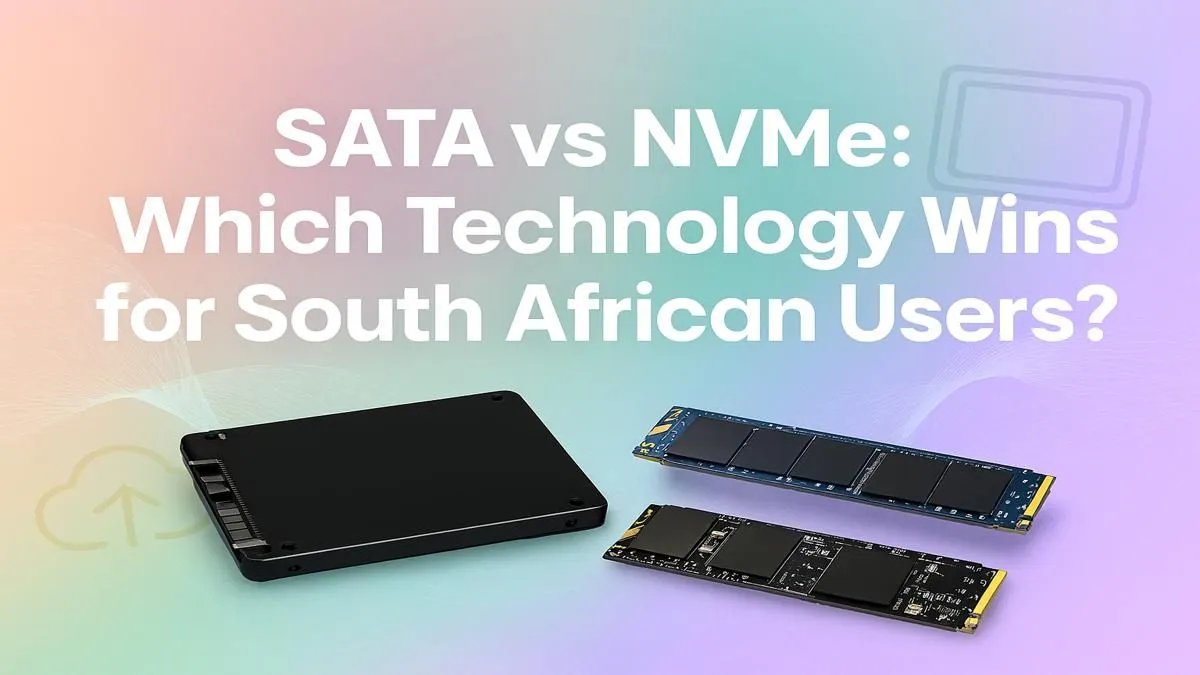
SATA (Serial ATA) has been the standard for years. These drives connect to your motherboard via a SATA cable and typically come in a 2.5-inch rectangular case. They offered a massive leap over old mechanical hard drives and are still a fantastic, budget-friendly option for mass game storage or breathing new life into an older PC. For many users, the speed of modern classic 2.5-inch SSDs is more than enough for a snappy, responsive system.
NVMe: The Speed Demon ⚡
NVMe (Non-Volatile Memory Express) is the newer, faster technology. Instead of a cable, these SSDs look like a small stick of RAM and plug directly into an M.2 slot on your motherboard. This direct lane to your CPU (called a PCIe lane) cuts out the middleman, allowing for mind-blowing read and write speeds. If you're looking for the absolute quickest boot times and file transfers, blazing-fast NVMe SSDs are the top choice.
Check Your Motherboard! 🔧
Before you get excited about NVMe speeds, check your motherboard's specs. You'll need a free M.2 slot that supports NVMe (some older M.2 slots are SATA-only). A quick look at your board's manual or product page will save you a massive headache.
SATA vs NVMe in South Africa: Real-World Performance
Okay, the specs are clear: NVMe is faster. But does that speed actually matter for what you do? When considering the SATA vs NVMe South Africa debate, practicality is key.
For gamers, the difference is most noticeable in loading screens. An NVMe can shave several seconds off loading into a massive open world like in Starfield or Cyberpunk 2077. However, once you're in the game, the difference in FPS (frames per second) is almost zero. Your graphics card and CPU do the heavy lifting there.
Where NVMe truly flexes its muscles is in productivity. If you're a content creator editing 4K video, working with huge design files, or constantly moving large amounts of data, the time saved is significant. A task that takes minutes on a SATA SSD can take mere seconds on an NVMe.
For everyday browsing, office work, and light use? A SATA SSD still provides that instant-on feel that makes any PC feel modern and quick.
The Rand-for-Rand Question: Cost vs. Benefit
A few years ago, the price gap between SATA and NVMe was enormous. Today, that gap has shrunk dramatically. While NVMe drives still command a slight premium, the performance-per-Rand value has never been better.
When browsing Evetech's full range of SSDs, you'll see that a 1TB NVMe might only cost a few hundred Rand more than a 1TB SATA drive. The crucial question you must ask yourself is: is that extra cost worth it for my specific use case? For a primary OS drive, we say absolutely. For a secondary drive just to store your Steam library, a larger SATA drive might be the smarter financial choice.
So, Which SSD is Best for You?
The final verdict on SATA vs NVMe in South Africa comes down to your needs and budget. There's no single "best" answer, only the best choice for you.
- For the Budget-Savvy Gamer: A 1TB or 2TB SATA SSD is a brilliant choice for storing your massive game library without breaking the bank.
- For the Performance Chaser: An NVMe SSD (500GB or 1TB) as your boot drive for Windows and your most-played games is the way to go for that instant, snappy feeling.
- For the Content Creator: Don't even hesitate. An NVMe drive is essential. The time you save on project load times and file transfers will pay for the drive itself.
- The Smartest Setup? A hybrid approach! Use a speedy NVMe drive for your operating system and core programs, and a larger, more affordable SATA SSD for your games, media, and documents. ✨