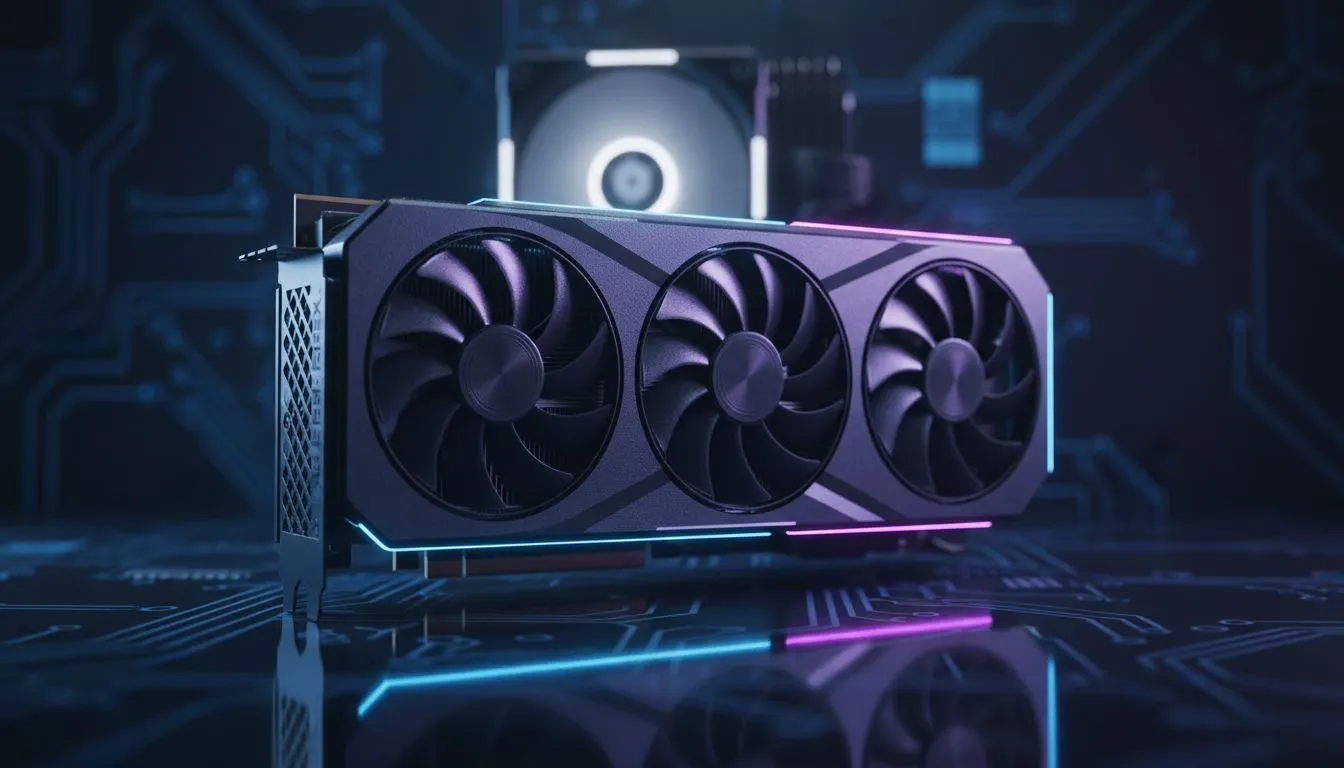
Solving the Upgrade PC Valorant: CPU vs GPU Priority Puzzle
Clutches on Bind feel impossible when your frame rate starts to dip. In the South African competitive scene, every millisecond counts. Deciding on your Upgrade PC Valorant: CPU vs GPU Priority is the difference between an Ace and a tilt. Most players assume a fancy graphics card is the only way to get more speed... but Valorant plays by different rules. Let's look at where your ZAR goes furthest. 🚀
Why Valorant Favours the Processor
Valorant is built on the Unreal Engine, but Riot Games optimised it to be highly accessible. Unlike heavy AAA titles, it relies heavily on single-core CPU performance. If you are chasing 240Hz or 360Hz for professional play, your processor is usually the bottleneck. A faster CPU ensures your input lag remains low while the game calculates physics and player positions.
While standard NVIDIA or AMD graphics cards are essential, they often sit idle if your CPU cannot keep up. You might notice your GPU usage is only at 40% while your frames stay stuck. This is a clear sign that your processor needs an upgrade before your visuals do.
Valorant Performance Tip ⚡
Disable 'Fullscreen Optimisations' in the Valorant.exe compatibility settings. This small tweak often stabilises frame times and reduces input lag on Windows 10 and 11, giving you a snappier feel during high-intensity executes... especially when utility is flying everywhere.
When the Graphics Card Becomes the Priority
There are specific times when the GPU takes the lead. If you have moved from a 1080p monitor to a 1440p or 4K display, your pixel count has increased significantly. At these higher resolutions, the strain shifts back to the card. Reliable options like MSI graphics cards provide the thermal headroom needed to maintain high clock speeds during long gaming sessions.
For those who use their PC for more than just gaming, the choice gets more interesting. If you are a designer or architect in Johannesburg or Cape Town, workstation graphics cards offer the stability required for professional software. However, for the average gamer, a high-refresh-rate 1080p setup remains the gold standard for competitive integrity. 🔧
Exploring Modern Hardware Alternatives
The market has shifted recently with new players entering the fray. Budget-conscious builders in South Africa are starting to look at Intel Arc graphics cards for their impressive price-to-performance ratio in modern titles. They offer great AV1 encoding, which is a massive plus if you plan to stream your matches to YouTube or Twitch.
If you prefer a pure gaming focus, many local enthusiasts choose to buy AMD Radeon graphics cards to maximise their frame-per-Rand value. AMD’s drivers have matured significantly... often providing a slight edge in raw rasterization performance in esports titles like Valorant. ✨
Final Verdict on Upgrade PC Valorant: CPU vs GPU Priority
If your goal is purely more FPS in Valorant at 1080p, look at your CPU first. Aim for a modern chip with high clock speeds. If you are already on a capable processor but want to play at higher resolutions or improve your stream quality, then the GPU becomes your primary target. Balance is key, but in the world of Riot's tactical shooter, the brain (CPU) usually beats the muscle (GPU).
Ready to Find Your Perfect Match?
The Upgrade PC Valorant: CPU vs GPU Priority debate is complex, but for maximum power, choice, and value in South Africa, Evetech is hard to beat. Explore our massive range of laptop specials and find the perfect machine to conquer your world.