


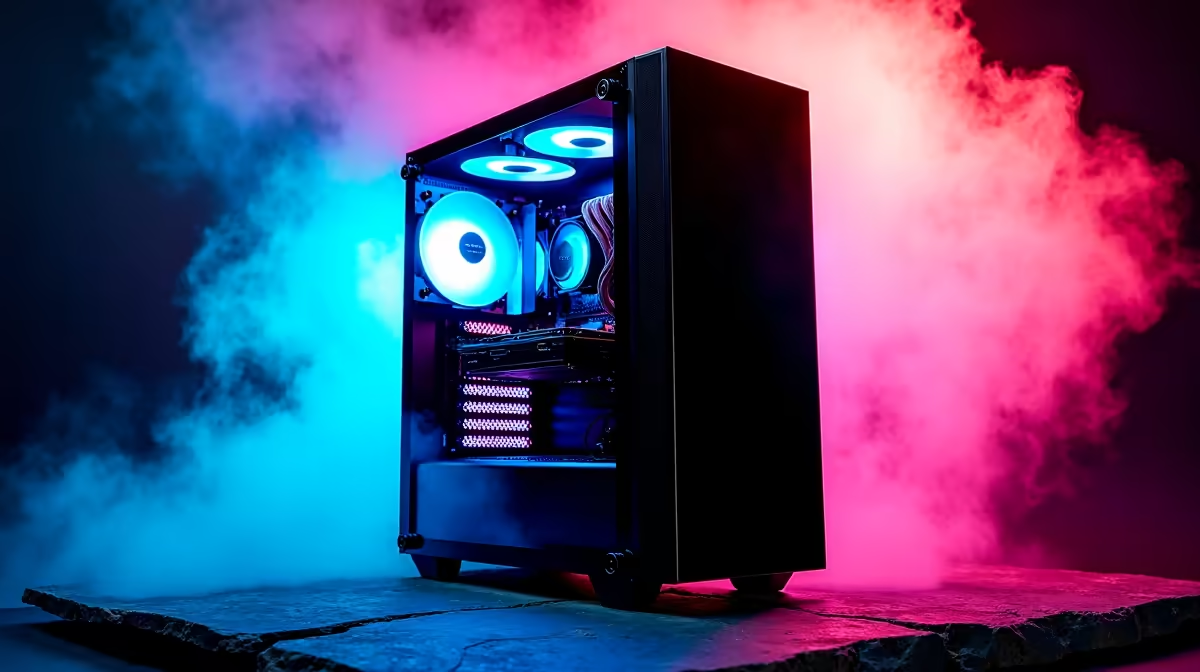
So, you’re diving into the AI revolution right here in South Africa? Awesome. But as you start exploring large language models or Stable Diffusion, you’ll quickly find your trusty gaming rig gasping for air. Training models isn't a game… it’s a marathon that demands specialised hardware. You need a purpose-built AI development PC in South Africa, and figuring out where to start can be a real headache. That’s where ApexForge comes in.
Why Your Gaming Rig Isn't an AI Development PC
It’s a common misconception: a high-end gaming PC should be great for AI, right? Not exactly. While there's overlap, their design philosophies are different. A gaming PC is optimised for burst performance and low-latency graphics. An AI workload, however, is a relentless, long-duration task that pushes components to their thermal and processing limits for hours, even days.
The key difference lies in the components and their balance. While a powerful NVIDIA GeForce gaming PC has the raw power, an AI machine prioritises GPU VRAM, specific driver stability, and robust cooling to prevent thermal throttling during intense training sessions. Think of it as a sprinter vs. a marathon runner… both are athletes, but built for very different races.
The Anatomy of a Powerful AI PC 🔧
Building a proper machine for AI development means focusing on the right parts. Getting the balance wrong can create frustrating bottlenecks that waste your most valuable resource… time.
The GPU: Your AI Powerhouse
This is the heart of any AI development PC. The GPU's parallel processing capabilities are what make training models feasible. Here’s what matters most:
- VRAM (Video RAM): This is non-negotiable. More VRAM allows you to work with larger, more complex models and bigger batch sizes, dramatically speeding up training. 12GB is a good start, but 16GB or 24GB is ideal for serious work.
- Cores & Architecture: For NVIDIA, this means CUDA Cores and, crucially, Tensor Cores, which are specialised for AI calculations. For AMD, ROCm support is key, and while the ecosystem is growing, many pro-grade AMD Radeon gaming PCs offer incredible raw performance for the price.
CPU, RAM, and Storage: The Support Crew
Your GPU can't do it all alone.
- CPU: A strong multi-core processor (like an Intel Core i7/i9 or AMD Ryzen 7/9) is vital for data preprocessing, loading datasets, and managing the overall workflow so your GPU is never left waiting.
- System RAM: Don't confuse this with VRAM. You'll need at least 32GB of fast DDR5 RAM to handle large datasets before they even get to the GPU.
- Storage: A fast NVMe SSD is essential. Datasets can be massive, and loading them from a slow hard drive will bring your entire workflow to a screeching halt.
ApexForge: The Ultimate AI Development PC in South Africa ✨
Navigating all these components can be tricky. That’s why we engineered the ApexForge series. These aren't just rebranded gaming rigs; they are finely-tuned AI workstations for South African developers, data scientists, and creators who demand peak performance and reliability.
Each ApexForge system is built with a singular focus: to be the best possible AI development PC in South Africa. We prioritise components known for their stability under sustained load, from the power supply to the cooling solution. You get a machine that’s validated for AI workloads right out of the box, backed by local Evetech support and warranty. This means less time tinkering and more time training. These systems are the pinnacle of our professional workstation PCs, specialised for the future of tech.
Pro Tip: Your AI Environment ⚡
For Windows users, installing Windows Subsystem for Linux (WSL2) is a must. It lets you run a native Linux environment directly on Windows, giving you access to the powerful command-line tools and software repositories essential for AI development without the hassle of dual-booting. It's the best of both worlds!
Getting Your New AI Machine Ready for Takeoff 🚀
Once your ApexForge PC arrives, you’re just a few steps from bringing your ideas to life. The first things you’ll want to do are install the latest NVIDIA Studio Drivers for optimal stability, set up your CUDA Toolkit, and then install your preferred frameworks like PyTorch or TensorFlow within your new WSL2 environment. From there, the sky's the limit. You’re not just unboxing a computer… you’re unlocking a world of creative and analytical potential.
Ready to Build the Future? Don't let your hardware be the bottleneck. An ApexForge system is more than a PC… it's your launchpad for innovation. Explore our range of customisable AI Development PCs and find the perfect machine to bring your ideas to life.







