


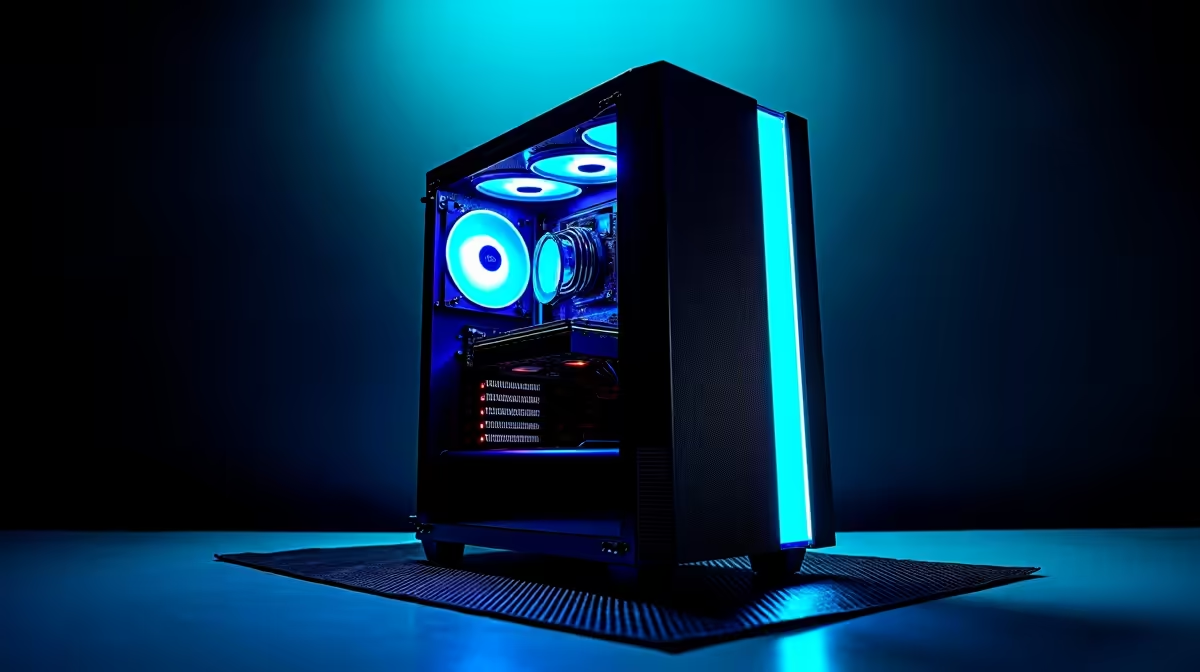
The AI revolution is here, and it’s not just happening in Silicon Valley. Right here in Mzansi, developers and tech enthusiasts are diving into powerful models like DeepSeek. To do that, you need serious hardware. Building the perfect AI PC build in South Africa isn't about chasing the highest specs blindly; it's about smart, balanced choices. Let's break down the essential hardware you need to run complex models without your machine breaking a sweat. 🚀
Core Components for Your AI PC Build
When planning your build, the Graphics Processing Unit (GPU) is undoubtedly the star of the show. But neglecting the supporting cast—your CPU, RAM, and storage—can create performance bottlenecks that cripple your workflow.
The GPU: The True Heart of AI
For machine learning and AI, the GPU does the heavy lifting. The most critical factor? Video RAM, or VRAM. It determines the size and complexity of the models you can load and train.
For years, NVIDIA has been the undisputed leader in the AI space thanks to its CUDA parallel computing platform. It's the industry standard, with extensive support across all major AI frameworks. If you're serious about deep learning, exploring a rig powered by GeForce RTX cards, especially those with 12GB of VRAM or more, is an excellent starting point. You can find powerful options in our range of NVIDIA GeForce gaming PCs that double as incredible AI development machines.
However, don't count out Team Red. AMD has made significant strides with its ROCm software platform. While the ecosystem is still maturing, Radeon GPUs often present a compelling price-to-performance ratio, especially in terms of raw VRAM for your ZAR. For those on a budget or looking to experiment, a high-VRAM AMD Radeon gaming PC can be a fantastic entry into the world of local AI development.
CPU, RAM, and Storage: The Unsung Heroes
While your GPU is training models, your CPU is busy handling data preprocessing, managing the operating system, and keeping everything running smoothly. A modern processor with 8 or more cores is a wise investment.
RAM is just as crucial. 16GB is the absolute minimum, but for a serious AI PC build in South Africa, 32GB or even 64GB is highly recommended. Large datasets need to be loaded into system memory before they can be processed by the GPU. Finally, a fast NVMe SSD is non-negotiable. The speed at which you can load datasets and models directly impacts your productivity. ✨
Software Setup First Steps 🔧
Before you even download a model, make sure your software environment is solid. Install the latest NVIDIA drivers (or AMD ROCm drivers), then set up a Python environment using Conda or venv. This isolates your project's dependencies and prevents conflicts. Installing PyTorch or TensorFlow with the correct CUDA ROCm version is the final, crucial step to get your GPU talking to your code.
The Workstation Route: A Smarter Choice?
Building a PC is rewarding, but for a high-stakes AI machine, ensuring component compatibility and stability is paramount. This is where pre-configured systems shine. A purpose-built machine takes the guesswork out of the equation.
Opting for one of our professionally assembled workstation PCs ensures that every component has been selected for stability and performance under heavy, sustained loads—exactly what AI workloads demand. With comprehensive warranties and expert support, it's often the most efficient path for professionals and enthusiasts who want to focus on their projects, not troubleshooting hardware. This approach guarantees a solid foundation for your AI hardware journey in South Africa.
Bringing Your DeepSeek Build to Life
Ultimately, the best hardware for DeepSeek enthusiasts is a balanced system. Prioritise a GPU with the most VRAM your budget allows, support it with a capable CPU and at least 32GB of fast RAM, and run it all from a speedy NVMe SSD. Whether you choose to build it yourself or opt for a tested workstation, you're setting yourself up to explore the incredible frontier of artificial intelligence, right here from home.
Ready to Build Your AI Powerhouse? Whether you're a seasoned developer or a curious enthusiast, assembling the right AI PC in South Africa is the first step to unlocking incredible potential. Explore our range of custom-built computers and find the perfect machine to power your projects.











