


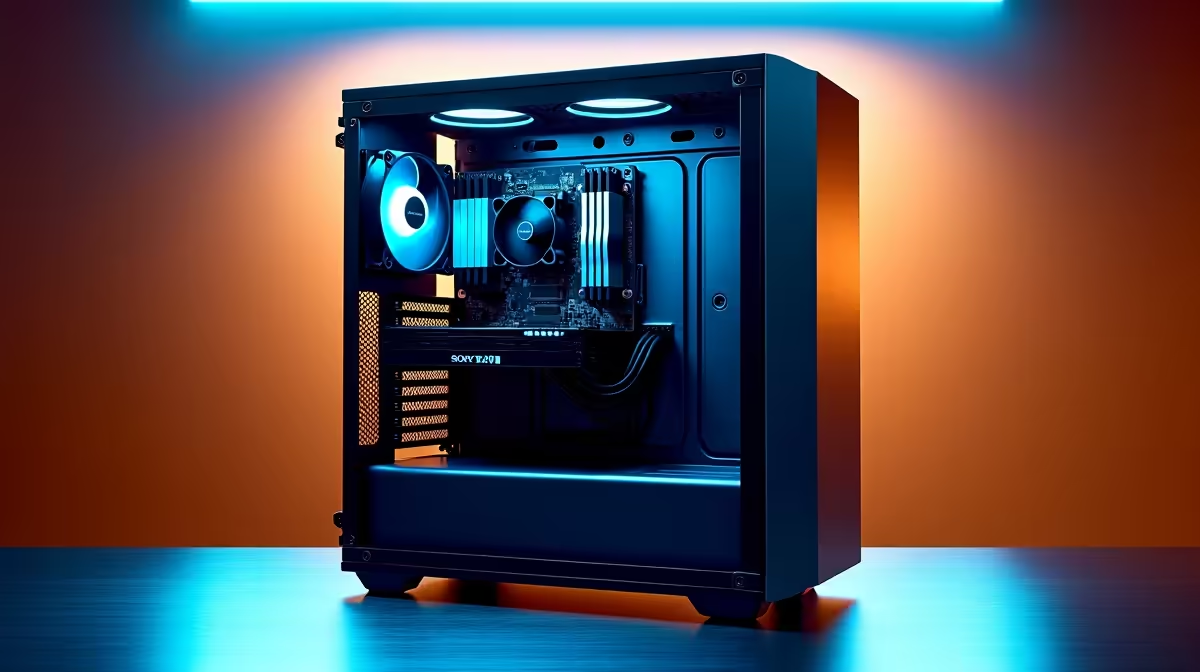
So, you've got your hands on a shiny new AI PC, a powerhouse ready to handle everything from next-gen gaming with DLSS 3 to running complex local models. It’s an incredible piece of tech, but here’s the thing many folks overlook: this new power demands a new approach to care. Proper AI PC maintenance isn't just about blowing out dust; it’s about understanding the unique stresses these machines face to truly extend your PC's lifespan.
Understanding the New Demands on Your Hardware
Unlike traditional PCs, AI-centric machines put a unique and sustained load on specific components. The Neural Processing Unit (NPU) and GPU tensor cores are working overtime, generating consistent heat and pulling data constantly. This isn't like a quick gaming burst; it's a marathon. This sustained workload is the core reason why a modern guide to AI PC maintenance is so essential for protecting your investment and ensuring peak performance for years to come.
Your Essential AI PC Maintenance Checklist
Keeping your rig running smoothly is simpler than you think. It just requires a bit of proactive attention in the right areas. Follow these steps, and your machine will thank you. 🔧
Keep Your AI Drivers and Software Updated
This is your number one priority. AI performance is deeply tied to software optimisation. Companies like NVIDIA and AMD are constantly releasing driver updates that significantly boost performance and stability for AI tasks. Running on old drivers is like putting retreads on a Formula 1 car... you’re just leaving performance on the table. This is especially true for the latest generation of NVIDIA GeForce gaming PCs that rely on the newest software to enable features like Frame Generation.
Similarly, if you're on Team Red, ensuring you have the latest Adrenalin software is crucial for getting the most out of the AI accelerators in modern AMD Radeon gaming PCs. Set a reminder to check for updates at least once a month.
Optimise Your Cooling System ❄️
AI workloads can turn your PC into a small space heater. Sustained high temperatures are the fastest way to degrade component lifespan.
- Clean Your Filters: Dust is the enemy of cool. Clean the dust filters on your case intake fans every month or two.
- Check Your Fans: Make sure all your case fans and CPU/GPU fans are spinning correctly. You can use free software to monitor fan speeds.
- Airflow is King: Ensure there's enough space around your PC for it to breathe. Don't shove it into a tight cabinet where hot air gets trapped.
Thermal Monitoring Tip ⚡
Use a free tool like HWiNFO64 or Core Temp to monitor your CPU and GPU temperatures. During a heavy AI task or gaming session, your CPU shouldn't consistently exceed 90°C, and your GPU should ideally stay below 85°C. If your temps are creeping up, it's a clear sign your cooling needs attention.
Manage Your Storage and AI Models
Large Language Models (LLMs) and other AI assets can consume a massive amount of storage. A full SSD can experience a slowdown in performance. Regularly clear out old models or datasets you no longer use. A fast NVMe SSD with plenty of free space ensures your AI has the data it needs without delay.
AI Maintenance for Workstations and Creative Rigs
For professionals, effective AI PC maintenance isn't just a good habit; it's a business necessity. Creative applications in the Adobe Suite, Blender, and DaVinci Resolve now lean heavily on AI for features like noise reduction, object selection, and content-aware fill. Downtime isn't an option. For these demanding, mission-critical tasks, the robust components and optimised cooling found in purpose-built workstation PCs are designed to handle the sustained load that would cook a standard consumer PC. Maintaining these systems follows the same principles, but with even higher stakes. ✨
Taking care of your AI PC ensures it remains a powerful and reliable tool for gaming, creativity, and productivity. A little bit of upkeep goes a long way in protecting its performance and extending its life.
Ready for an AI-Powered Upgrade? Keeping your machine in top shape is key, but starting with the right hardware makes all the difference. For maximum power and future-proof performance in South Africa, a custom-built PC is hard to beat. Explore our massive range of AI-ready PCs and find the perfect machine to conquer your world.









