


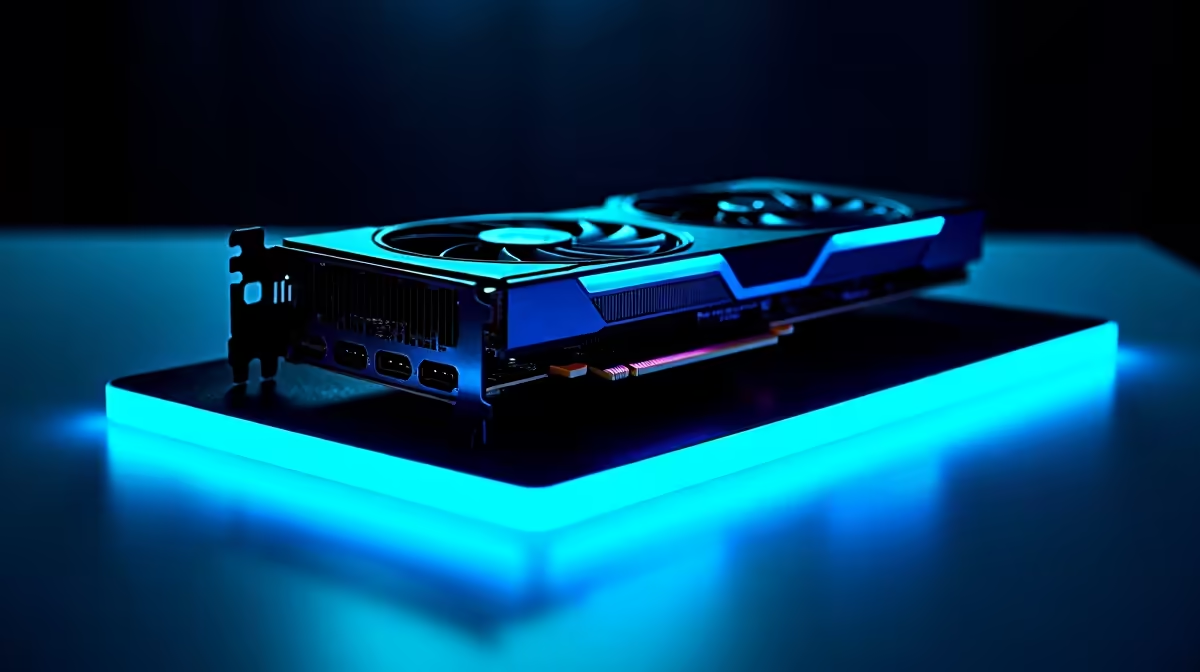
So, you’ve heard the buzz about DeepSeek, the AI coding assistant that’s rewriting the rules. It’s powerful, it’s clever, and running it locally on your own machine is the ultimate power move. But to do that without your PC grinding to a halt, you need the right hardware. Finding the best GPU for DeepSeek isn’t just about raw gaming speed; it’s about smart, efficient power. Let’s find the perfect graphics card to turn your rig into an AI powerhouse. 🚀
What Makes a GPU Great for DeepSeek?
When you’re gaming, frames per second (FPS) is king. But for AI models like DeepSeek, the rules are different. The performance of your GPU for AI tasks hinges on a few key factors that are crucial for powering your AI efficiently.
The most important spec? Video RAM, or VRAM. Think of it as your GPU's short-term memory. Large language models (LLMs) like DeepSeek are massive, and they need to be loaded directly into your GPU's VRAM to run. If you don't have enough, your system will be painfully slow or simply won't work.
Here’s what to look for:
- VRAM: For serious local AI work, 12GB is the absolute minimum. 16GB is the sweet spot for many models, and 24GB is the gold standard for enthusiasts and professionals.
- CUDA & Tensor Cores (NVIDIA): NVIDIA’s CUDA platform is the industry standard for AI. Their dedicated Tensor Cores provide a massive speed boost for AI calculations, making them the top choice.
- Memory Bandwidth: This determines how quickly the GPU can access its VRAM. Higher is always better.
Top GPU Contenders for Efficient DeepSeek Performance
Choosing the best GPU for DeepSeek depends on your budget and ambition. Let's break down the top options available in South Africa.
The VRAM Titans: RTX 4090 & RTX 3090
If you want the best of the best, look no further. With a massive 24GB of GDDR6X VRAM, both the NVIDIA GeForce RTX 4090 and its predecessor, the RTX 3090, can handle large, complex AI models with ease. The RTX 4090's newer architecture and faster Tensor Cores give it a significant edge, making it the undisputed champion for anyone serious about local AI development. These cards are the heart of many powerful NVIDIA GeForce gaming PCs that double as incredible AI machines.
The Sweet Spot: RTX 4070 Ti SUPER & RTX 4080 SUPER
For a more balanced approach, the 16GB VRAM found in cards like the RTX 4070 Ti SUPER and RTX 4080 SUPER is fantastic. This is enough memory to run a wide range of powerful models efficiently without the premium price tag of the 4090. These GPUs offer a brilliant blend of performance, VRAM, and value, making them an excellent choice for developers and hobbyists. For sustained AI workloads, pairing one of these with the robust cooling and power delivery of professional workstation PCs is a recipe for success. ✨
Check Your VRAM Usage ⚡
When running an AI model, use a tool like GPU-Z or the NVIDIA SMI command-line interface (nvidia-smi) to monitor your VRAM consumption in real-time. This helps you understand your hardware's limits and tells you if a model is too large for your card before you run into performance issues.
Budget-Friendly AI & AMD Options
What if you're just starting out? While NVIDIA's CUDA ecosystem currently dominates the AI space, AMD is making strides. High-end AMD Radeon gaming PCs with cards like the RX 7900 XTX offer a hefty 24GB of VRAM, which is very appealing. However, software support through ROCm can require more technical tinkering than NVIDIA's plug-and-play experience. For a budget NVIDIA option, a used RTX 3060 12GB can be a great entry point into the world of AI.
Building Your Ultimate AI Rig
Ultimately, the best GPU for DeepSeek is one that matches your needs and budget. Prioritise VRAM above all else, with 16GB being the ideal target for most users. NVIDIA's ecosystem currently offers the smoothest, most supported path for powering your AI efficiently. Whether you're building a new rig from scratch or upgrading an old one, getting the GPU choice right is the most critical step on your AI journey.
Ready to Build Your AI Powerhouse? Choosing the right components can feel complex, but the perfect AI machine is within reach. Use our powerful PC builder to pair the perfect GPU with the right motherboard, CPU, and RAM. Start designing your custom AI PC today and unlock your creative potential.









