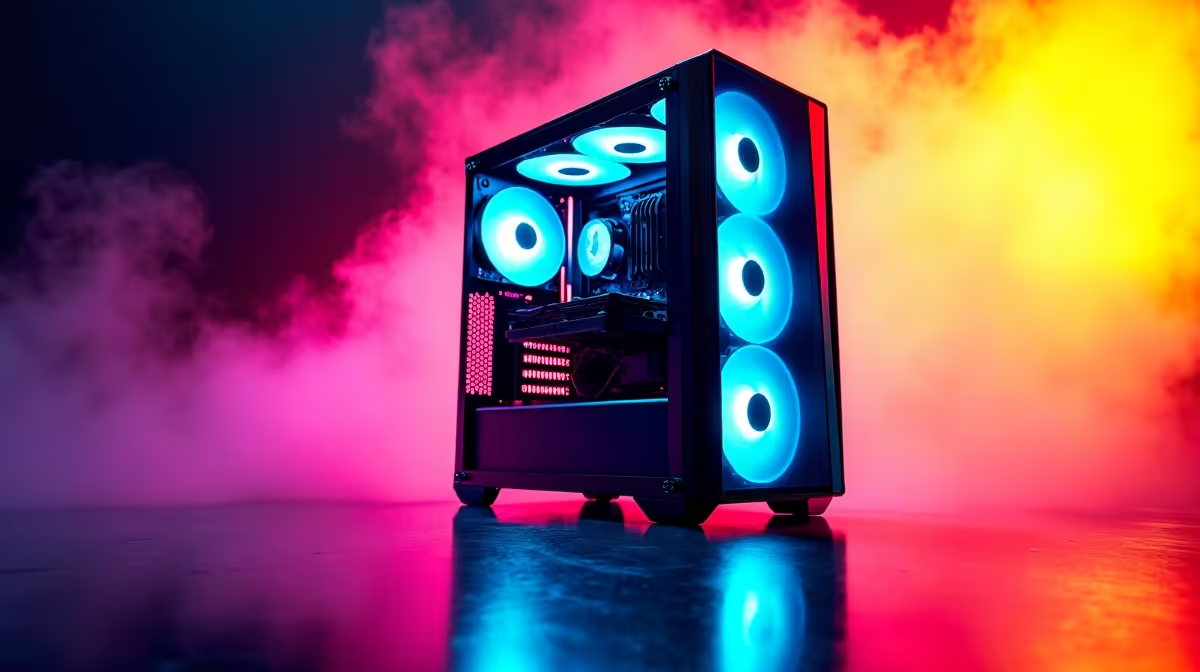
So, you’re diving into the world of AI with DeepSeek, ready to code the future right here in South Africa. That’s awesome. But before you can train your first model, you hit a wall... your current PC groans under the pressure. You need a machine that doesn't just run games, but can actually think. The good news? The hardware you need to build the best PC for DeepSeek is closer and more affordable than you think.
Why Your Gaming PC Might Be the Perfect AI Workhorse
The line between a high-end gaming rig and a powerful AI development machine is blurrier than ever. The same components that render breathtaking worlds in Cyberpunk 2077 are brilliant at crunching the complex calculations needed for machine learning. The secret lies in the Graphics Processing Unit (GPU).
For years, gamers have known that the GPU is king. In AI, this is even more true. While your CPU manages the system, the GPU, with its thousands of processing cores, handles the heavy lifting of training models in parallel. This means many of the configurations in our best gaming PC deals are already primed for AI exploration.
Core Components for the Best PC for DeepSeek
Building the ideal computer for DeepSeek isn't about just buying the most expensive parts; it's about making smart, optimised choices. Let's break down what truly matters.
The GPU: The Heart of Your AI Engine 🚀
This is your number one priority. For AI workloads, especially with frameworks like PyTorch and TensorFlow, NVIDIA is the undisputed leader thanks to its CUDA platform. The two most important specs to watch are:
- VRAM (Video RAM): This determines the size and complexity of the models you can train. For DeepSeek, aim for a minimum of 12GB, but 16GB or even 24GB is ideal for more ambitious projects.
- CUDA Cores: Think of these as the labourers. The more cores, the faster your model can be trained.
Our range of NVIDIA GeForce gaming PCs offers the best VRAM and performance for your money. While alternatives from AMD Radeon gaming PCs and even the newer Intel Arc gaming PCs are improving, the software ecosystem for NVIDIA remains the most mature and easiest to get started with for AI.
The CPU: The Master Conductor
While the GPU trains the model, the Central Processing Unit (CPU) is busy preparing the data, managing files, and keeping the entire system responsive. A slow CPU will bottleneck your powerful GPU, leaving it waiting for data. Look for a modern processor with a good balance of core count and high clock speeds. Both our powerful Intel PCs and the latest AMD Ryzen PC deals offer excellent options that won't hold your AI ambitions back.
RAM and Storage: Don't Skimp on Speed
Your PC needs system memory (RAM) to hold the datasets your CPU is preparing. 32GB of fast DDR4 or DDR5 RAM should be your starting point. For storage, a fast NVMe SSD is non-negotiable. It drastically cuts down the time it takes to load massive datasets, getting you from idea to training much faster.
Check Your VRAM Usage ⚡
When training a model, use the nvidia-smi command in your terminal (on Windows or Linux). It gives you a real-time look at your GPU's VRAM usage, temperature, and power draw. If you're constantly hitting your VRAM limit, it's a clear sign you need a GPU with more memory for the models you're trying to build.
Is a Workstation a Better PC for AI Development?
For many developers and enthusiasts, a high-spec gaming PC is more than enough. However, if you're running complex models for days on end or handling critical business data, stepping up to one of our dedicated workstation PCs is a wise investment. These machines are built and tested for 24/7 stability, often with ECC (Error Correcting Code) memory and professional-grade components designed for maximum reliability.
Ultimately, the goal is to get a balanced system. You could start with one of our excellent budget-friendly gaming PCs and upgrade components later, or save yourself the headache with expertly configured pre-built PC deals that are ready for AI development right out of the box. ✨
Ready to Power Your AI Vision?
Building the best PC for DeepSeek is an investment in your skills and future projects. Stop wrestling with slow hardware and start creating. Explore our range of powerful workstation PCs and find the perfect machine to bring your AI ideas to life.