A correctly typed name that keeps changing into a different word is frustrating, especially in a quotation or product list. Windows autocorrect settings are a useful place to start, but the application may have a second set of spelling controls. Identify which tool is changing the text before switching off every writing aid.
Quick Answer
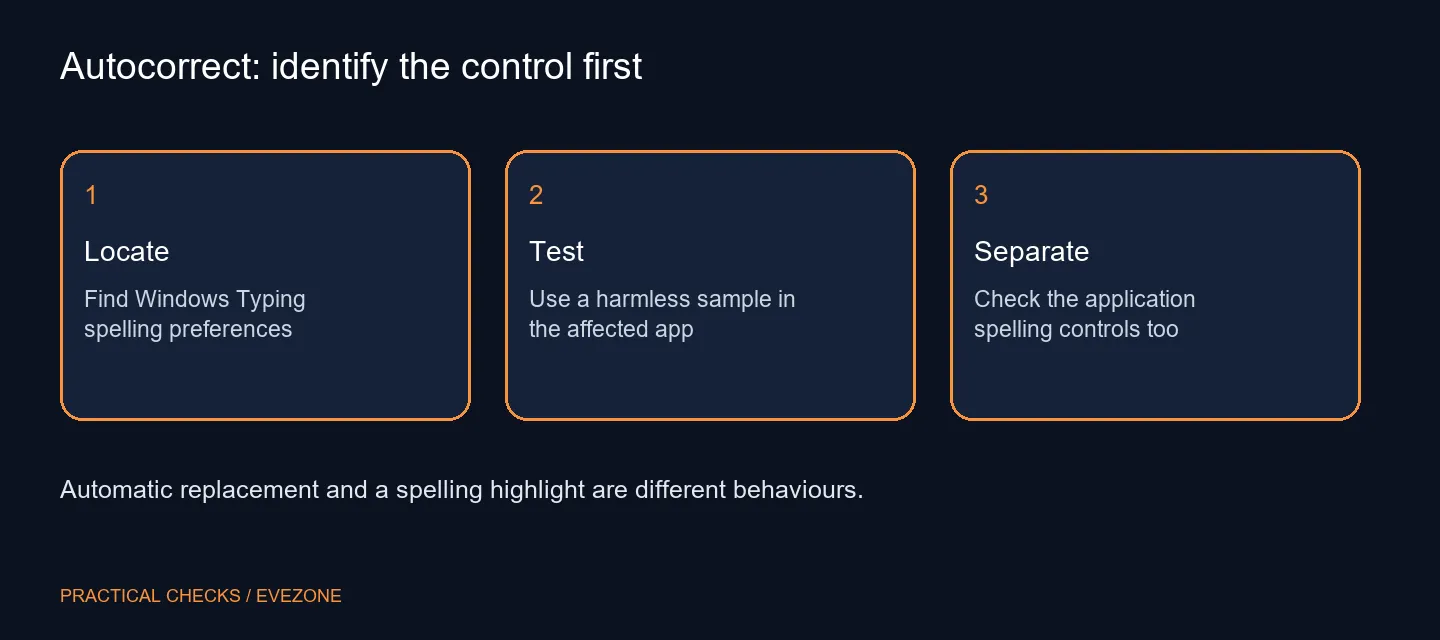
Open Settings > Time & language > Typing and check Autocorrect misspelled words. Turn it off if automatic replacements are unwanted, then test the same sample sentence. Highlight misspelled words is a separate preference, and Office applications also have their own spelling controls. This first check adds R0 in hardware spending.
⌨️ Separate replacements from warnings
A word changing after you type is different from a coloured underline beneath it. The first changes your text; the second gives you a warning to consider. You may want to prevent replacements while keeping a visible reminder that a word deserves another look.
Read the full switch labels under Typing and record their starting positions. Change only the automatic replacement setting for the first comparison. Disabling every nearby option makes it harder to tell which control helped and can remove assistance you still find useful.
📝 Repeat the test in the application that matters
Use a harmless sentence containing the kind of word that causes trouble. Retype it after changing the setting and watch what happens when you add a space or punctuation. Keep the sample out of an important document until you know how the application behaves.
If the same replacement continues in Word, inspect Office's own proofing and AutoCorrect controls. Microsoft documents these within Office separately. A system preference and an editor preference can coexist, so a change in one place is not proof that every other writing tool has changed.
The same reasoning helps with browser-based editors and extensions. Find the tool presenting the suggestion or replacement, then use its documented settings. Avoid installing a second correction utility simply to counteract the first one; that adds another behaviour to diagnose.
🔎 Keep typing preferences separate from keyboard faults
Text being replaced after entry does not by itself indicate a damaged key. If a character is missing before any correction occurs, note that as a different symptom and test basic input in a plain field. A writing preference cannot establish whether the physical keyboard is healthy.
For a South African buyer, the practical saving is avoiding an unnecessary replacement. Evetech's 15 October catalogue lists a Logitech K120 wired keyboard at R129, but that is a dated hardware reference, not a remedy for a software setting. Browse gaming keyboards when key feel, layout or a demonstrated fault is the actual problem.
For a complete-machine purchase, asus laptops provides laptop context. Try the keyboard and screen layout separately from spelling assistance. Comfortable hardware and predictable writing controls solve different parts of the task.
After the test, keep the combination that lets you write accurately without surprise changes. Restore any setting that did not help. On a managed computer, a restricted preference is a reason to ask the administrator about the policy, rather than applying an unverified registry edit.
Frequently Asked Questions
Where are the Windows spelling controls?
Open Settings > Time & language > Typing. Look for Autocorrect misspelled words and Highlight misspelled words as separate preferences.
Must I disable spelling highlights too?
No. A highlight flags a word without automatically replacing it. Keep it enabled if that warning is useful.
Why does Word still behave differently?
Office has its own spelling and grammar controls. Check the affected application's settings rather than assuming the Windows switch governs everything.
Does a new keyboard fix unwanted replacements?
No. A replacement is a writing-software behaviour. Diagnose missing or incorrect key input separately before buying hardware.
What should I use for a test?
Use a short sample sentence without personal details. Change one setting and compare the same text again.
Is there a cost to try the setting?
The built-in preference adds R0 in hardware spending. It does not require a new keyboard or a paid typing utility.
Keep control of the words you type.
Test spelling preferences first, then compare Evetech keyboards only when the physical layout or input hardware needs changing.