


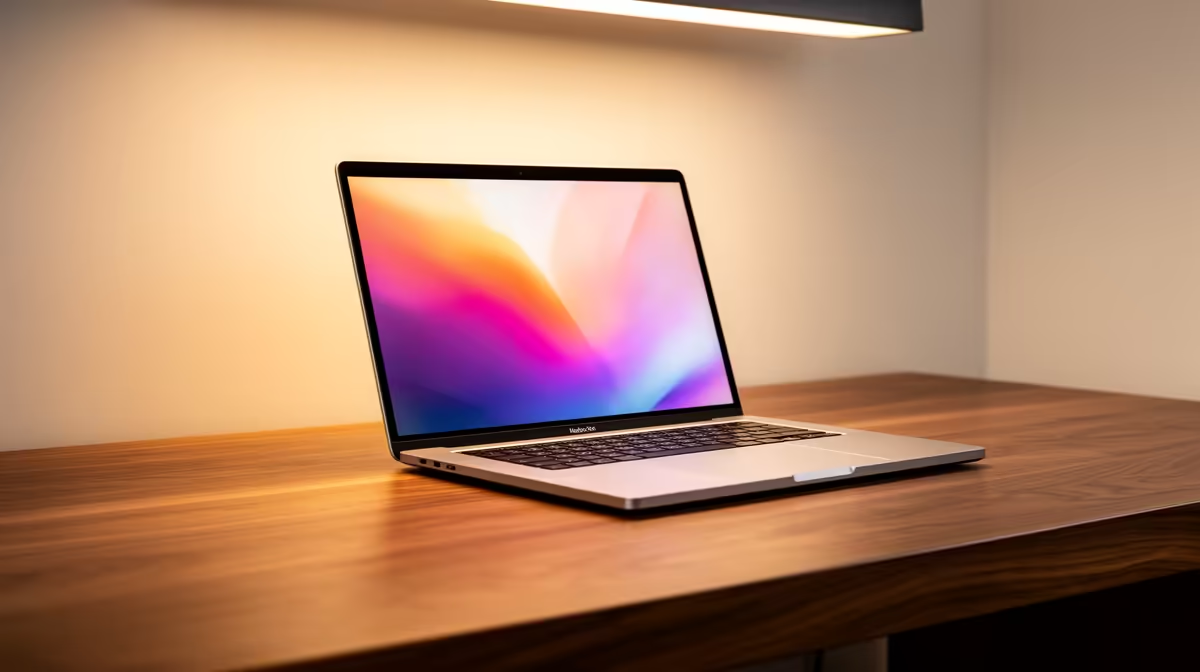
Just landed a brand new Copilot+ laptop in South Africa? Lekker! You're holding a piece of the future, packed with on-device AI magic. But before you dive into Recall or live translations, there's a catch… even the smartest machine stumbles on a slow network. To truly unlock its potential, you need a connection that can keep up. Let's make sure your network is as ready for the AI revolution as your new PC is. 🚀
Why Your Network is Crucial for a Copilot+ Laptop in South Africa
You might think that with all the powerful on-device processing, your internet speed doesn't matter as much. While it's true that many Copilot+ features run locally on the Neural Processing Unit (NPU), your laptop is still constantly talking to the cloud. From downloading crucial AI model updates to syncing data across devices and accessing more complex cloud-based AI tools, a stable connection is non-negotiable.
In South Africa, getting peak network speed from your Copilot+ laptop can be tricky. We deal with everything from fibre infrastructure varying between neighbourhoods to an unexpected outage knocking out our routers. Ensuring your local network is optimised is the first step to a seamless experience with these new AI laptops redefined, which are built to be always connected and always intelligent.
Optimise Your Home Network for Peak AI Performance 🔧
Before you blame your ISP, a few simple tweaks at home can make a massive difference to your laptop's network performance. Let's get your digital workspace running at full tilt.
Router Placement is Everything
Think of your Wi-Fi signal like a lightbulb—the further away you are and the more walls are in the way, the dimmer the light. Don't hide your router in a cabinet or at the far end of the house. For the best signal:
- Position it centrally: Place it in a central location in your home.
- Keep it elevated: Put it on a shelf or desk, not on the floor.
- Avoid interference: Keep it away from other electronics like microwaves, cordless phones, and even large metal objects.
Update Your Firmware (and Drivers)
This is the easiest win. Manufacturers regularly release updates for routers and your laptop's Wi-Fi card. These updates often include performance improvements and security patches that can boost speed and stability. Check your router manufacturer's website for firmware updates and use Windows Update to ensure your laptop's network drivers are current. A well-maintained machine, whether it's running Intel or one of the powerful new AMD laptops on special, needs the latest software to perform at its best.
Wi-Fi Detective Tip 🕵️♀️
Use a free mobile app like 'WiFi Analyzer' to scan the wireless networks in your area. It will show you which Wi-Fi channels are most crowded. Log in to your router's settings and manually switch to a less congested channel (like 1, 6, or 11 for 2.4GHz) for an instant, more stable connection.
Beyond Wi-Fi: Final Tweaks for a Flawless Connection
Got your Wi-Fi sorted? Great. A few more adjustments can squeeze out that last bit of performance, ensuring your Copilot+ laptop experience in South Africa is second to none.
The Ethernet Cable Still Rules
For tasks that demand absolute stability and the lowest possible latency—like competitive gaming, 4K streaming, or a massive cloud backup—nothing beats a physical Ethernet cable. If your laptop is mostly stationary at a desk, plugging it directly into your router bypasses any wireless interference, giving you the fastest and most reliable connection your internet plan can offer.
Tame Background Data Hogs
Windows and its various apps love to use data in the background, syncing files, downloading updates, and fetching notifications. This can eat into your available bandwidth.
Go to Settings > Network & Internet > Data usage to see which apps are the biggest culprits. You can also set data limits or enable "metered connection" settings to prevent large, automatic downloads when you need your speed for something more important. If your current machine is struggling with modern multitasking, it might be time to browse the latest laptop specials for sale in South Africa.
Ready to Unleash True AI Speed? A powerful Copilot+ PC is just the start. With an optimised network, you're unstoppable. Whether you're upgrading or just browsing, explore our massive range of laptop specials and find the perfect AI-ready machine to conquer your world.









