


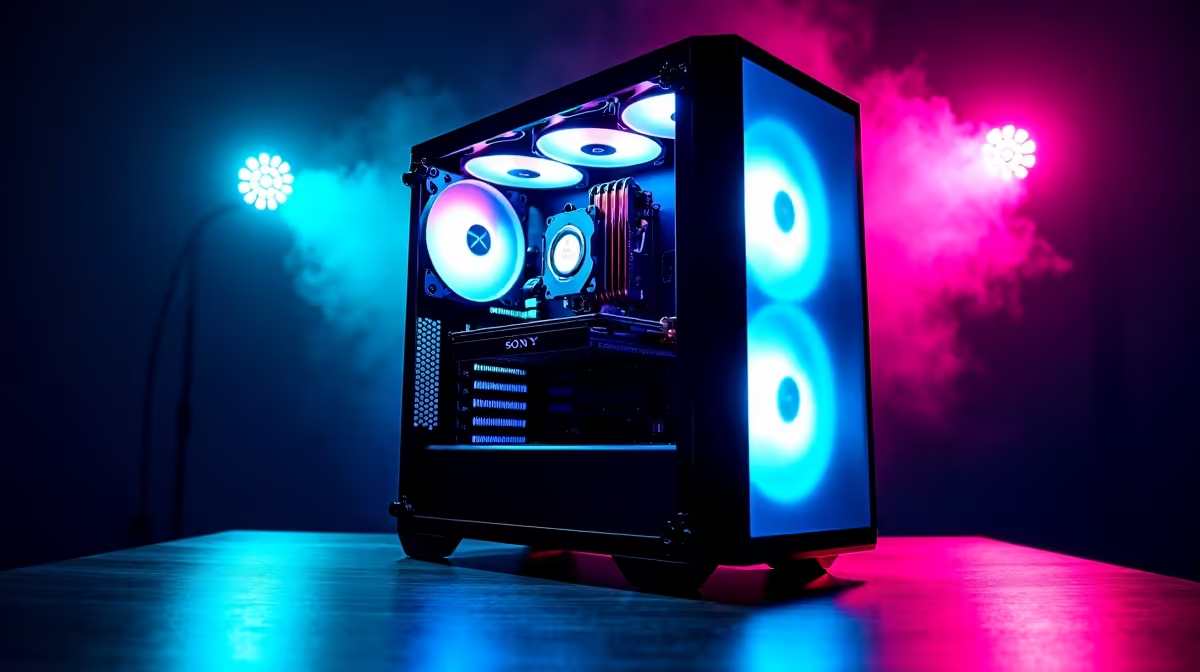
Ja, the AI buzz is real, and it’s not just happening overseas. Right here in South Africa, tech enthusiasts are diving into tools like DeepSeek to code, create, and innovate. But running these powerful models isn't like firing up a game of Apex... it demands serious hardware. So, what does the ultimate DeepSeek PC build look like? Forget guesswork; we’re breaking down the essential components for maximum AI efficiency, ensuring your machine is ready for the future. 🚀
The GPU: Your AI Computation King
When assembling a PC build for AI, one component stands above all others: the Graphics Processing Unit (GPU). While gamers look at frames per second, AI developers look at processing cores and memory bandwidth. This is where the magic happens for training models and running complex inferences.
For years, NVIDIA has been the top dog in the AI space thanks to its CUDA platform, a parallel computing architecture that many AI frameworks are built on. This makes our range of NVIDIA GeForce gaming PCs a fantastic starting point. A card with plenty of VRAM (think 12GB or more) is crucial.
However, don't count out the competition. AMD has made massive strides, and their hardware offers incredible raw performance for your ZAR. For tasks that aren't locked into the CUDA ecosystem, our AMD Radeon gaming PCs deliver serious computational power. Even the newcomers are making waves; the latest Intel Arc gaming PCs are showing promise with dedicated AI-accelerating Xe-cores.
Check the VRAM! 💡
Before you buy a GPU, look up the VRAM requirements for the AI models you plan to run. A model like DeepCoder might need 24GB of VRAM or more to run efficiently. Having enough VRAM is non-negotiable for a smooth experience and is a critical factor in planning your DeepSeek PC build.
CPU and RAM: Fuelling the AI Engine
While the GPU does the heavy lifting, the Central Processing Unit (CPU) and system RAM are the vital support crew. The CPU's job is to prepare data, manage system resources, and feed the GPU a constant stream of information. A bottleneck here can leave your expensive GPU waiting around.
A processor with a healthy number of cores and high clock speeds will ensure your entire system remains snappy. Both Intel and AMD offer fantastic options. The latest Intel PC deals feature CPUs with a mix of performance and efficiency cores, great for multitasking. On the other side, the current lineup of AMD Ryzen PC deals is renowned for its multi-threaded prowess, which is excellent for compiling code and pre-processing data.
For RAM, 16GB is the bare minimum these days, but for a serious DeepSeek PC build, you should start at 32GB. If you're working with large datasets or models, 64GB or even 128GB isn't overkill... it's a necessity.
Assembling Your DeepSeek PC Build: Smart Options
So, how do you bring it all together? You have a few paths, each with its own benefits.
Building a PC from scratch gives you total control over every component, but it can be time-consuming. For a hassle-free start with guaranteed compatibility, our pre-built PC deals offer expertly assembled and tested systems that are ready to go. ✨
A powerful AI rig doesn't have to destroy your wallet, either. By making smart choices, you can find excellent entry points within our range of budget gaming PCs that can be upgraded over time.
Of course, if you want a machine that excels at both AI and the latest AAA games, exploring the best gaming PC deals in South Africa is your best bet. But for those running mission-critical AI workloads for hours on end, a dedicated workstation PC is the ultimate choice, engineered for rock-solid stability and marathon processing sessions. 🔧
Ready to Build Your AI Powerhouse? Crafting the perfect PC for AI and gaming is an exciting journey. A custom DeepSeek PC build puts you in control of your machine's destiny. Explore our massive range of PC components and start assembling your future today.









