


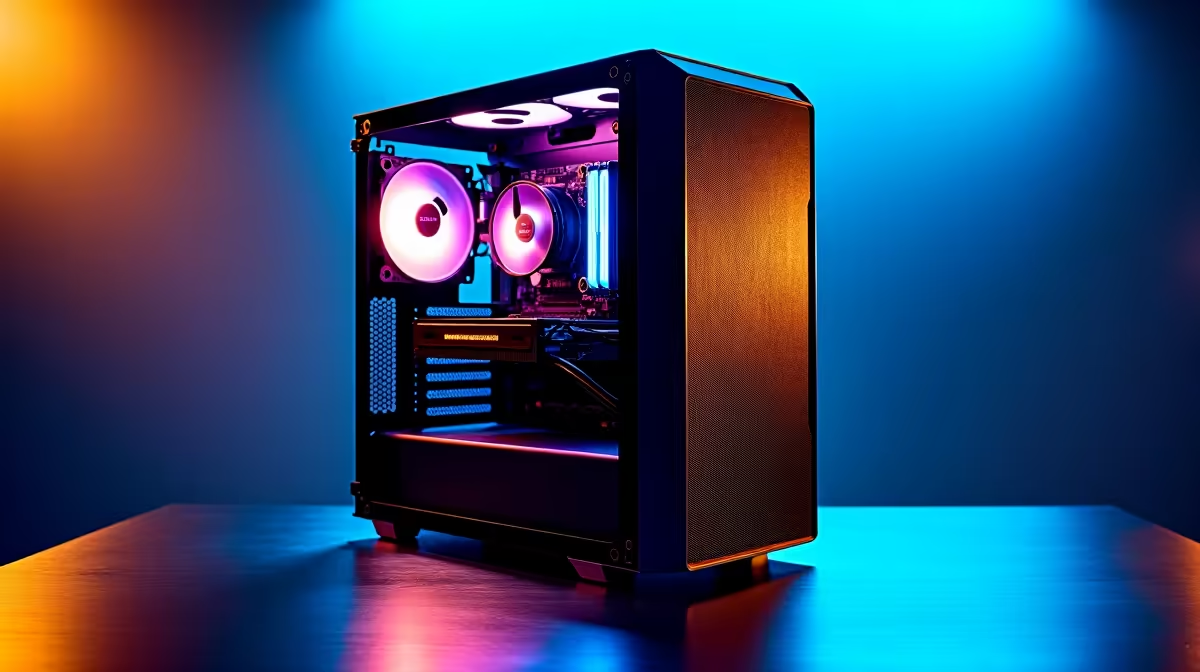
So, you’ve heard the buzz around DeepSeek, the AI coding assistant that’s turning heads across the globe. Here in South Africa, developers and tech enthusiasts are eager to run these powerful models locally, ditching cloud fees for raw, on-demand power. But what hardware does it actually take? Understanding the DeepSeek PC requirements is the first step to unlocking true AI potential from your desktop. It’s not just about having a fast computer; it’s about having the right computer.
Let's dive into the science behind peak AI performance. 🚀
The GPU: Your AI Engine's Core
When it comes to running large language models (LLMs) like DeepSeek, one component stands above all others: the Graphics Processing Unit (GPU). While your CPU is the brain of your PC, the GPU is the specialised muscle, designed for the massive parallel calculations that AI workloads demand.
The most critical factor here is Video RAM, or VRAM. Think of VRAM as the GPU's personal workspace. The entire AI model needs to be loaded into this memory to run efficiently. If you don't have enough, your system will be forced to use slower system RAM or even your storage drive, causing performance to plummet.
Why VRAM is King for DeepSeek
For models in the DeepSeek family, especially the larger parameter versions, more VRAM is always better.
- 8GB VRAM: This is the absolute minimum to experiment with smaller, quantised (compressed) versions of AI models. Performance won't be blistering, but it gets you in the door.
- 12GB-16GB VRAM: This is the sweet spot for many enthusiasts. It allows you to run more capable models at reasonable speeds, making it a great starting point for serious AI development. Many of today's powerful NVIDIA GeForce gaming PCs offer this as a standard.
- 24GB+ VRAM: For professionals or those wanting to run the largest, most accurate models without compromise, 24GB of VRAM (found on cards like the RTX 4090 or RTX 3090) is the gold standard. This is where you achieve peak AI performance. ✨
CPU and System RAM: The Supporting Cast
While the GPU does the heavy lifting, the Central Processing Unit (CPU) and system RAM play crucial supporting roles. The CPU manages the overall system, prepares data for the GPU, and handles parts of the AI pipeline that aren't easily parallelised.
A modern multi-core processor is essential. You don't need the absolute top-of-the-line model, but a CPU with at least 6-8 cores will ensure your GPU isn't left waiting for data. This is an area where systems can be configured for excellent value; many custom AMD Radeon gaming PCs, for instance, are built around CPUs with high core counts that excel at multitasking.
For system RAM, 32GB is a comfortable recommendation. This gives your operating system, background applications, and the AI data pipeline plenty of breathing room. If you're working with massive datasets, upgrading to 64GB or more is a wise investment.
Check Your Model Size 🔧
Before you run a model, check its size. A 7-billion parameter model might require over 14GB of VRAM in its standard precision format (FP16). Smaller, quantised versions can drastically reduce VRAM usage, often fitting into 8GB, but with a slight trade-off in accuracy. Knowing this helps you choose the right model for your hardware.
Storage and Beyond: The Need for Speed
Large AI models mean large files. We're talking tens or even hundreds of gigabytes. Loading these models from a slow hard drive is a recipe for frustration. A fast NVMe Solid State Drive (SSD) is a non-negotiable part of the DeepSeek PC requirements. The speed difference is staggering, cutting down load times from minutes to mere seconds. Aim for at least a 1TB NVMe SSD to store your OS, applications, and a few AI models.
Gaming PC vs. Workstation: Which is Right for AI?
This is a common question. Can your gaming rig run DeepSeek? Absolutely, especially if it has a high-VRAM NVIDIA GPU. However, for those who are serious about local AI development, there's a strong case for a purpose-built machine.
Gaming PCs are optimised for burst performance and high frame rates. Workstation PCs are engineered for sustained, heavy workloads, often featuring more robust cooling, higher RAM capacity, and components certified for stability. For running complex models for hours or days on end, dedicated workstation PCs provide peace of mind and consistent performance that a gaming rig might struggle to maintain.
Ultimately, the best PC for DeepSeek depends on your specific needs and budget. But by focusing on a powerful GPU with ample VRAM, a capable multi-core CPU, and fast NVMe storage, you’ll be well-equipped to explore the exciting world of local AI.
Ready to Build Your AI Powerhouse? Running models like DeepSeek locally puts you at the cutting edge. Don't let hardware hold you back. Whether you need a top-tier workstation or a custom-built rig, Evetech has the components and expertise to bring your AI ambitions to life. Explore our massive range of customisable PCs and find the perfect machine to conquer your code.










