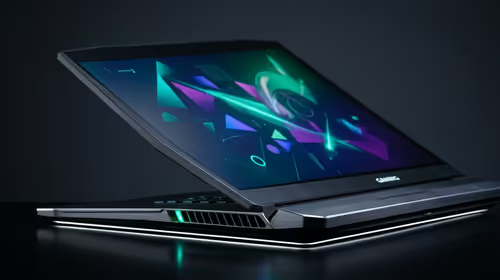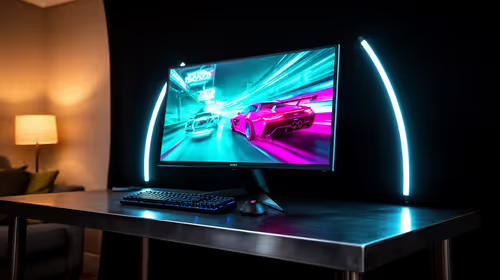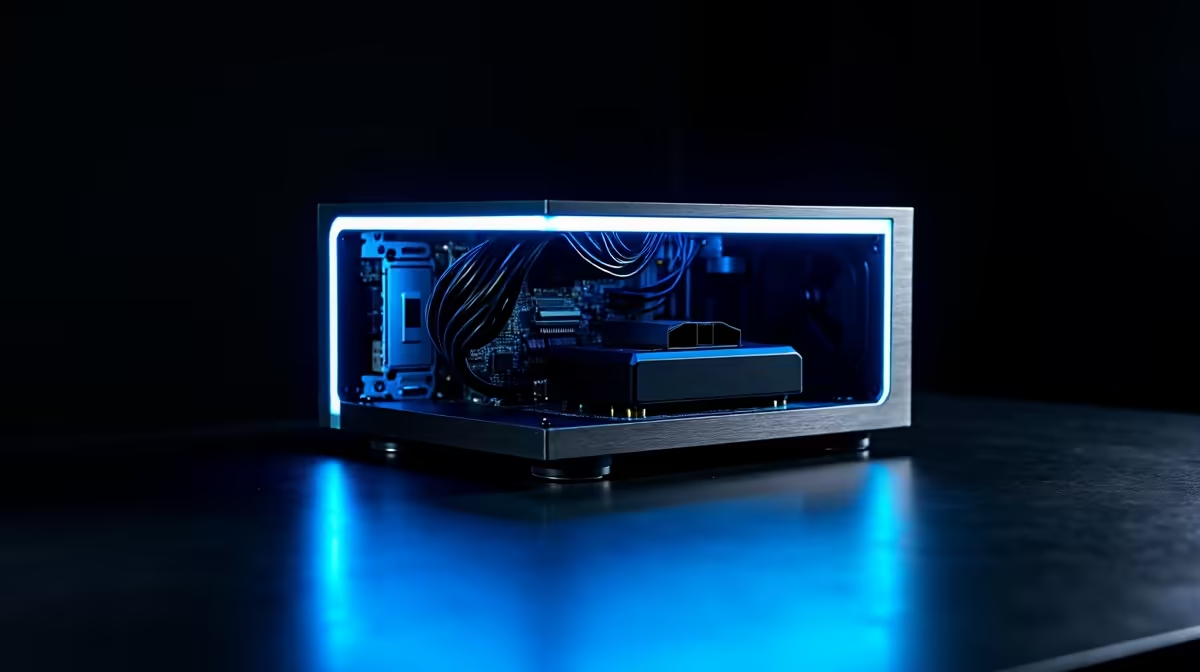
Tired of slow, expensive cloud AI and worried about your data privacy? What if you could run powerful models like DeepSeek right here in South Africa, on your own machine? An Edge Computing PC isn't just a futuristic concept… it's a powerful desktop built to handle complex AI tasks locally. This means instant responses, zero data costs after your initial setup, and complete control over your creative or analytical work. Welcome to the future of personal computing. 🚀
Why an Edge Computing PC is a Smart Move
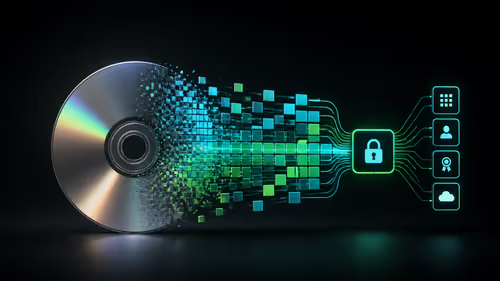
Running AI locally is about taking back control. Cloud platforms are convenient, but they come with strings attached: recurring subscription fees, frustrating latency, and the nagging question of who really owns your data. An Edge Computing PC flips the script entirely.
For South Africans, the benefits are even more significant. We know how expensive and unreliable data can be. By processing everything on your own hardware, you sidestep those issues completely. The initial investment in a powerful machine quickly pays for itself when you're not bleeding money on cloud credits and bandwidth. Plus, the sheer speed of local processing for tasks like image generation or code completion is something you have to experience to believe. Many of the best gaming PC deals already have the muscle to get you started on your local AI journey.
Key Components for Your Local AI Machine
So, what transforms a regular desktop into a powerhouse capable of running sophisticated AI models? It boils down to a few key components working in harmony. Think of it as assembling the ultimate toolkit for your brainy new assistant. 🔧
The Unbeatable GPU
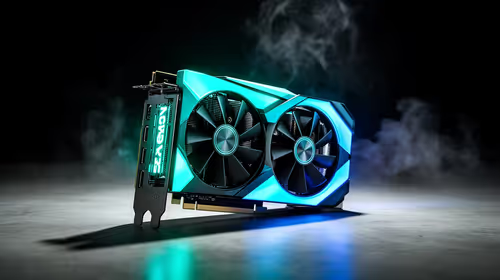
The Graphics Processing Unit (GPU) is the heart of any Edge Computing PC. Modern AI relies heavily on the parallel processing power of GPUs, particularly those with NVIDIA's CUDA cores. The single most important specification here is VRAM (Video RAM). Large language models (LLMs) like DeepSeek need to be loaded into VRAM to run efficiently. The more VRAM you have, the larger and more complex the models you can run. For serious work, you'll want to look at builds in our PCs above R20k category, which often feature GPUs with ample memory.
CPU, RAM, and Storage
While the GPU does the heavy lifting, the other components are crucial support acts.
- CPU (Processor): A strong multi-core CPU helps with data preparation and keeps the entire system responsive while the GPU is maxed out.
- System RAM: Aim for at least 32GB of fast DDR4 or DDR5 RAM. AI models can be memory-hungry, and you don't want your system to slow to a crawl.
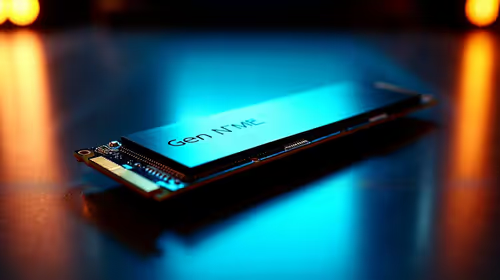
- Storage: A fast NVMe SSD is non-negotiable. It dramatically reduces the time it takes to load massive AI models from your drive into RAM and VRAM.
Check the Model Card! ⚡
Before you download a new AI model from a platform like Hugging Face, always check its 'Model Card' or description. This will usually tell you the minimum VRAM required to run it effectively. This simple check can save you hours of frustration and help you choose models that are perfectly suited for your PC's capabilities.
Getting Started with DeepSeek and Other Models
You don't need a degree in computer science to start exploring local AI. Thanks to user-friendly applications like LM Studio, Jan, and Ollama, running models is easier than ever. These tools provide a simple interface to download, manage, and chat with various open-source AI models right from your desktop.
You can start experimenting and learning the ropes even on more modest hardware. Many of our budget gaming PCs have enough power to run smaller, specialised models for tasks like writing assistance or coding help. As your ambitions grow, a well-configured machine from our selection of PCs under R20k offers a fantastic balance of price and performance, opening the door to more powerful AI tools.
Your AI Future is Local ✨
Owning an Edge Computing PC is about more than just hardware; it's about empowerment. It gives you the freedom to innovate, create, and analyse without limits, right from your home or office in SA. You're no longer just a user of AI… you're in command of it. By investing in a capable local machine, you're building a private, powerful, and cost-effective platform for the next wave of technology.
Ready to get started without the hassle of building one yourself? Our wide range of expertly configured pre-built PC deals are optimised for performance and ready to tackle any AI challenge you throw at them.
Ready to Unleash Local AI Power? Stop renting computing power and start owning it. An Edge Computing PC gives you the speed, privacy, and control to explore the incredible world of AI on your own terms. Explore our massive range of PC deals and find the perfect machine to build your future.