


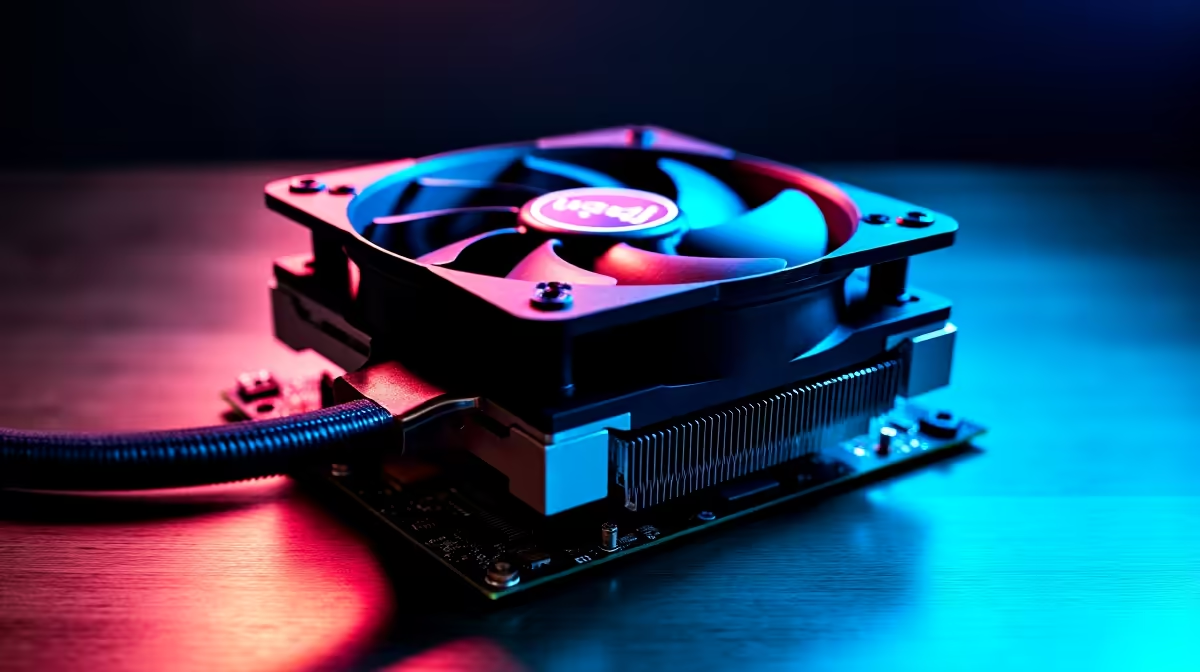
Is your powerful DeepSeek PC starting to sound more like a jet engine during intense tasks? You’re not alone. When you push your machine with complex AI models or a marathon gaming session, heat is the enemy. High temperatures don't just cause annoying fan noise; they throttle performance and can shorten the lifespan of your components. This guide will walk you through how to fix DeepSeek PC overheating and get your system running cool and quiet again. 🚀
Understanding Why Your DeepSeek PC is Overheating
Before we can fix the problem, we need to know the cause. A PC generating heat is normal, but excessive temperatures often point to a few common culprits. Identifying the root cause is the first step in solving your DeepSeek PC's thermal issues.
Common Causes of High PC Temperatures
- Dust Buildup: This is the number one offender. Dust clogs heatsinks, suffocates fans, and acts like a thermal blanket, trapping heat inside your case. In South Africa, dust can be a real problem, especially during the dry seasons.
- Poor Airflow: Your PC needs to breathe. If it's tucked away in a tight cabinet or cables are blocking airflow paths, hot air can't escape efficiently.
- Dried Thermal Paste: The paste between your CPU and its cooler is vital for heat transfer. Over time, it can dry out and become ineffective, leading to a sudden spike in temperatures.
- Intense Workloads: AI and machine learning tasks are incredibly demanding. They can push your CPU and GPU to 100% utilisation for extended periods, generating far more heat than casual use.
Quick Fixes for DeepSeek PC Overheating 🔧
Ready to get your hands dirty? These simple, effective steps can dramatically lower your PC's temperatures and often provide an immediate solution to overheating problems.
The All-Important Deep Clean
Unplug your PC, take it outside, and open the side panel. Using a can of compressed air, blow the dust out of all your fans, heatsinks, and dust filters. Use short, controlled bursts to avoid damaging any components. Pay special attention to the CPU cooler and your graphics card's fans, as this is where most of the heat exchange happens. A clean PC is a cool PC.
Check Your Temps Like a Pro ⚡
Download a free tool like HWMonitor or MSI Afterburner. These utilities let you see the real-time temperatures of your CPU and GPU. A good rule of thumb is to keep your CPU under 85°C and your GPU under 80°C under full load. Knowing your numbers helps you track if your fixes are working!
Optimise Your Case Airflow
Is your PC pushed up against a wall or inside a stuffy desk cabinet? Give it some space! Ensure there are at least a few centimetres of clearance on all sides, especially the back and top where most hot air is exhausted. Inside the case, tidy up your cables to create a clear path for air to travel from the front intake fans to the rear exhaust. Many modern high-performance NVIDIA GeForce gaming PCs are designed with excellent airflow in mind from the start.
Advanced Cooling Solutions for Peak Performance
If a good clean and better airflow aren't enough, it might be time to look at some hardware upgrades. These solutions offer a more permanent fix for a PC that runs hot, ensuring you get maximum performance from your components.
Upgrade Your CPU Cooler
The stock cooler that comes with a CPU is often just… adequate. For demanding DeepSeek tasks, upgrading to a larger tower air cooler or an All-in-One (AIO) liquid cooler can make a massive difference. This is one of the most effective ways to fix severe DeepSeek PC overheating and unlock better performance.
Consider Adding More Case Fans
Most PC cases have extra mounting points for fans. Adding another intake fan at the front or an exhaust fan at the top can significantly improve the rate at which cool air enters and hot air leaves your system. This simple upgrade is essential for keeping the components in powerful AMD Radeon gaming PCs running at their best.
When It's Time for a Professional Solution ✨
Sometimes, you can do everything right, but an older case or a poorly matched set of components will always struggle with heat. If you’re running complex, mission-critical AI workloads, fighting with thermals is the last thing you need. Your time and data are too valuable.
For these scenarios, investing in a system designed specifically for sustained, heavy loads is the smartest move. Professionally built specialised workstation PCs are engineered with superior cooling and component synergy, ensuring stability and performance right out of the box. They take the guesswork out of thermal management, letting you focus on your work.
Ready for a Cooler, Faster Experience? Battling heat can be a mission. If your current rig is holding you back, a professionally built PC with optimised airflow is the ultimate solution. Explore our massive range of custom PC deals and get a machine engineered to stay cool under pressure.











