


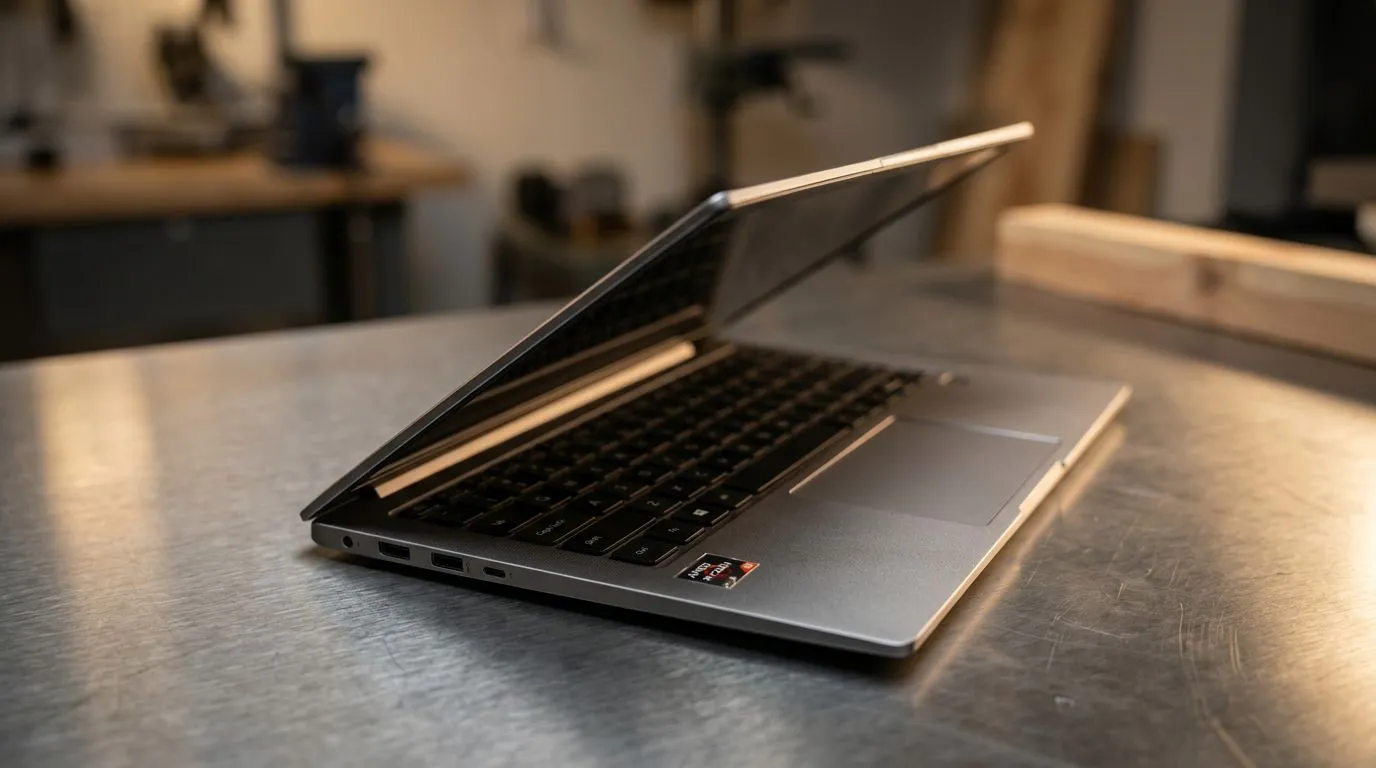
South African gamers and busy students don’t have time for guesswork… especially when a laptop spec list starts throwing acronyms at you. If you’re shopping for a new machine, you’ve probably seen “NPU” and “Ryzen AI” and wondered: do I actually need an NPU? 🤔 In this guide, we’ll break down what an NPU does, what AMD Ryzen AI brings to the table, and how to choose wisely for real-life tasks like gaming, streaming, schoolwork, and content creation.
Do You Need an NPU? AMD Ryzen AI Explained for Your Next Laptop (Quick Answer First)
An NPU (Neural Processing Unit) is a chip built to handle AI-style workloads more efficiently than a CPU or GPU alone. You’ll “feel” it most when your laptop runs AI features like:
- background blur in video calls
- AI noise reduction
- live translation or captions
- image enhancement and smart filters in creator apps
So… do you need one? Not everyone. But if you want your laptop to run AI features smoothly on battery, or you’ll use AI-assisted tools daily, an NPU can be worth prioritising. ⚡
Do You Need an NPU? AMD Ryzen AI Explained for Your Next Laptop (What AMD Means by “Ryzen AI”)
AMD’s Ryzen AI branding generally points to the presence of AI-accelerated hardware features in select Ryzen mobile chips. In plain terms: Ryzen AI platforms are designed to support on-device AI tasks without relying entirely on the GPU or cloud processing.
A key shopping reality in South Africa: you want the laptop to feel fast across your day, not just win benchmark charts. AI acceleration can help with responsiveness in supported apps and features, particularly where the system can do tasks locally instead of streaming data to the internet.
If you’re currently comparing laptops and want deals that match how you actually work and play, start with curated options like these:
- browse Ryzen laptop deals here: Ryzen laptop deals
- or check best gaming laptop deals if you’re gaming first, AI second: Best gaming laptop deals
Do You Need an NPU? AMD Ryzen AI Explained for Your Next Laptop (When an NPU Matters in Real Life)
Let’s make this practical. Here’s when an NPU tends to matter most for buyers in SA:
Video calls and content creation
If you do meetings, lectures, or streamed content, AI features like noise suppression and smart background processing can improve your output. These effects are usually smoother and more efficient when the system can offload the “AI work” to an NPU.
Battery life and “always-on” AI tasks
Offloading AI tasks can help reduce CPU load. That matters if you’re in labs, on campus, or commuting and you don’t want your laptop to burn through charge just keeping up.
AI-assisted editing and photo tools
Many creator apps now include AI enhancement tools. Even if you’re not doing heavy AI training (that’s not what laptops are for), AI-assisted steps can still be a benefit.
Gamer reality check: will an NPU boost FPS?
For most games, an NPU won’t directly increase FPS the way a better GPU does. Where it can help is in AI-supported utilities around gaming, like:
- smoother streaming tools
- improved capture enhancements
- real-time filters in supported apps
Your GPU still decides your frames. Ryzen AI decides how efficiently certain AI features run alongside everything else.
Do You Need an NPU? AMD Ryzen AI Explained for Your Next Laptop (How to Decide Without Getting Tricked by Marketing)
Before you buy, use this simple checklist. It works, because it forces you to match features to your day-to-day usage:
- Do you plan to use AI features on the laptop? If you never use AI tools, you’ll likely not “use up” the NPU benefits.
- Are you buying for portability and battery-heavy days? NPU support can help keep the system responsive without maxing out CPU cycles.
- Are you balancing gaming + productivity? If you’re gaming, prioritise GPU and cooling first. Then choose a CPU with solid platform support for AI features.
- How much will you spend in ZAR? If you’re trying to stay under a budget, don’t overspend on features you won’t use. Start with what you need first. You can also shop budget-friendly options like: buy gaming laptops under R20k.
What about Intel options?
If you’re cross-shopping platforms, you can still find strong value on Intel configurations. Use this guide to compare current deals: Intel laptops on special.
Do You Need an NPU? AMD Ryzen AI Explained for Your Next Laptop (Pro Tip for Buyers Planning to Edit and Multitask)
Productivity Pro Tip ⚡
On Windows, use the PowerToys FancyZones utility to create custom snap layouts for your windows. It's a lifesaver for managing multiple apps on an ultrawide monitor, letting you organise your timeline, preview window, and asset folders perfectly for video editing.
This won’t magically “activate” an NPU, but it will make your laptop feel faster day-to-day. A lot of buyers assume performance is only about raw power. But workflow speed is a real factor.
Do You Need an NPU? AMD Ryzen AI Explained for Your Next Laptop (Choosing the Right Laptop Deal in South Africa)
Here’s a quick way to shop without stress. Decide your priority first:
- If you want AI-friendly productivity with solid performance: start with Ryzen laptop deals.
- If you want to game and still want modern AI features: use deals like best gaming laptop deals.
- If you want value under a specific budget: check buy gaming laptops under R20k.
- If you want Nvidia-powered gaming value and don’t care as much about NPU branding: explore GeForce RTX gaming laptops on special.
- If you’re cross-shopping Intel platforms for the right price: compare with Intel laptops on special.
If you’re wondering whether you should wait for a better configuration… that’s usually the smart move. But don’t wait forever. Great deals in SA move quickly, and “good enough now” often beats “perfect later” when deadlines are real. 🚀
Do You Need an NPU? AMD Ryzen AI Explained for Your Next Laptop (Final Take: The NPU Rule of Thumb)
Here’s the simple rule of thumb:
- Get an NPU if you’ll use AI features regularly (calls, captions, noise reduction, image tools) and want that smooth performance on-device.
- Skip over it if you mainly game at high FPS, do offline work, and you don’t care about AI effects in apps.
Either way, the best laptop is the one that matches your workload… and your budget in ZAR. ✨
Ready to Find Your Perfect Match? The Mac vs Windows debate is complex, but for maximum power, choice, and value in South Africa, Windows is hard to beat. Explore our massive range of laptop specials and find the perfect machine to conquer your world.











