


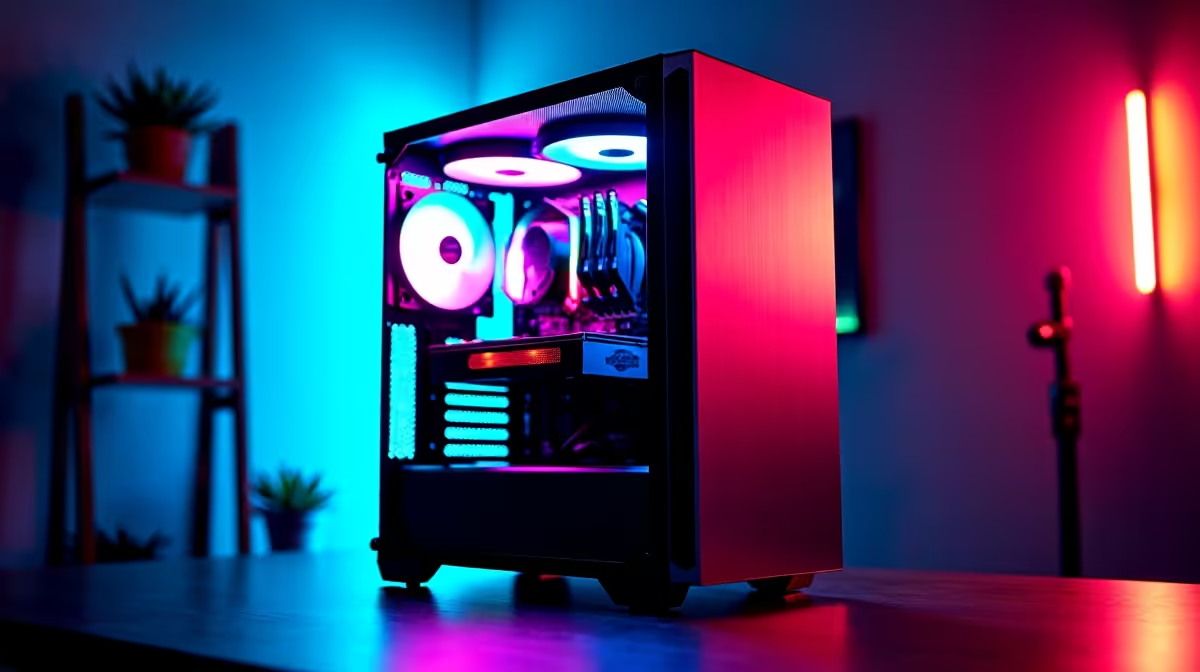
Tired of waiting for API access or worried about where your data is going? The AI revolution isn't just happening in the cloud. For South African tech enthusiasts, the real excitement is bringing it home. Running powerful models like DeepSeek locally on your own machine gives you ultimate control, privacy, and speed. It transforms your gaming rig into a personal AI powerhouse. But does your PC have the grunt to handle it? Let's find out.
Why Bother Running AI on Your Own Rig?
Before we dive into the hardware, let's quickly cover why you'd want to run DeepSeek locally in the first place. The benefits are massive for anyone who values control and performance.
First, privacy. When you run an AI model on your PC, your data never leaves your machine. No queries sent to a third-party server, no conversations logged. It's your own private AI.
Second, there are no costs or rate limits. Once you have the hardware, you can experiment as much as you want without worrying about API bills racking up. And when the internet goes down... your AI still works perfectly. ✨
Finally, it's about pure, unfiltered power. You get to choose the exact model, tweak the parameters, and use it for anything from coding assistance to creative writing, all at the speed of your local hardware.
Optimizing Your PC for a Local DeepSeek Setup
Running a large language model (LLM) like DeepSeek is a demanding task, but it relies on a different set of components than your average gaming session. Here’s what you need to focus on to create the perfect local DeepSeek setup.
The GPU: Your AI Engine 🔧
The Graphics Processing Unit (GPU) is the single most important component. The key metric here isn't raw framerate, but Video RAM (VRAM). LLMs are loaded directly into VRAM, so the more you have, the larger and more complex the models you can run smoothly.
- 8GB VRAM: A starting point, suitable for smaller, quantized 7-billion parameter models.
- 12GB-16GB VRAM: The sweet spot for many enthusiasts, capable of running popular medium-sized models efficiently.
- 24GB+ VRAM: The big league. This allows you to run huge, highly capable models for serious work.
For years, NVIDIA's CUDA technology has dominated the AI space, making their powerful GeForce gaming PCs an excellent and reliable choice. However, Team Red is making huge strides, and with ever-improving software support, AMD Radeon gaming PCs can offer incredible performance-for-rand value in your local AI journey.
System RAM and Storage: The Essential Support Crew
While the GPU does the heavy lifting, the rest of your system needs to keep up. An LLM that doesn't fit in VRAM will spill over into your system RAM, so having plenty is crucial to avoid bottlenecks. We recommend a minimum of 32GB of fast DDR4 or DDR5 RAM.
Your storage speed also matters, especially for loading models. An NVMe SSD will load a 40GB model in seconds, whereas a traditional hard drive could take several minutes. For those who are serious about running multiple models or fine-tuning their own, stepping up to dedicated workstation PCs with massive RAM capacities and server-grade components is the ultimate solution.
Check Your VRAM ⚡
Before you download a massive 70-billion parameter model, check its VRAM requirements. Tools like LM Studio or Ollama make it easy to see how much VRAM a model needs. A model that exceeds your GPU's memory will run painfully slow by offloading to system RAM, defeating the purpose of a powerful graphics card.
Your Quick-Start Checklist
Getting your own local AI running is easier than you think. Once your hardware is sorted, the process is straightforward:
- Choose Your Software: User-friendly apps like LM Studio or Ollama handle all the complex setup for you.
- Download a Model: Browse the vast library on platforms like Hugging Face and pick a "GGUF" version of DeepSeek to start.
- Load and Chat: Load the model in your chosen software and start experimenting. That's it!
This simple process turns your PC from a gaming and work machine into a true creative and productivity partner. 🚀
Ready to Build Your AI Powerhouse? Running large language models locally is the next frontier for PC enthusiasts. If your current rig isn't up to the task, don't worry. Explore our massive range of custom-built PCs and configure a machine built to conquer AI, gaming, and everything in between.










