


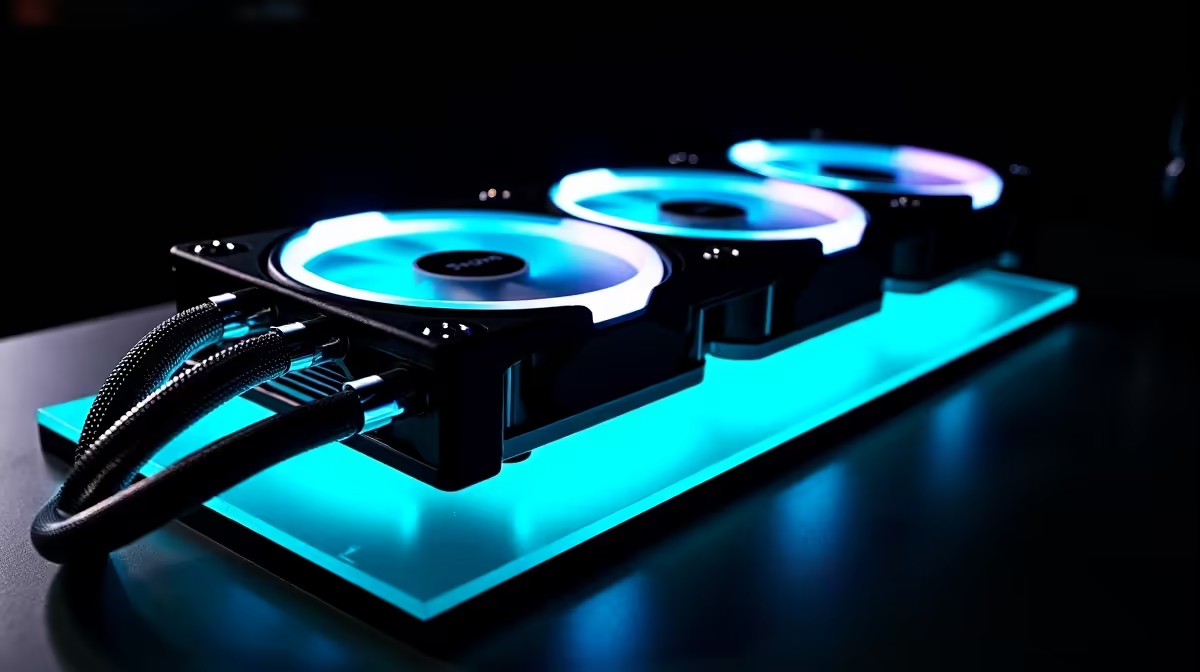
You’re training a model, rendering a complex scene, or just letting Stable Diffusion cook… and suddenly your PC sounds like it's preparing for takeoff from OR Tambo. Your performance tanks, and the fans scream in protest. Welcome to the world of AI workloads, where standard cooling just doesn't cut it. Effective PC cooling for AI isn't just a nice-to-have in South Africa; it's the key to unlocking consistent, maximum performance from your expensive hardware.
Why Your AI PC Needs Serious Cooling
Unlike gaming, which has bursts of high intensity, AI tasks like machine learning or content generation push your components to their absolute limits for sustained periods. Your CPU and, more importantly, your GPU are running flat-out, generating a massive amount of heat.
When components get too hot, they "throttle"—they intentionally slow down to prevent damage. This thermal throttling is the enemy of productivity. You lose performance, your render times increase, and you're simply not getting the power you paid for. Proper PC cooling for AI ensures your hardware can maintain its peak boost clocks, giving you faster results every time. It's the difference between a high-performance tool and a very expensive heater. ⚡
The Great Cooling Debate: Air vs. Liquid in SA
Choosing the right cooling solution is crucial. In a South African climate, where a hot summer day can push ambient room temperatures up, your choice matters even more. Let's break down the two main options for effective AI PC cooling.
The Case for Air Cooling 🌬️
Modern high-end air coolers from brands like Noctua or be quiet! are engineering marvels. They use a combination of heat pipes and a massive fin stack to draw heat away from the CPU, where powerful fans dissipate it.
- Pros: Extremely reliable (no pump to fail), easier to install, and often more affordable. They are fantastic for builds that need rock-solid stability.
- Cons: Can be very bulky, potentially interfering with tall RAM or motherboard heatsinks. Their absolute cooling potential is capped compared to a large liquid cooler.
Many of our custom-built AMD Radeon gaming PCs offer excellent air cooling options that balance performance and reliability perfectly.
The Power of Liquid Cooling (AIOs) 💧
All-in-One (AIO) liquid coolers use a closed loop with a pump, radiator, and fans to move heat away from your CPU far more efficiently. The liquid absorbs heat at the CPU block and moves it to the radiator, where fans blow cool air over it.
- Pros: Superior cooling performance, especially for overclocked or high-TDP processors. They also create a cleaner, more aesthetic look inside your case.
- Cons: More complex, with more potential points of failure (the pump). Generally more expensive.
For the intense, sustained heat generated by top-tier GPUs in AI workloads, an AIO is often the recommended path. The superior heat dissipation of a 240mm or 360mm AIO is a key component in a truly optimised system for PC cooling for AI.
Check Your Temps! 🔧
Download a free tool like HWiNFO64 or MSI Afterburner to monitor your CPU and GPU temperatures during an AI task. If you see sustained temperatures creeping above 85-90°C, your components are likely thermal throttling. This is a clear sign you need to upgrade your cooling solution.
Beyond the CPU: A Holistic Approach
Effective PC cooling for AI is about the entire system, not just one component. Your GPU, especially an NVIDIA card with its powerful Tensor Cores, is the primary heat source during most AI tasks. High-end NVIDIA GeForce gaming PCs often feature excellent triple-fan cooler designs to manage this.
Furthermore, ensure your case has great overall airflow. You need a clear path for cool air to enter, pass over your components, and for hot air to be exhausted. Don't neglect this! Even the best CPU cooler can't work properly if it's just recycling hot air. For truly demanding, round-the-clock AI processing, investing in one of our professional-grade workstation PCs ensures every component, from the power delivery to the case fans, is optimised for thermal performance. ✨
Ready to Unleash Your AI Potential? Don't let heat throttle your ambition. Proper PC cooling for AI isn't a luxury; it's a necessity for peak performance in South Africa. Explore our range of expertly cooled PC specials and find a machine that can handle any task you throw at it.









