


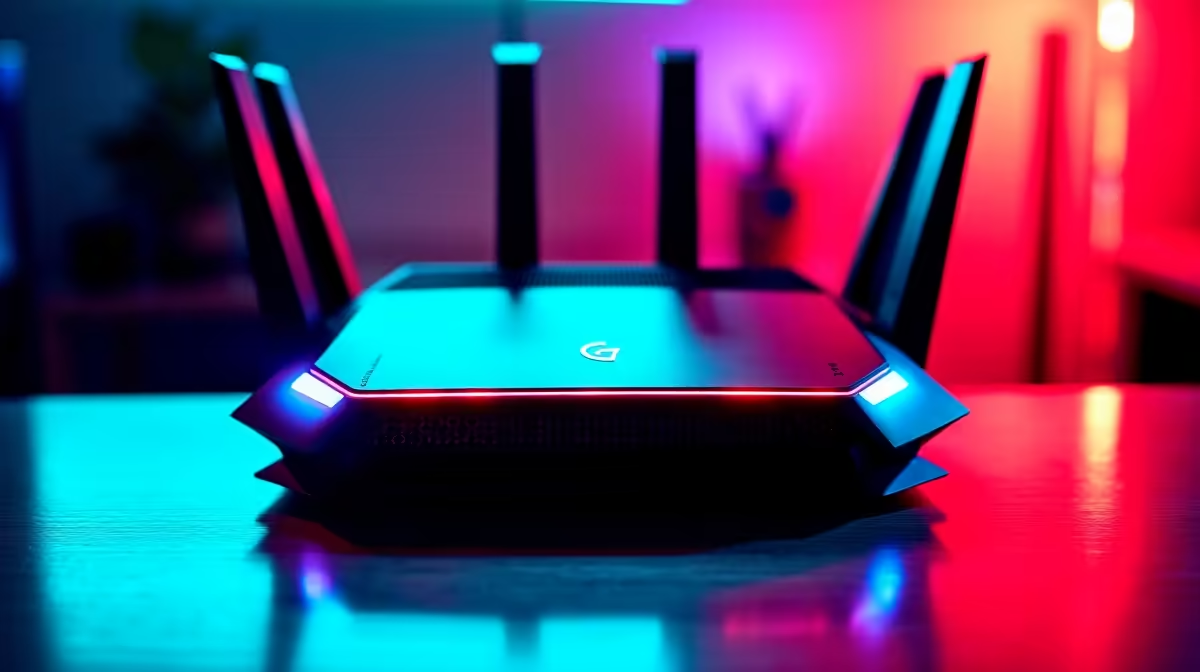
Stuck in a lag spike while your international opponents glide smoothly to victory? We’ve all been there. For South African gamers, a high ping can feel like a constant battle. But what if you could fight back? True PC network optimization in South Africa isn't about magic; it's about smart, targeted tweaks. This guide, using DeepSeek AI analysis of common local issues, provides the actionable steps you need to stabilise your connection and reclaim your competitive edge. 🚀
Why PC Network Optimisation is Crucial in SA
Let's be honest: our internet infrastructure has its quirks. We're far from most international game servers, which means latency (ping) is a bigger hurdle for us than for players in Europe or North America. While fibre has brought incredible download speeds, it doesn't erase the thousands of kilometres your game data has to travel.
This is why optimising your local network is so important. It’s about ensuring the data packets from your PC get to your router and out to the internet as cleanly and efficiently as possible. A powerful rig, like one from our range of high-performance AMD Radeon gaming PCs, can render beautiful frames per second, but those frames are useless if your network is causing stutter and delay.
Hardware Tweaks for a Faster Connection
Before you even touch a software setting, your physical setup is the first line of defence against lag.
Go Wired or Go Home
Wi-Fi is convenient, but for serious gaming, it's a liability. Wireless signals are prone to interference from other devices, walls, and even your neighbour's network. An Ethernet cable provides a direct, stable, and faster link to your router. If your PC is far from your router, consider a Powerline adapter, which uses your home's electrical wiring to create a wired network. A top-tier NVIDIA GeForce gaming PC deserves the stability that only a wired connection can provide.
Check Your Router's QoS Settings
Most modern routers have a feature called Quality of Service (QoS). This lets you prioritise traffic for specific devices or applications. Dig into your router's settings and see if you can give your gaming PC top priority. This tells your router to handle your game's data packets first, reducing in-home network congestion, especially if others are streaming or downloading. ✨
Software & OS Optimisation Tips
With your hardware sorted, it's time to fine-tune your PC's software for the best possible performance. This is where you can achieve significant gains in your quest for perfect PC network optimization in South Africa.
Tame Background Data Hogs
Windows updates, cloud services like OneDrive or Dropbox, and even game launchers like Steam can all start downloading massive files in the background. Before you jump into a match, make sure these are paused. Use the Task Manager (Ctrl+Shift+Esc) to check the "Network" column and close any non-essential apps that are using your bandwidth. This same principle applies to creative and professional work, where a stable connection is vital for uploading large files from powerful workstation PCs.
Clear the Network Cobwebs ⚡
Feeling sluggish? A quick DNS flush can solve mysterious connection issues. Open Command Prompt as an administrator and type ipconfig flushdns, then press Enter. This clears out old cached data, forcing your PC to find the freshest path to game servers. It's like a reset button for your PC's internet address book!
Update Your Network Drivers
Manufacturers regularly release updated drivers for their network interface cards (NICs). These updates often include performance improvements and bug fixes that can lead to a more stable connection. Head to your motherboard or NIC manufacturer's website to grab the latest version. It’s a simple step that many gamers overlook.
Ready for a Lag-Free Future? A lightning-fast PC deserves a connection to match. Once you've optimised your network, make sure your rig can keep up. Build your ultimate custom gaming PC with Evetech and create a machine perfectly tuned for victory.











